24
24 EN
EPIR3 User Manual v1.3
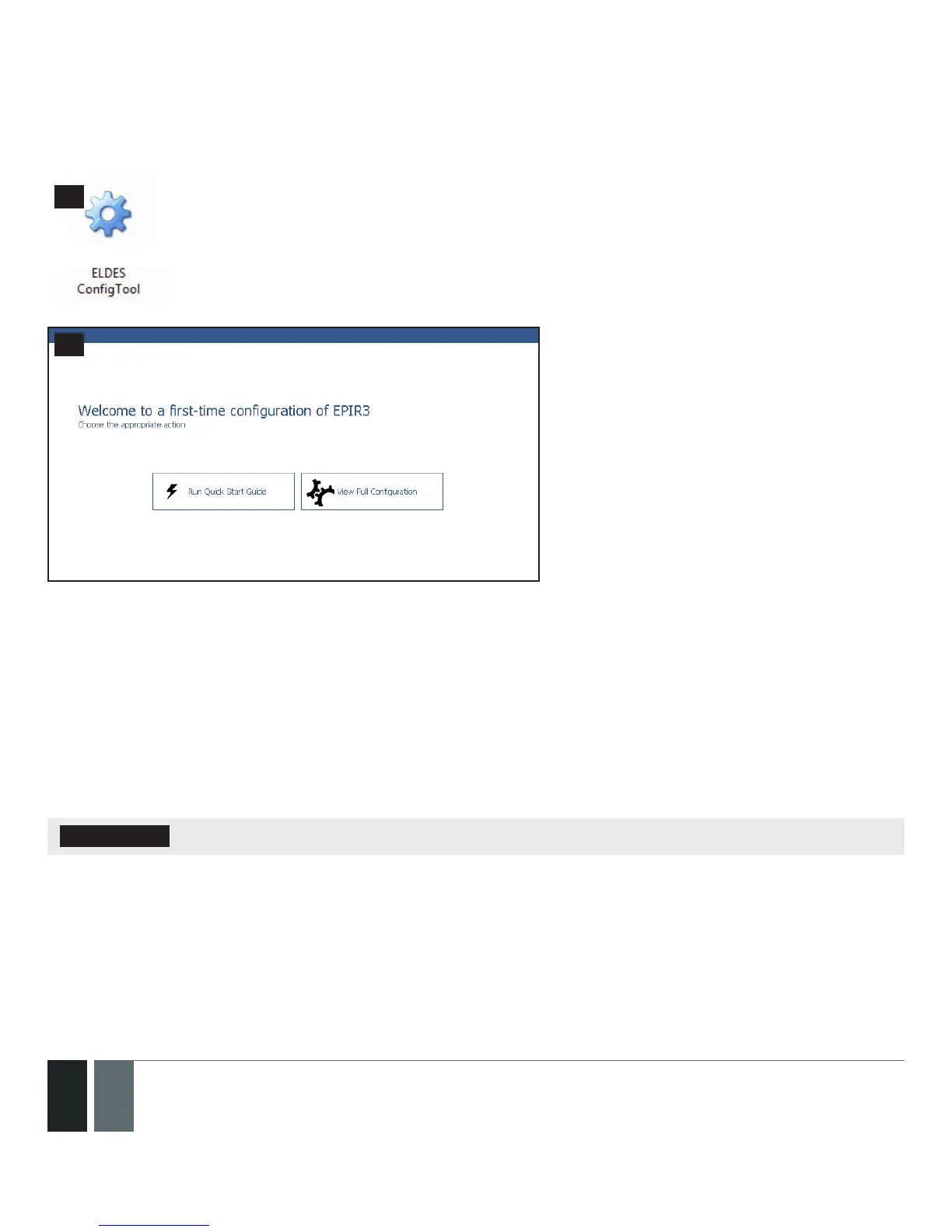
2.10.4. Run ELDES Conguration Tool software.
Run the software anytime you
want by double left-clicking on the
ELDES CongTool shortcut located
on the desktop.
56
57
On successful rst-time connection, a
Welcome to rst-time conguration of
EPIR3 window will show up. Left-click on
the Run Quick Start Guide button and follow
the step-by-step instructions to program
the EPIR3 system. After completing all
steps, your system will be ready for use.
2.11. How to arm and disarm the system
To arm your system dial the SIM card and wait until it rings three times and then drops the call. This means the
system is now successfully armed.
To disarm the system, dial the SIM card and wait until it rings once and then drops the call. The system is now
successfully disarmed.
In both cases be sure to wait until the system automatically drops your call. Again in both cases the user will re-
ceive a short SMS text message each time the system is successfully armed or disarmed.
IMPORTANT: Dialing the SIM card is free of charge as the system drops your call in both cases.



 To Next Page