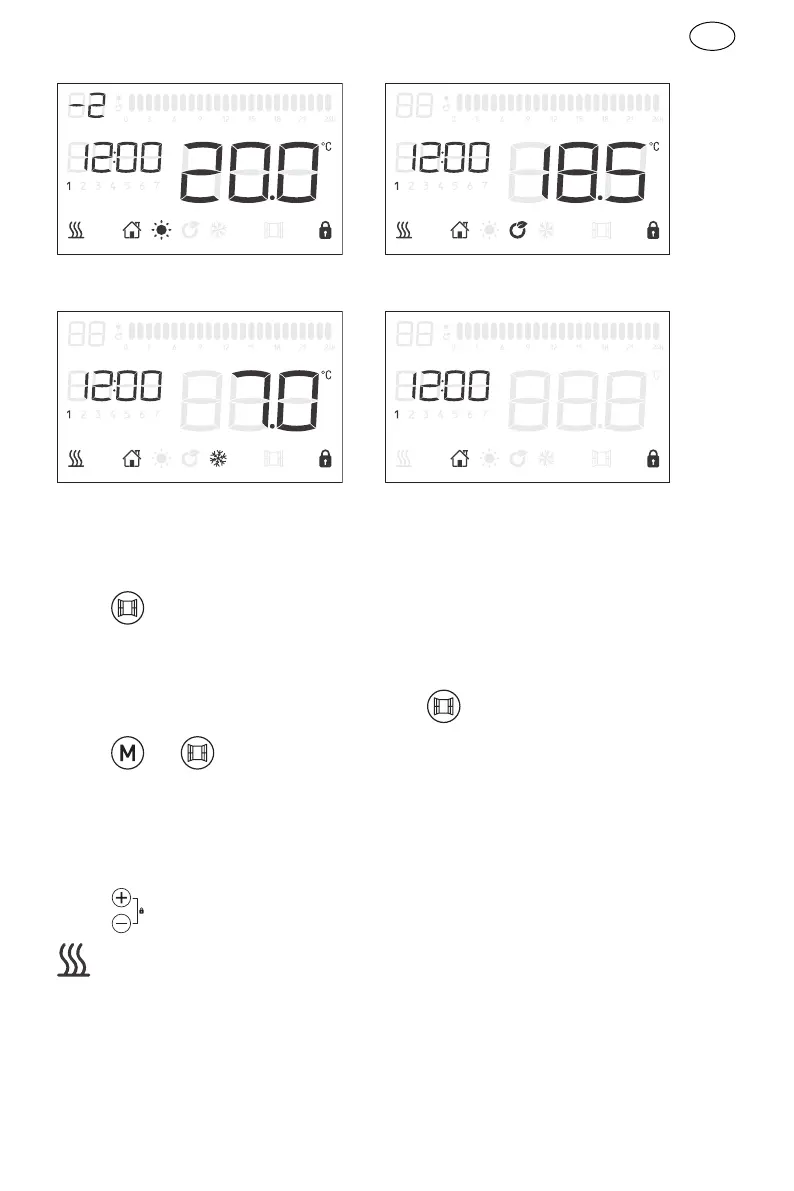
Comfort -2 ECO
Anti-frost Stand-by
NOTE: When in Comfor-1 or Confort-2, the temperature can’t get set.
7) Windows detector function:
Press to turn on/off the windows function, when the logo display in the screen,
it means window function is on.
When the function is active, a drop in temperature by 2℃ in less than 2 minutes,
heater will stop working and the window logo is twinkling.
Press or , the heater will go back to former running program, then the
windows logo stop twinkling.
8) Screen lock
No operation for 1 min, keyboard lock automatically.
Press together unlock the keyboard.
will show only the unit is heating
IV. Cleaning & maintenance
- Switch off from the power supply before cleaning.
- Using a soft, moist cloth, with or without a mild soap solution, carefully clean the



 To Next Page