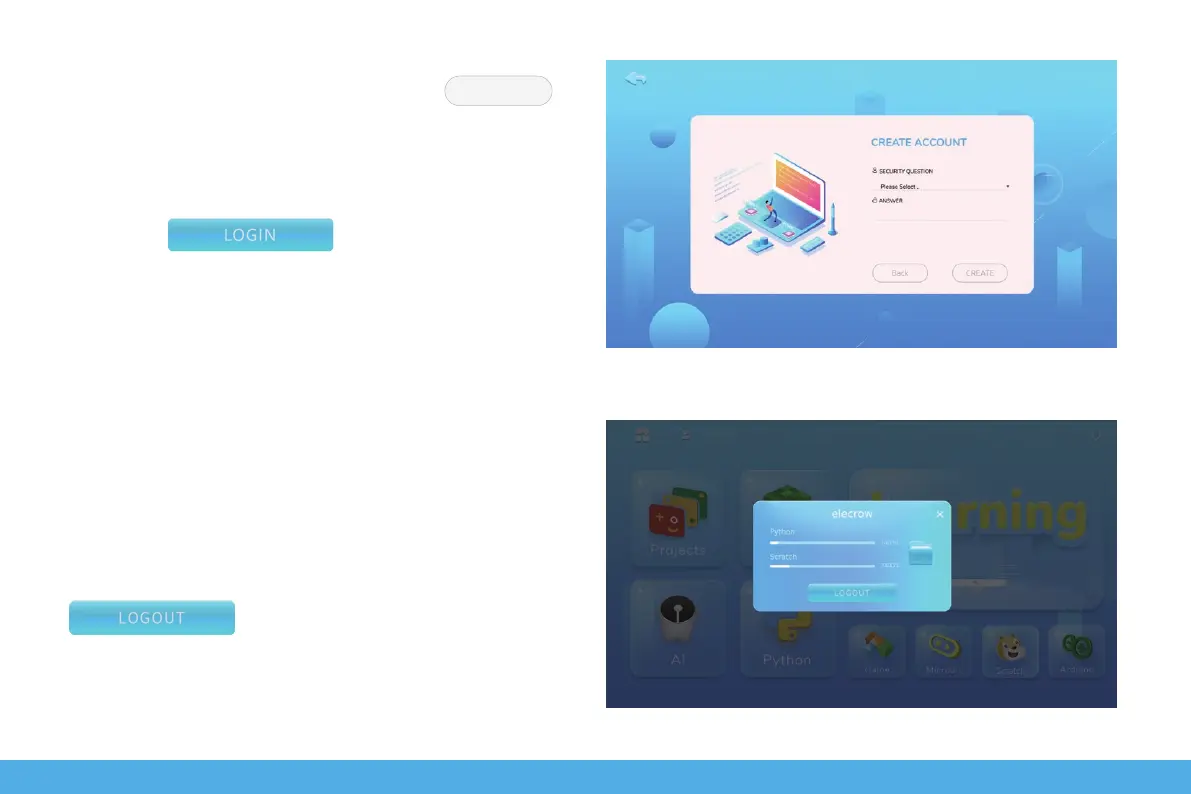
Set up secret questions and answers, click to
complete account creation.
Go back to the login page and enter the username and
password you just set up.
Then click to sign in.
Once you've successfully logged in, click on the user icon,
pop up a personal user window, where you can view the
progress of your course and your private folder. Click
to log out of your account.
CREATE
16


 To Next Page