9
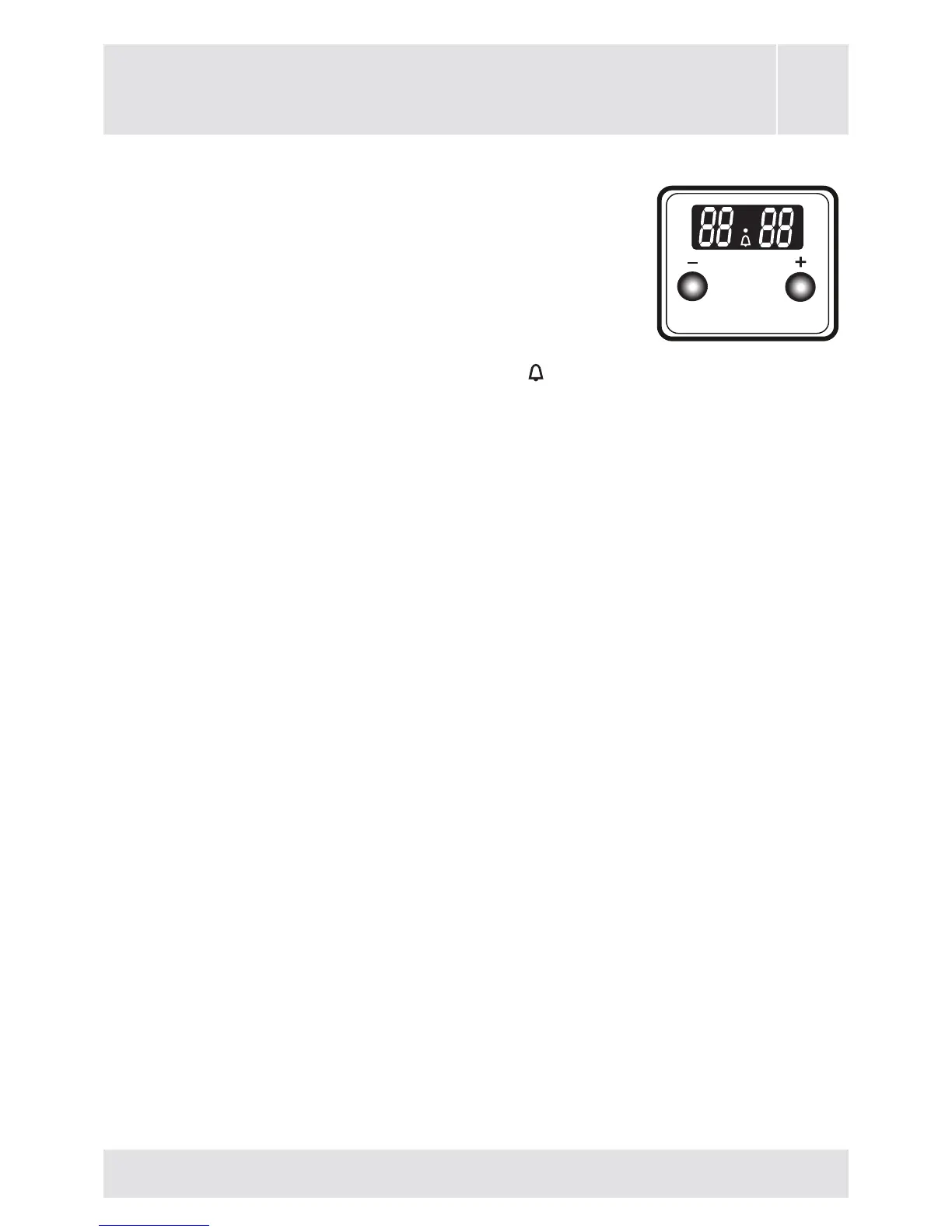
Use of digital minute minder
Simultaneously press (+) and (-) buttons of
digital minute minder. The display will start
ashing, and then you can set the time setting
by using (+) and (-) buttons. When you press (+)
or (-) buttons after setting the time ( ) symbol
is displayed, and the desiring timer set. At the end of this time
period, it will make a beep sound but the oven continues working.
In order to turn the oven off, you must take the switch and
thermostat of the oven to closed position.
Sound Adjustment
While the timer shows the time of day; if the (-) button on is
kept pressed for 1-2 sec., it will give an audible signal beep.
After that each time the (-) button is pressed, it will give three
different types of signal beep. Do not press any further buttons
and it will save the last selected signal type.



 To Next Page