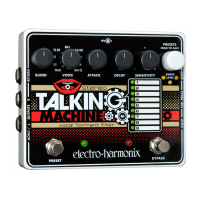
– AUXILIARY SWITCH FUNCTIONS –
In addition to the primary knob functions, the STM has a set of auxiliary knob
functions. When enabled, these add options for Fuzz, LFO Filter Modulation and
Volume Control. These auxiliary functions can be used independently or in
combination with each other and are saved in presets along with the primary
function settings.
AUXILIARY TOGGLE Encoder (PRESETS Encoder) and AUX STATUS LED
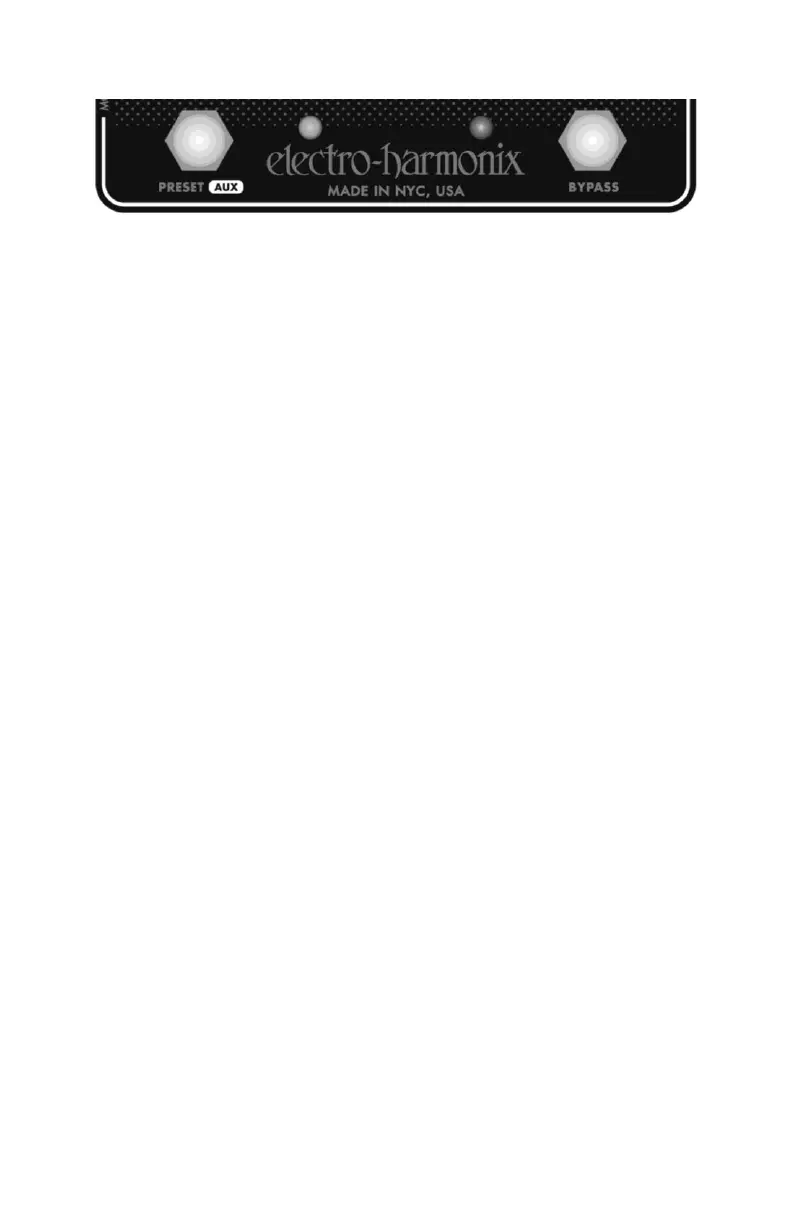
Press and release the white PRESETS knob to toggle the auxiliary functions on or
off. The leftmost orange LED will illuminate to indicate the status: (LED ON = Aux
Functions ON; LED OFF = Aux Functions OFF). The STM Auxiliary Functions will
remain in their last state after power cycling.
AUXILIARY EDIT Footswitch (Preset Footswitch)
Use this footswitch to adjust the parameters of the auxiliary functions. The auxiliary
parameters can be edited whether the functions are toggled on or off. These
parameters will remain in their settings even after the STM is power cycled. The
auxiliary settings are saved and recalled with the presets just like the primary knob
functions.
1. Hold down the PRESET footswitch. While holding down the footswitch, the
black knobs will control their auxiliary functions (see the AUXILIARY KNOB
FUNCTIONS section).
2. Turn the knobs for the auxiliary functions that you want to adjust. The
auxiliary parameters will only change to a new setting when you turn the
knob. If you do not adjust a given knob, its parameter setting will not
change. The leftmost orange LED will blink to indicate a change in the
auxiliary parameters.
3. Release the PRESET footswitch to finish editing the auxiliary functions.
After releasing the PRESET footswitch, the knobs will return to their primary
functions and settings from before you pressed the PRESET footswitch. The
current knob positions may not reflect the actual settings for the primary
knob functions after editing the auxiliary functions.
Note: If no knobs are turned while the PRESET footswitch is being held down,
releasing the footswitch will cause a preset to load. See PRESETS section.


 To Next Page