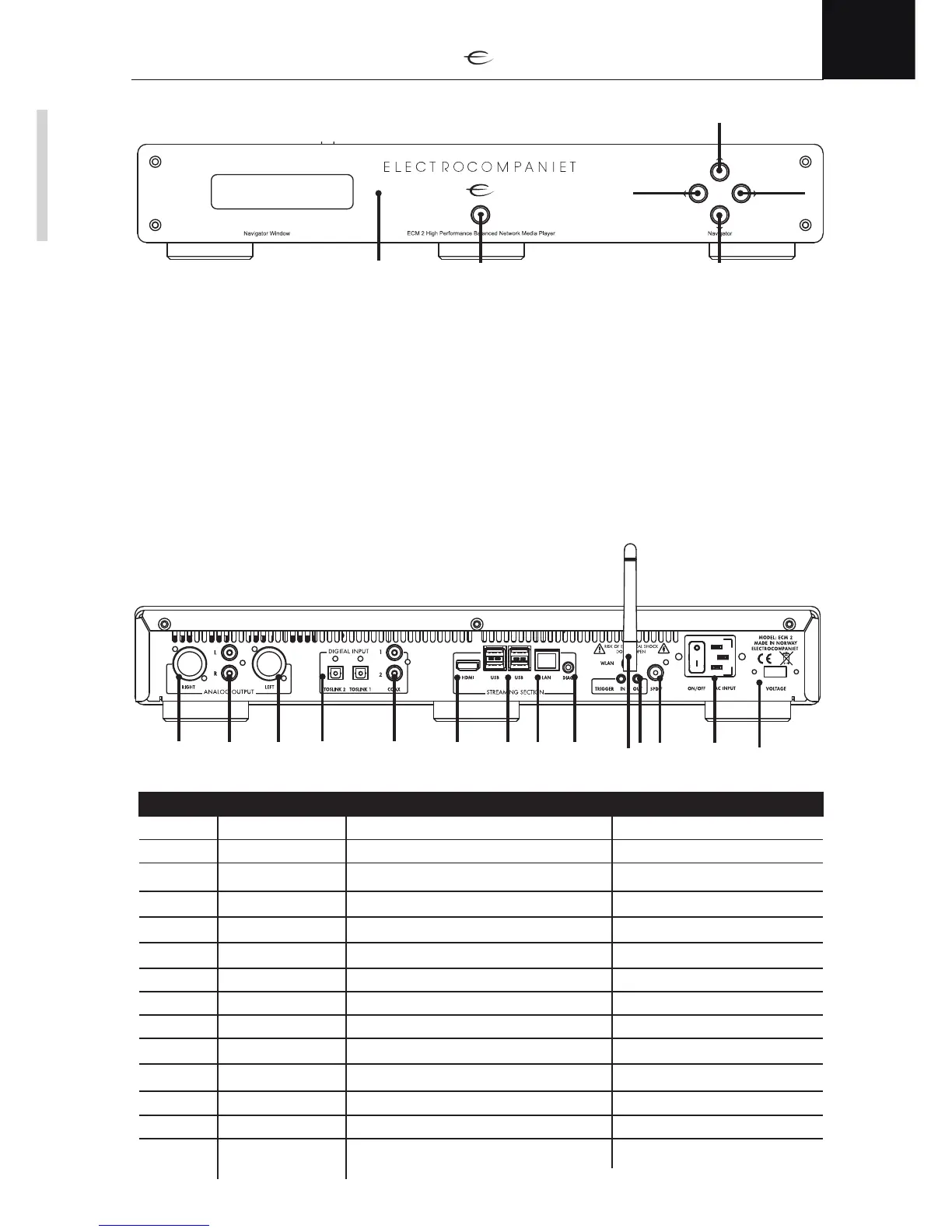
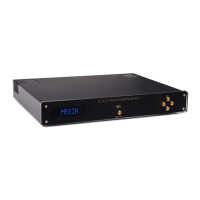
Navigator controls
The navigation controls are used for controlling volume and choosing between the different modes of the
ECM. (See page 2 for a more detailed explanation of the different user modes of the ECM)
1. TOP button - is used for increasing the volume of your ECM
2. BOTTOM button - is used for decreasing the volume of your ECM
3. RIGHT button - will change active user mode / input.
4. LEFT buttons - will change active user mode / input.
5. STANDBY - The standby button is used to put your ECM into, or wake from, standby. Pressing and
holding this button will restart your ECM. (Press and hold until display shows the message “RESTART”)
6. INFRARED SENSOR
The infrared sensor will detect commands from the included infrared remote control.
Please make sure that there is a direct line of sight between the infrared sensor and the infrared remote control.
(See page 4 for more information on using an infrared remote control with your ECM)
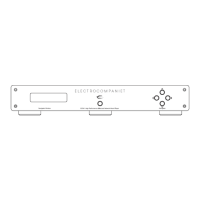
Rear panel connections
Connector Name Used for Connection type/Cable
1
Voltage Selecting input voltage 110/240V N/A
2
Power / AC Input Power button. Input power Supplied power cable
3
SPDIF coaxial digital audio output (SPDIF) RCA / 75-ohm coaxial cable
4
Trigger in/out 12V trigger control in-/output 3,5mm mono mini jack
5
Wi-fi connector Wireless antenna SMA
6
Diagnostic Production purposes only 3,5mm mono mini jack
7
LAN Network cable RJ 45/ Cat 5 or higher
8
4 x USB inputs External usb storages USB
9
HDMI output TV / projector connection HDMI
10
Coax inputs 1/2 coaxial digital audio input (SPDIF) RCA / 75-ohm coaxial cable
11
Toslink inputs 1/2 optical digital audio input TOSLINK / optical cable
12
XLR output left balanced audio connection XLR / balanced audio cable
13
Coax output 1/2 unbalanced audio connection RCA / unbalanced audio cable
14
XLR output right balanced audio connection XLR / balanced audio cable
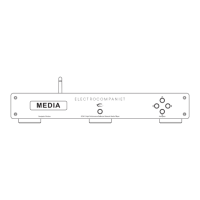
MEDIA


 To Next Page