16
User manual
5.3 Additional functions
There is a menu with additional functions available for selection after start. When pressing the menu will ap-
pear on the display.
Select from the menu with the up- and down arrows and press
to activate.
Note!
Some of the functions may not be available or active on your machine.
Pause
It is possible to pause an ongoing program.
Select PAUSE and activate.
For some machines it is also possible to pause directly when pressing
.
When pressing
again the program will continue.
End a program
It is possible to end a program after start.
Select END PROGRAM and activate.
When pressing
the program will be ended.
Status
Select STATUS MENU and activate.
The status menu shows the status for inlet air temp, outlet air temp, RMC and if the heat is on or off in the machine.
5.4 When program has ended
Note!
For the best possible drying result it is important to empty the machine as soon as the program has ended.
If the machine is not emptied as soon as the program has ended the drum will rotate in short intervalls in order to
keep the goods from being wrinkled.
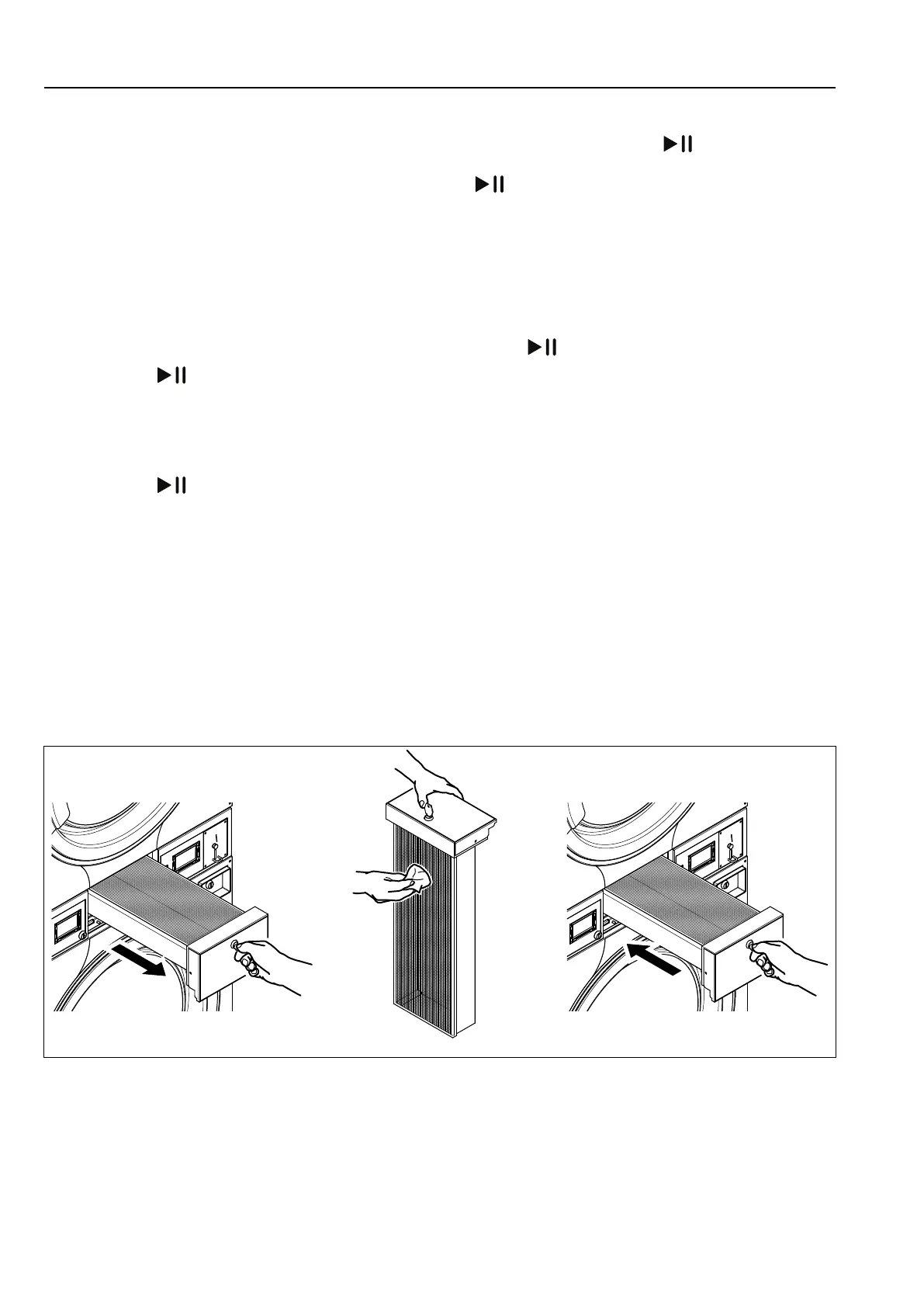
Clean the filter after each drying cycle for best performance.
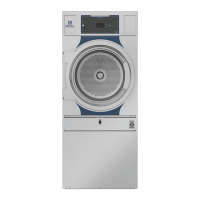
fig.7731




 To Next Page