2. Set a heating function or setting.
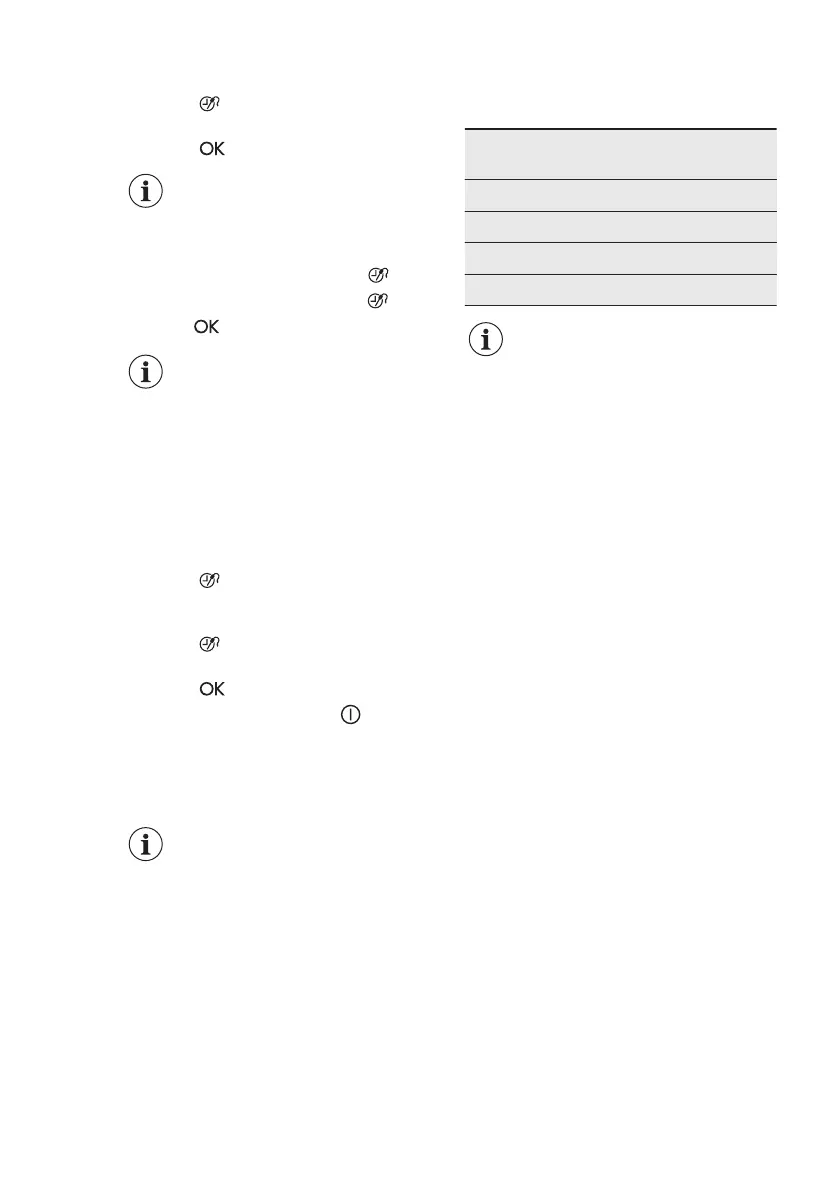
3. Press again and again until the
display shows: Function Lock.
4. Press to confirm.
If the Pyrolysis function
operates, the door is locked
and the symbol of a key
comes on in the display.
To deactivate the function, press . The
display shows a message. Press again
and then
to confirm.
When you deactivate the
appliance, the function also
deactivates.
10.4 Set + Go
The function lets you set a heating
function (or a programme) and use it later
with one press of any symbol.
1. Activate the appliance.
2. Set a heating function.
3. Press
again and again until the
display shows: Duration.
4. Set the time.
5. Press
again and again until the
display shows: Set + Go.
6. Press to confirm.
Press any symbol (except for ) to start
the function: Set + Go. The set heating
function starts.
When the heating function ends, an
acoustic signal sounds.
• Function Lock is on when
the heating function
operates.
• The menu: Basic Settings
lets you activate and
deactivate the function:
Set + Go.
10.5 Automatic Switch-off
For safety reasons the appliance turns off
automatically after some time if a heating
function operates and you do not change
any settings.
Temperature (°C) Switch-off time
(h)
30 - 115 12.5
120 - 195 8.5
200 - 245 5.5
250 - maximum 1.5
The Automatic switch-off
does not work with the
functions: Light, Food
Sensor, Duration, End Time.
10.6 Brightness of the display
There are two modes of display
brightness:
• Night brightness - when the appliance
is deactivated, the brightness of the
display is lower between 10 PM and 6
AM.
• Day brightness:
– when the appliance is activated.
– if you touch a symbol during the
night brightness (apart from ON /
OFF), the display goes back to the
day brightness mode for the next
10 seconds.
– if the appliance is deactivated and
you set the function: Minute
Minder. When the function ends,
the display goes back to the night
brightness.
10.7 Cooling fan
When the oven operates, the cooling fan
turns on automatically to keep the
surfaces of the oven cool. If you turn off
the oven, the cooling fan can continue to
operate until the oven cools down.
www.electrolux.com18



 To Next Page