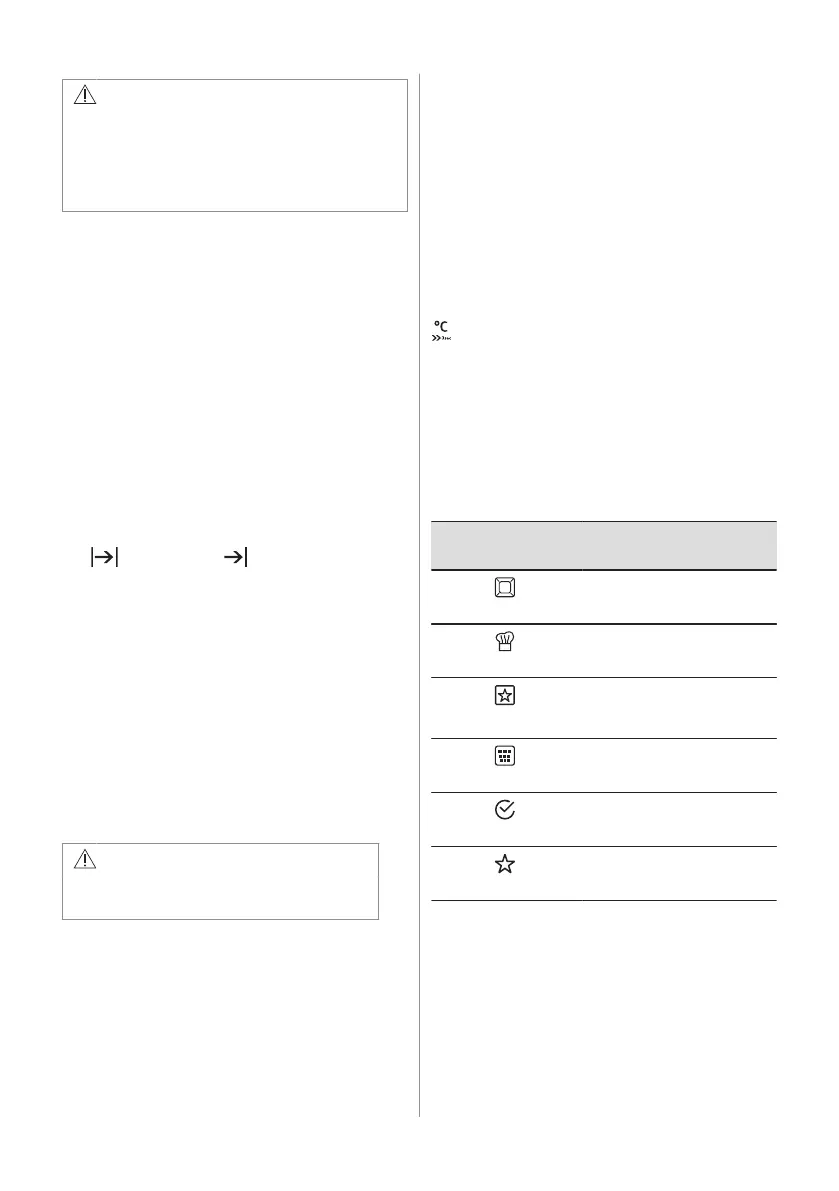
WARNING!
Use only cold tap water. Do not use
filtered (demineralised) or distilled water.
Do not use other liquids. Do not put
flammable or alcoholic liquids into the
water drawer.
1. Press the cover of the water drawer to
open it.
2. Fill the water drawer with cold water to
the maximum level (around 950 ml) until
the signal sounds or the display shows
the message. The water supply is
sufficient for approximately 50 minutes.
Do not fill the water drawer over its
maximum capacity. There is a risk of
water leakage, overflow and furniture
damages.
3. Push the water drawer to its initial
position.
4. Turn on the oven.
5. Set a steam heating function and the
temperature.
6. If necessary, set the function: Duration
or: End Time .
The steam appears after approximately 2
minutes. When the oven reaches the set
temperature, the signal sounds.
When the water drawer is running out of
water, the signal sounds and the water
drawer needs to be refilled to continue
cooking as described above.
The signal sounds at the end of the cooking
time.
7. Turn off the oven.
8. Empty the water drawer after the cooking
is completed.
Refer to the cleaning function: Tank
Emptying.
CAUTION!
The oven is hot. There is a risk of
burns.
9. After cooking steam can condensate on
the bottom of the cavity. Always dry the
bottom of the cavity when the oven is
cool.
Let the oven dry fully with the door open. To
speed up the drying you can close the door
and heat up the oven with the function: True
Fan Cooking at temperature 150°C for
approximately 15 minutes.
6.4 Heat-up indicator
When you turn on a heating function, the bar
shows that the temperature increases. When
temperature is reached the signal sounds 3
times, the bar flashes and disappears.
6.5 Using: Fast Heat Up Indicator
Use this function before you put the food in
the oven.
This function reduces the heat-up time. It is
not available for some oven functions.
- press and hold.
6.6 Residual heat
When you turn off the oven, the display
shows the residual heat. You can use the
heat to keep the food warm.
6.7 The menus in overview
Main menu
Symbol / Menu
item
Application
Heating Functions
Contains a list of heating
functions.
Recipes
Contains a list of automatic
programmes.
Favourite Programme
Contains a list of favourite
cooking programmes created
by the user.
Cleaning
Contains a list of cleaning
programmes.
Basic Settings
Used to set the appliance
configuration.
Specials
Contains a list of additional
heating functions.
ENGLISH 11



 To Next Page