10
Drying
Switching machine on /
switching light on
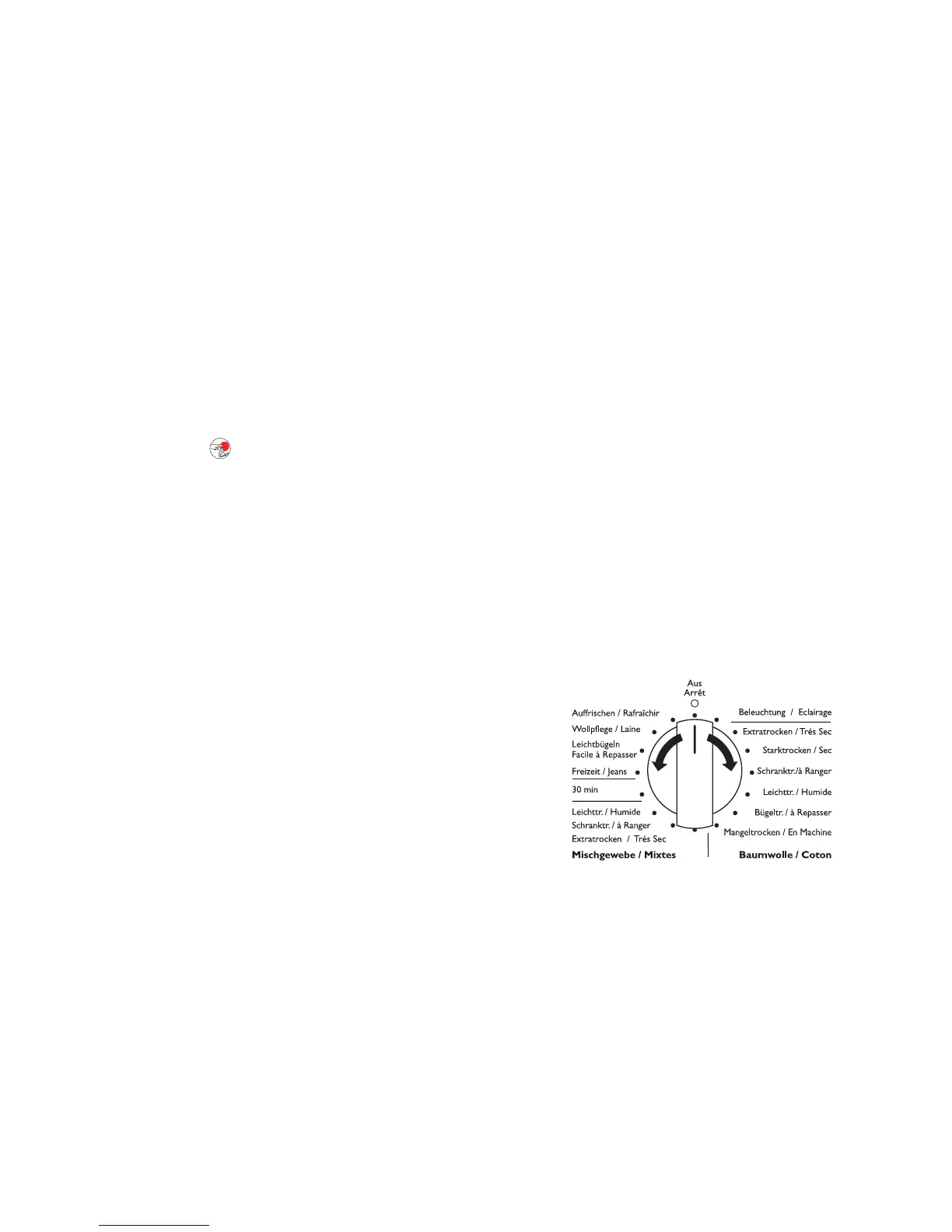
Turn the programme selector to any programme or
turn it to LIGHT (BELEUCHTUNG). The machine has
been switched on. When the loading door is opened,
the drum is illuminated.
Opening loading door / fill-
ing laundry
1. Open loading door:
– Either use force to push against the loading door
(push point )
– or if the machine is switched on: Press the DOOR
(TÜR) button.
2. Load your laundry (do not force it in).
1 Caution! Do not jam laundry in between the
loading door and rubber seal.
3. Close loading door securely. Lock must audibly
lock.
Selecting the programme
Use the programme selector to set the programme
you require.
The probable programme run time is displayed (in
minutes) on the multi-display.



 To Next Page