36 electrolux.com.au
Power management
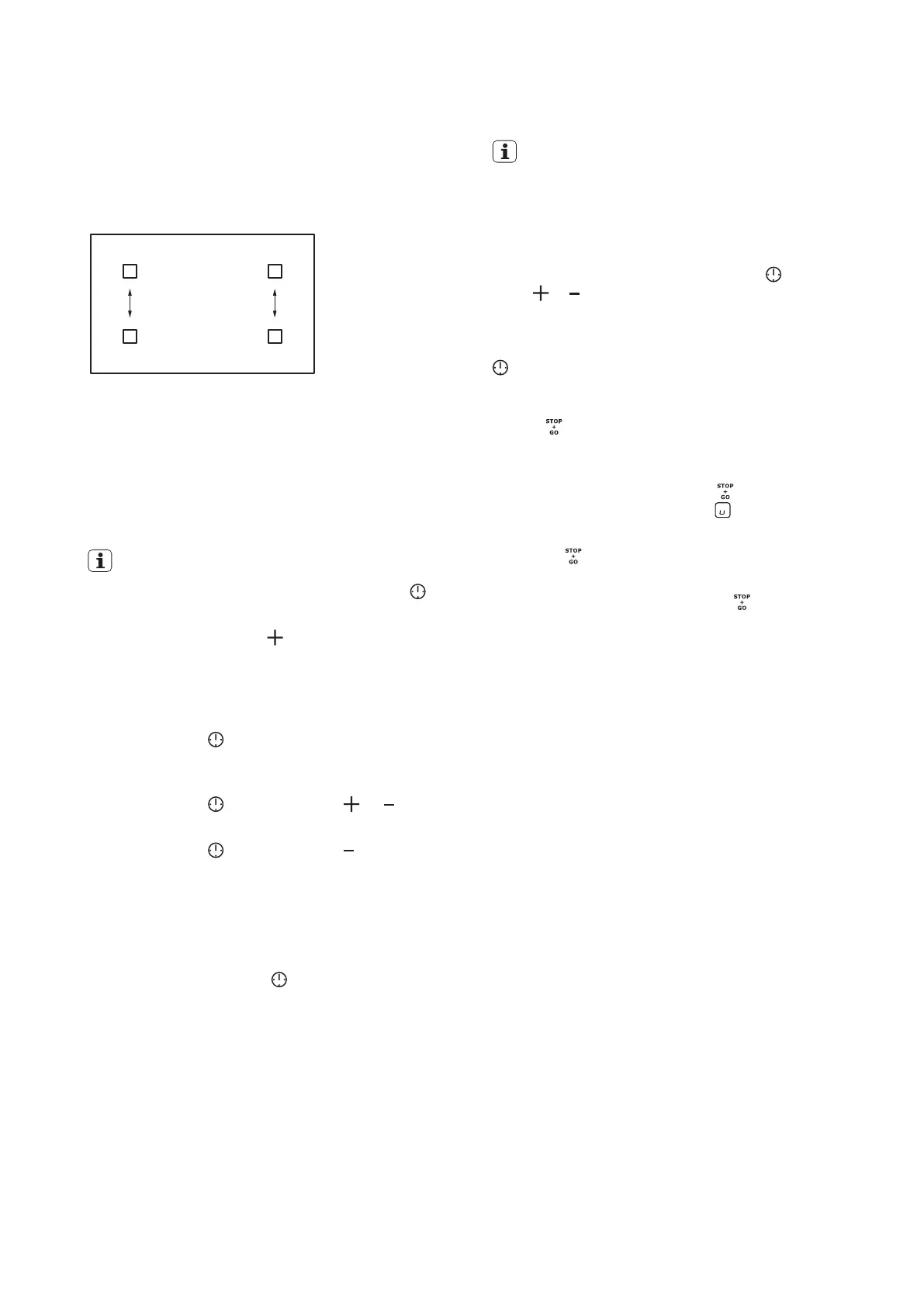
Power management divides the power between the
front and rear zones for each of the 2 outer modules.
See illustration below:
This allows either the front or rear zone to draw power
from the other, if maximum power is required.
The timer
The count down timer
Use the count down timer to set how long you want a
cooking zone to operate.
IMPORTANT!
• To select the cooking zone: touch the sensor
again
and again until the correct zone indicator is displayed.
• Immediately, touch the
sensor to set the time (00 -
99 minutes). When the timer indicator of the cooking
zone starts to flash more slowly the time will begin to
count down.
• To see the remaining time select the cooking
zone with the
sensor. The display will show the
remaining time.
• To change the count down timer: select the cooking
zone with the
sensor and touch or .
• To deactivate the count down timer select the cooking
zone with the
sensor and touch until the time
counts down to 00. The timer indicator will go out.
When the timer count down comes to an end, the cooking
zone will deactivate, the 00 will flash and a beep sound
will occur for 20 seconds.
The beep sound and flashing can be deactivated
immediately by touching the
sensor.
IMPORTANT!
When the two timer functions operate at the same time,
the display shows the count up timer first.
The Minute minder
You can use the timer as a minute minder when the
cooking zones are not in operation. Touch
. Then
touch or of the timer to set the time. When the timer
countdown comes to an end, 00 will flash and a beep
sound will occur for 30 seconds. The beep sound and
flashing can be deactivated immediately by touching the
sensor.
The Stop+Go function
Use the
function to close down all of your operating
cooking zones to the lowest heat setting with just one
touch.
• To activate this function touch
. The indicator
will come on and the symbol will show on all
operating zones.
• When
is activated, you cannot change the heat
setting.
• To deactivate this function touch
again. The heat
setting that you set before comes back on.
USING THE INDUCTION HOB (CONTINUED)



 To Next Page