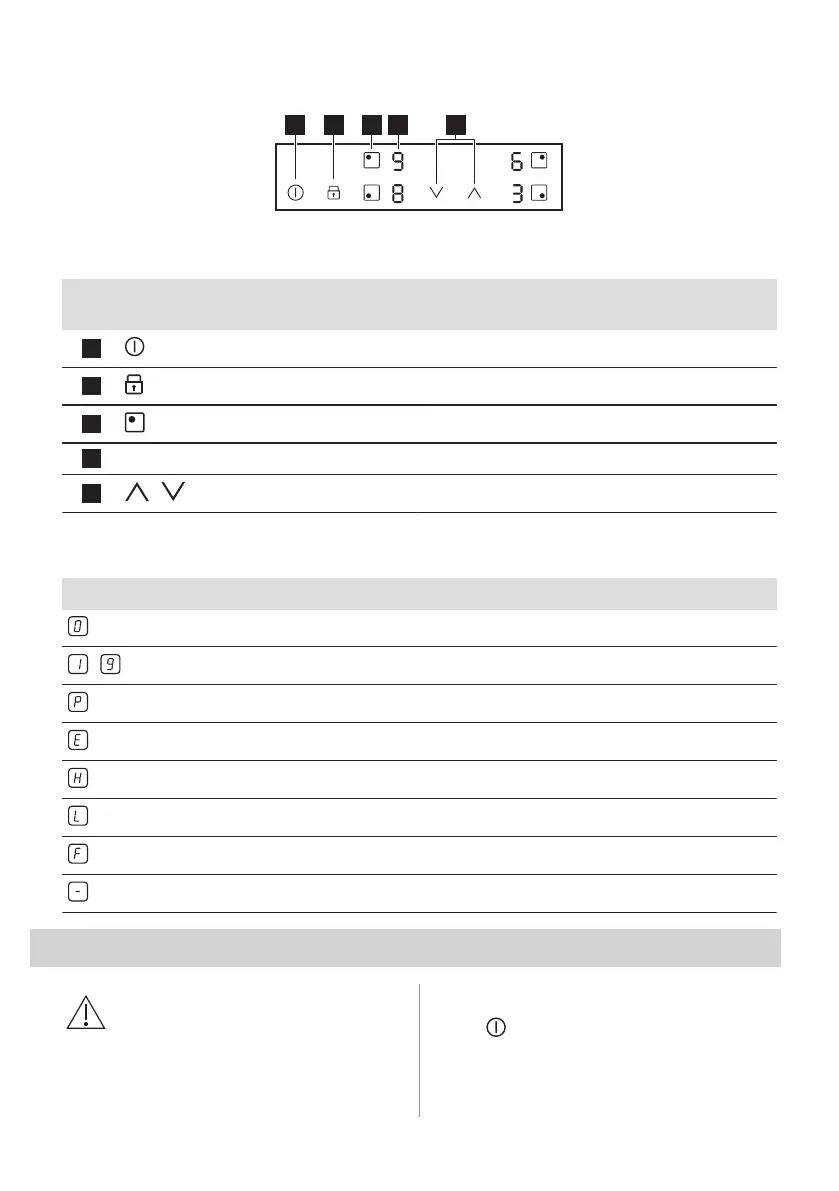
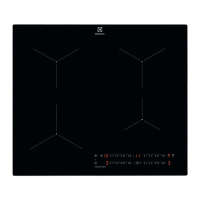
4.2 Control panel layout
Use the sensor fields to operate the appliance. The displays, indicators and sounds tell which
functions operate.
Sensor
field
Function Comment
1
On / Off To activate and deactivate the hob.
2
Lock / Child Safety Device To lock / unlock the control panel.
3
- To select the cooking zone.
4
- Heat setting display To show the heat setting.
5
/
- To set a heat setting.
4.3 Heat setting displays
Display Description
The cooking zone is deactivated.
-
The cooking zone operates.
Booster operates.
+ digit
There is a malfunction.
A cooking zone is still hot (residual heat).
Lock / Child Safety Device operates.
Incorrect or too small cookware or no cookware on the cooking zone.
Automatic Switch Off operates.
5. DAILY USE
WARNING!
Refer to Safety chapters.
5.1 Activating and deactivating
Touch for 1 second to activate or
deactivate the hob.
ENGLISH 9



 To Next Page