The safety equipment
7
Heat the oven empty
Children should be supervised!
The cooker will get very hot.
Before you use the oven for the first time, you need to
heat it empty. Follow these instructions:
1
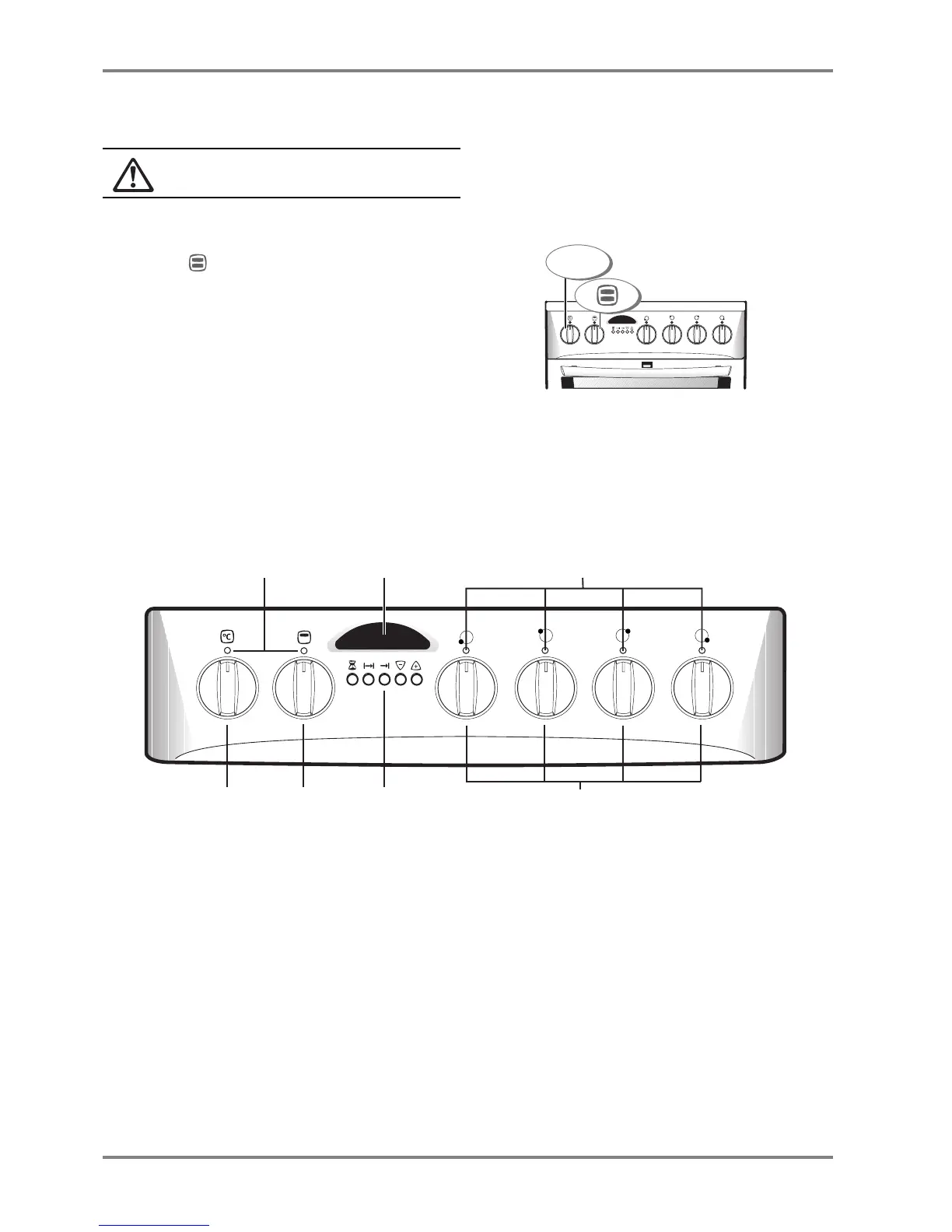
Select (top/bottom heat) and maximum tem-
perature. The oven door should be shut.
2
Ventilate the room. Switch off the oven once the
“new” smell and fumes have ceased.
3
Use hot water and washing-up liquid to wipe the
oven, side racks and the inside of the door. Then
wipe all of these parts dry.
The control panel
1a
HOB
indicator lights
1b
OVEN
indicator lights
2
OVEN
function control
3
OVEN
temperature control
4
HEATING
ZONE
controls
5a
Information window
5b
Buttons for
THE
CLOCK
The indicator light bulbs
These are neon indicator lights, which normally have
a long service life. If one should fail, contact your
service centre.
1
2 3 4
max.°C
1b 5a
5b32 4
1a
1
2 3 4




 To Next Page