EME2725 U English
10
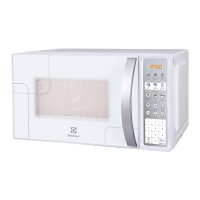
1. Display window - showing time of day,
operating mode and cooking time.
2. Auto Defrost by weight.
Poultry
Meat
Fish
3. Auto Cook
Pizza
Beverage
Potato
Hold Warm
Popcorn
Plated Meal
4. Plus Time - To add 30 seconds of cooking time
to your program.
5. Pause/Clear - To Pause your microwave
program or clear a program.
6. Clock - To set the time.
7. Cook Time - For setting cook time.
8. Power - To set power.
9. Number pad - To enter time, weight and power.
10. Start - Press to start your program.
11. Door Open - Press to open the door.
Control Panel








 To Next Page