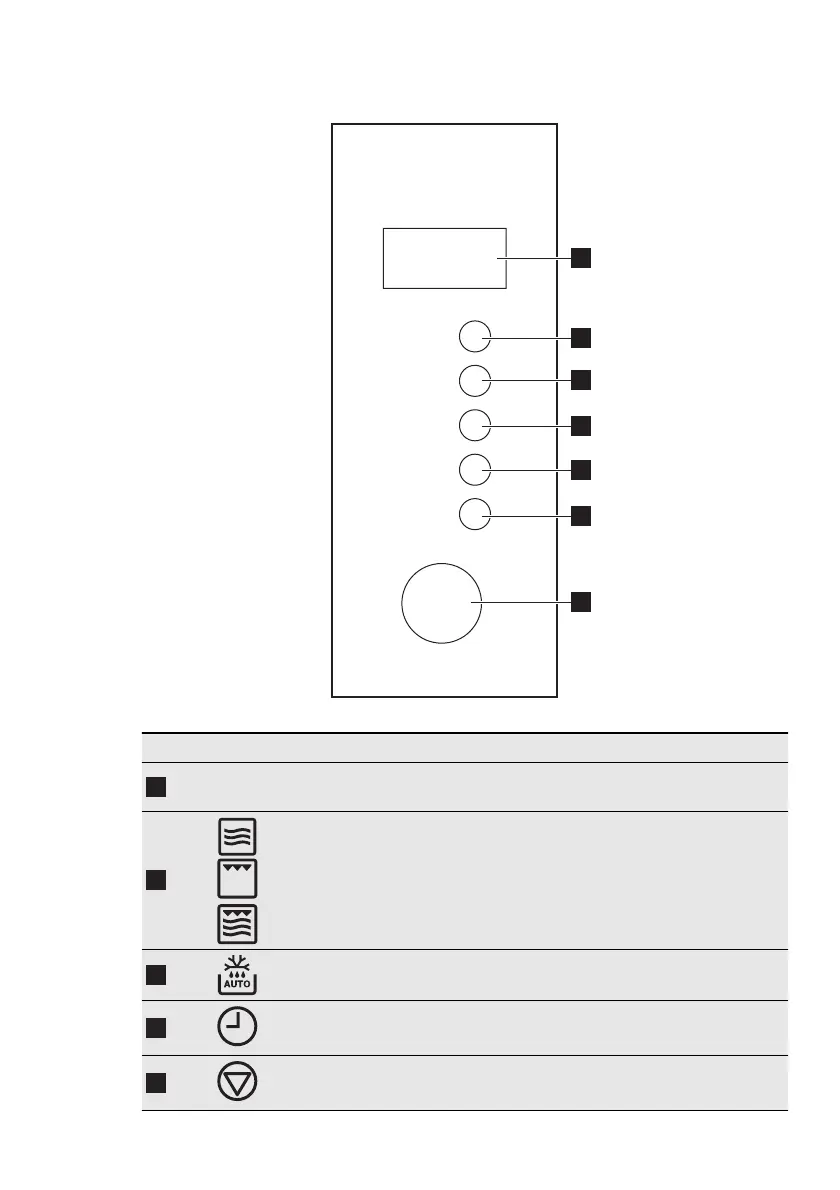
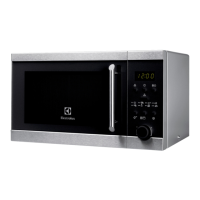
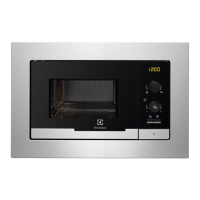
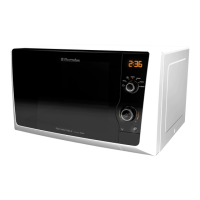
5. CONTROL PANEL
1
2
3
4
5
6
7
Symbol Function Description
1
— Display
Shows the settings and current
time.
2
Function button
To set the microwave / grill / combi
cooking function.
3
Defrosting button To defrost food by weight or time.
4
Clock button To set the clock.
5
Stop / Clear button
To deactivate the appliance or de-
lete the cooking settings.
ENGLISH 23






 To Next Page