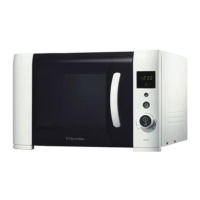
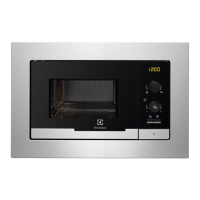
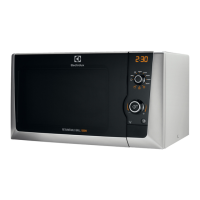
5. CONTROL PANEL
1
2
3
4
6
5
Symbol Function Description
1
— Display
Shows the settings and current
time.
2
Power Setting knob
To set the power level.
Defrosting To defrost food by weight or time.
Max
Maximum Power Set-
ting
To set the maximum Power Setting.
3
Setting knob To set the cooking time or weight.
4
Start / +30 sec but-
ton
To start the appliance or increase
the cooking time for 30 seconds at
full power.
The cooking time increases by 30
seconds with each additional press
of the button.
5
Auto cook button To use Auto cooking.
6
Stop / Clear button To deactivate the appliance or de-
lete the cooking settings.
6. DAILY USE
WARNING!
Refer to the Safety chapters.
www.electrolux.com
7






 To Next Page
