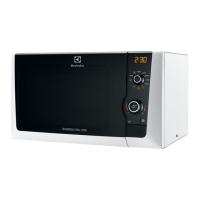
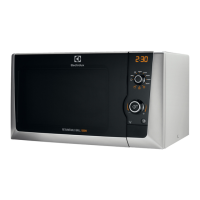
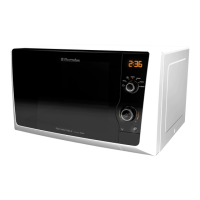
EMS2100S
English
12
When your oven is plugged in for the first time or when power resumes after a power interruption, the display
window flash and show " 88:88 "
Example: To set 4.30
1. Touch the ‘
‘ button.
2. Set the time to " 4:00 " using the setting control knob
3. Touch the ‘
‘ Button
4. Set the time to " 4:30 " using the setting control knob
5. Touch the ‘
‘ button. (The Time will now be set)
This oven has a safety feature which prevents the accidental running of the oven by a child. After the lock has
been set, no part of the microwave oven will operate until the child lock feature has been cancelled.
To set:
1. Touch and hold the '
' button for 3 seconds. '
' will appear in the display.
NOTE : To cancel the child lock, simply touch and hold the '
' button for 3 seconds.
There are two way to stop the oven whilst it is in use.
1. Press the Stop/Clear button
• You may restart the oven by pressing the Start button
• Pressing Stop/Clear again will reset the current programme
2. Open the door
• You may restart the oven by closing the door and pressing the Start button
• Pressing Stop/Clear again will cancel the current programme
Setting the Cloc
Child safety loc
To Stop the Oven







 To Next Page