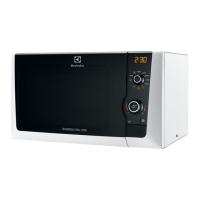
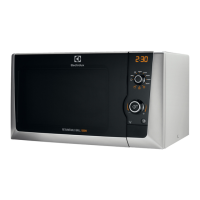
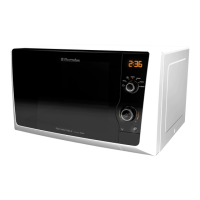
EMS2100S
English
13
1. Open the door, place the food on the turntable.
Close the door.
2. Set the Power Selector to the desired power level.
(See table below.)
3. Set the Timer to the desired time.
4. Press Start.
The oven begins cooking.
To turn off the oven during cooking, simply press the
stop button.
NOTE : After use, be sure to press the Stop/Clear
button Twice as this will ensure that you have
reset the microwave.
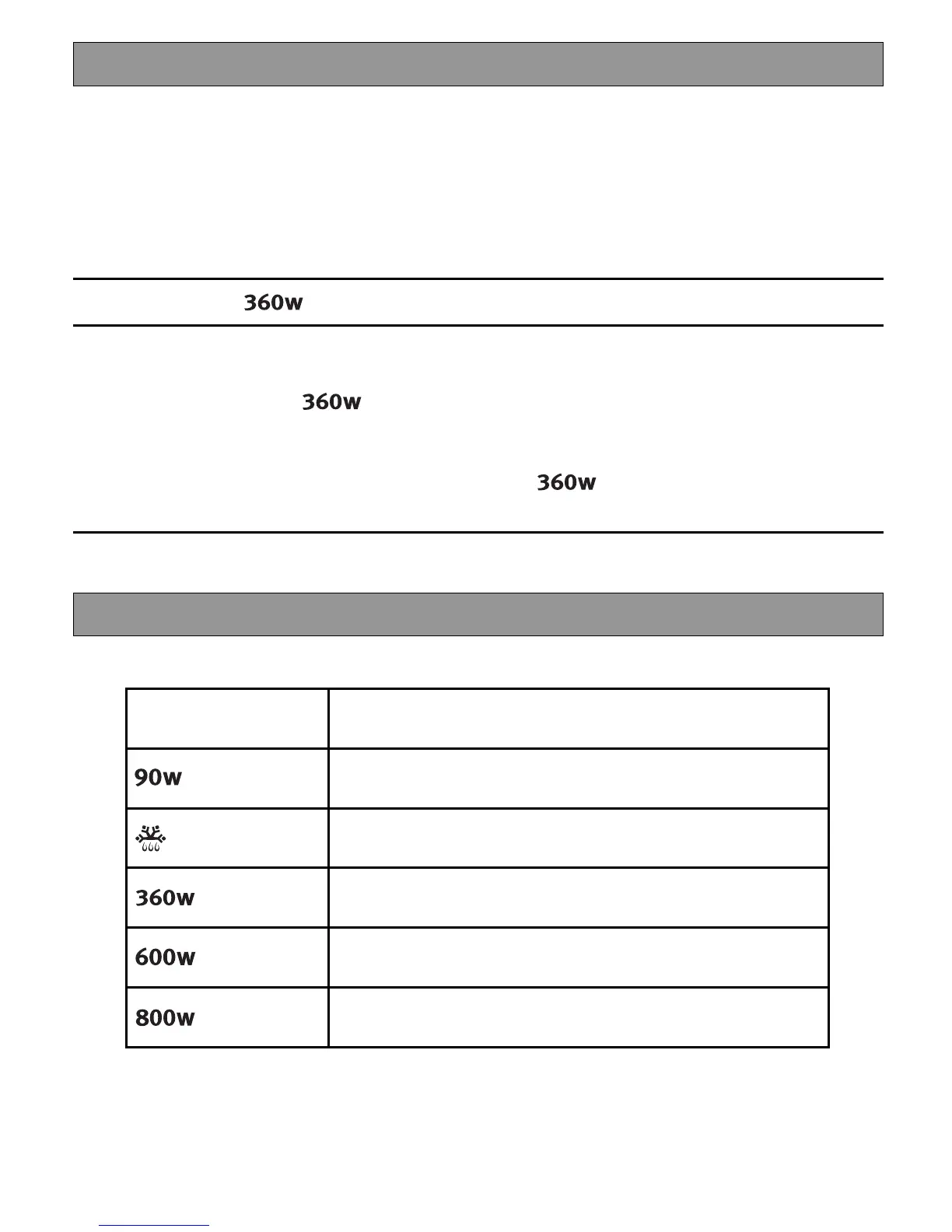
Example: To cook at
for 15 minutes
1. Open the door, place the food on the turntable. Close the door.
2. Turn the power selector to
.
3. Turn the setting control knob until 15:00 is showing in the display window.
4. The Oven will automatically start cooking for 15 minutes at
Power Setting Suggested use
Keeping warm; Keeping foods warm
Defrost; Thawing frozen foods.
Medium; Faster defrosting and reheating for casseroles and
stews.
Reheat; Reheating pre-cooked foods.
Roasting joints of meat and poultry.
Max ; Boiling or reheating liquids.
Cooking vegetables.
Preheating a browning dish.
MICROWAVE COOKING
Microwave Power setting Guide







 To Next Page