Accessories
Clean all accessories after each use and let them dry. Use a soft cloth with warm water and
a mild detergent. Do not clean the accessories in a dishwasher.
Do not clean the non-stick accessories using abrasive cleaner or sharp-edged objects.
12.2 How to clean: Cavity
embossment
Clean the cavity embossment to remove
limestone residue after cooking with steam.
Step 1 Step 2 Step 3
Pour: 250 ml of white vinegar into
the cavity embossment. Use maxi‐
mum 6% vinegar without any addi‐
tives.
Let the vinegar dissolve the lime‐
stone residue at the ambient tem‐
perature for 30 minutes.
Clean the cavity with warm water
and a soft cloth.
For the function: True Fan Cooking PLUS clean the oven for every 5 - 10 cooking cycles.
12.3 How to remove: Shelf
supports / catalytic panels
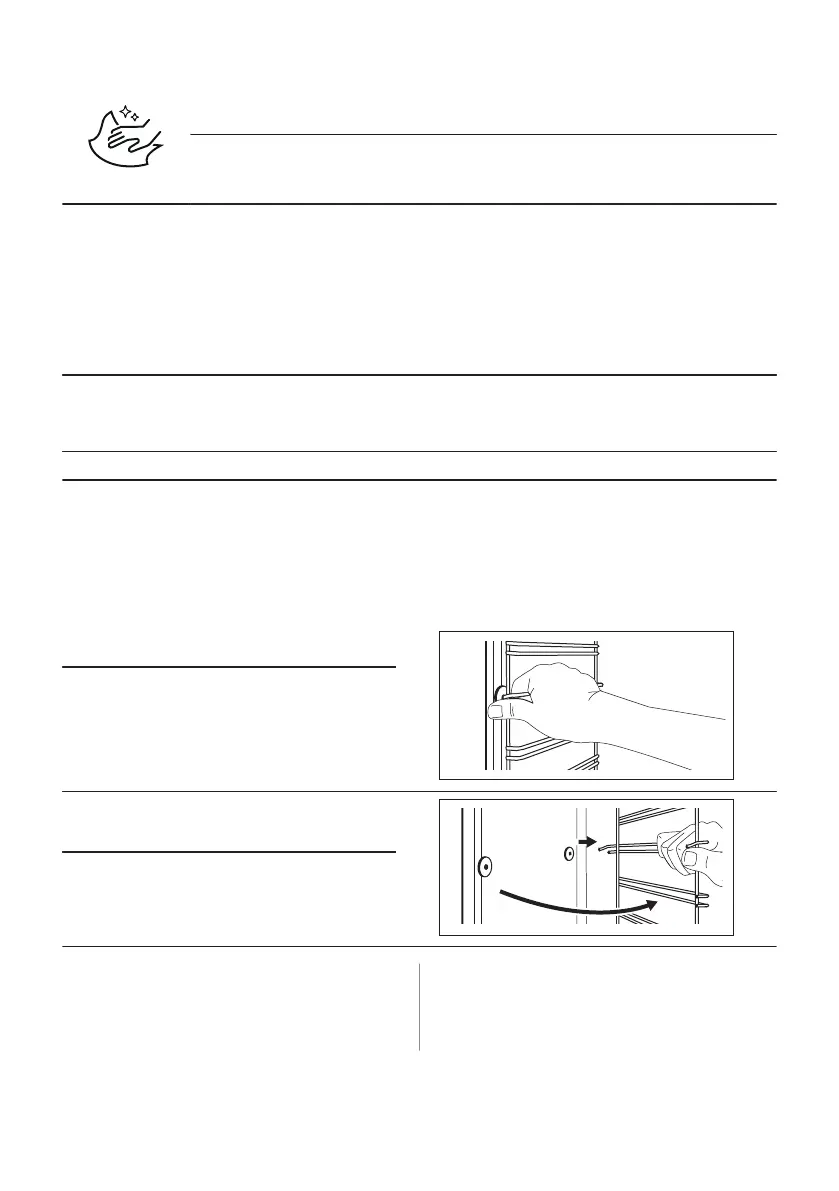
Remove the shelf supports / catalytic panels
to clean the oven.
Step 1 Turn off the oven and wait until it is
cold.
Step 2 Pull the front of the shelf support
away from the side wall. Hold the rear
of the shelf support and catalytic pan‐
el in place. The catalytic panels are
not attached to the oven walls. They
can fall out when you remove the
shelf supports.
Step 3 Pull the rear end of the shelf support
away from the side wall and remove
it.
Step 4 Install the shelf supports in the oppo‐
site sequence.
The retaining pins on the telescopic
runners must point to the front.
12.4 How to use: Catalytic cleaning
There are catalytic panels in the cavity.
Catalytic panels absorb fat during catalysis.
Spots or discolouration of the catalytic
coating have no effect on the cleaning.
ENGLISH 19



 To Next Page