13
DelayedStart
The starting time of the selected program can be
delayed up to 24 hours. You can not make a delay
setting after the program starts. In order for you to be
able to make a delay setting, the selected program must
not to be in operation.
1 Press the delay start button
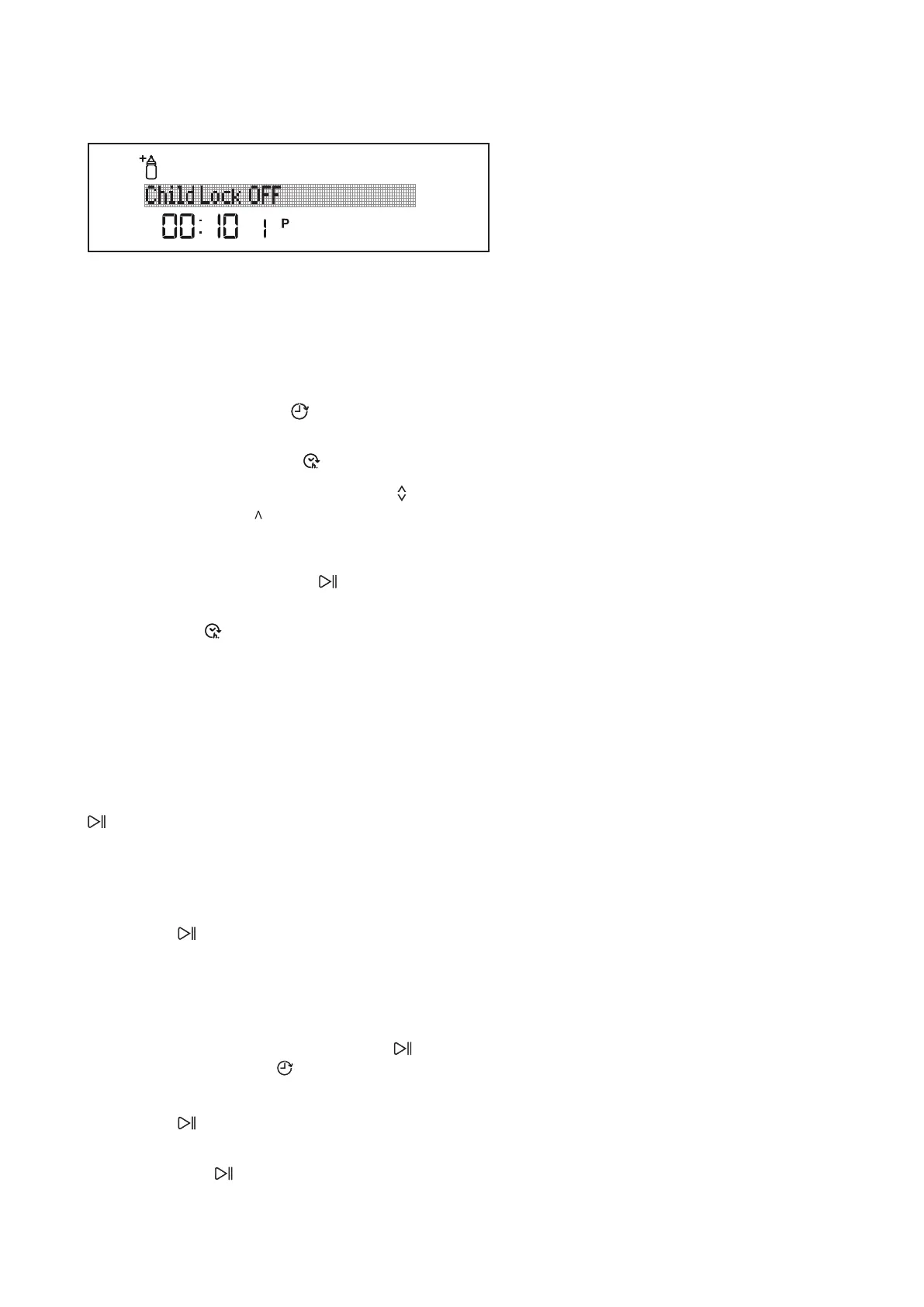
2 Hour “00:00” is displayed on the display information
line (20) and the delay symbol starts ashing.
3 Set the delay time with the selection buttons to
the desired time. The “ ” button increases the time
by
1 hour while “v” button decreases by 1 hour.
By pressing the Start/Pause button
, you may start
the countdown until the delay time.
The delay symbol
will continuously be illuminated
during this period. Remaining Time/Delay Time
indicators display the delay time. After the countdown
is over, the selected program will start. The indicator
screen will begin to show the time remaining until the
end of the selected program.
ChangingtheprogramorfunctiononDelayed
Start:
Pause the machine by pressing the Start/Pause button
; the countdown will stop and the “program paused”
and “Delay timer active” appear on screen. If you press
the buttons without pausing the machine, you will
receive warnings such as “Delay timer active” or “invalid”.
After pausing the Delayed Start, you may select program
and add functions to the program. By pressing the Start/
Pause button
once more, starts the countdown for
the delay time.
Ifyouwanttocancelormakeanewtimesetting
whenthemachineisonDelayedStart;
If you want to reschedule the delay time, stop the
countdown by pressing the Start/Pause button
. Press the delay start button to enter the delay
menu; set the new Delay time by pressing the selection
buttons. Start the countdown by pressing the Start/
Pause button .
Ifyouwanttocancelthedelaysetting, hold the
Start/Pause button for 3 seconds.
The display will inform you how many seconds you need
to hold the button by “Program Cancelling .. X”. This
way, the delay countdown is cancelled.



 To Next Page