25
TROUBLESHOOTING
Problemandalarmcode Possiblecauseandsolution
You cannot activate the appliance.
• Make sure that the mains plug is connected to the mains socket.
• Make sure that there is no damaged fuse in the fuse box.
The program does not start
• Make sure that the appliance door is closed.
• If the delay start is set, cancel the setting or wait for the end of the countdown.
The appliance does not ll with water.
The display shows
F5
• Make sure that the water tap is turned on.
• Make sure that the pressure of the water supply is not too low. For this
information, contact your local water authority.
• Make sure that the water tap is not clogged.
• Make sure that the lter in the inlet hose is not clogged.
• Make sure that the inlet hose has no kinks or bends.
The appliance does not drain the water
The display shows F2
• Make sure that the sink spigot is not clogged.
• Make sure that the lter in the outlet hose is not clogged.
• Make sure that the interior lter system is not clogged.
• Make sure that the drain hose has no kinks or bends.
The anti-ood device is on.
The display shows F1
• Close the water tap and contact an Authorised Service Centre
The appliance stops and starts more
times during operation.
• It is normal. It provides optimal cleaning results and energy savings.
The program lasts too long.
• Select the Extra Fast option to shorten the program time.
• If the delayed start option is set, cancel the delay setting or wait for the end of
the countdown.
The remaining time in the display
increases and skips nearly to the end
of program time.
• This is not a defect. The appliance is working correctly
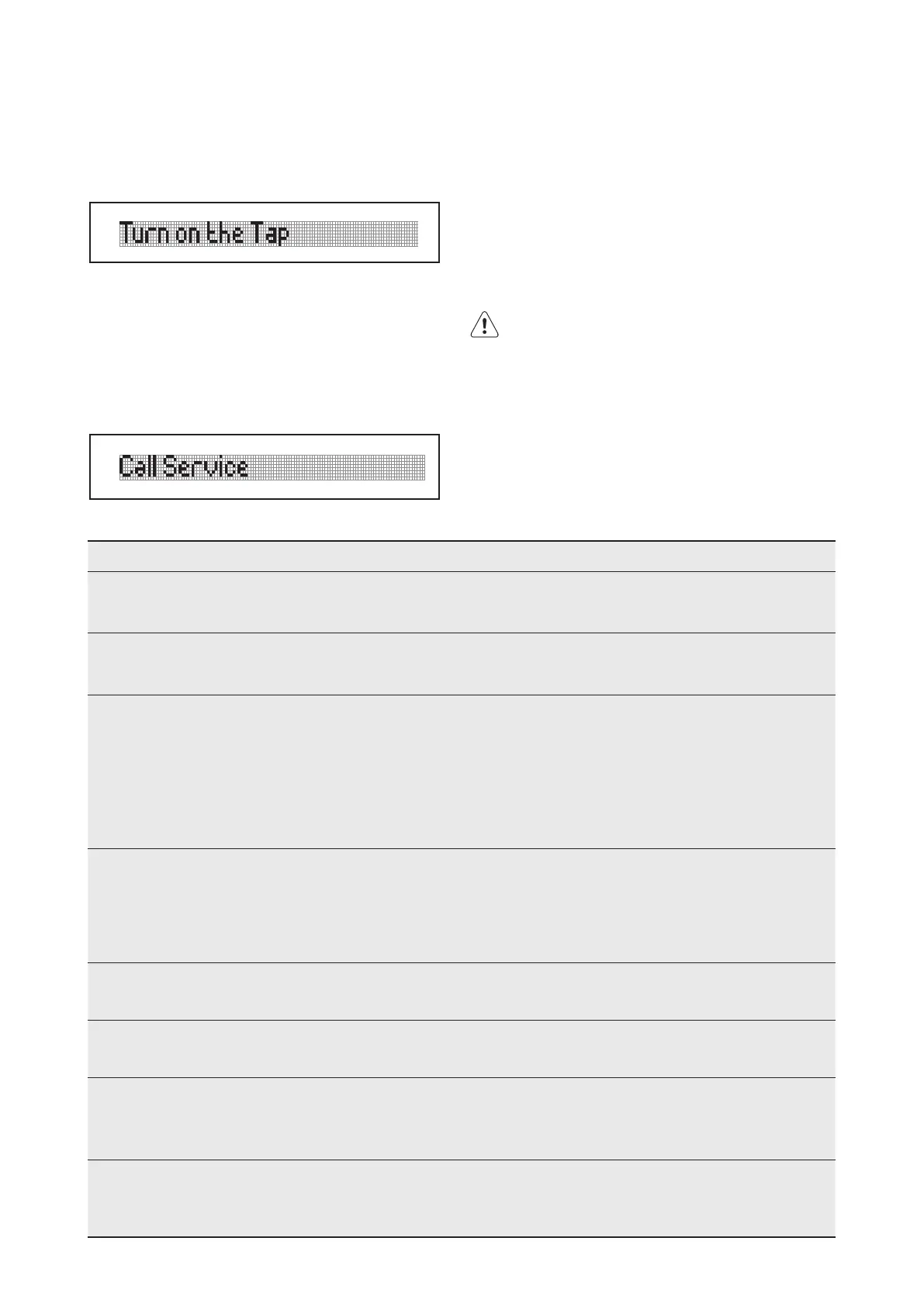
WarningMessages:
Your machine provides feedback while in operation;
When above warning is seen;
1 Make sure that the water is not cut
2 Make sure that the tap is turned on.
3 If both are true, call a qualied technician.
Whenever an error which you cannot x occurs, the
following warning will be displayed. When you see it,
call a qualied technician.
When your machine shows these warnings, the error
codes are specied after the denition. You might nd
related information in the “FAILURE CODES AND WHAT
TO DO IN CASE OF FAILURE” section in your user guide.
If the appliance does not start or it stops during
operation, rst check if you can solve the problem
yourself with the help of the information in the table or
contact an Authorised Service Centre.
WARNING!
Repairsnotproperlydonemayresultinserious
risktothesafetyoftheuser.Anyrepairsmustbe
performedbyqualiedpersonnel.
Withsomeproblems,thedisplayshowsanalarm
code.Themajorityofproblemsthatcanoccurcan
besolvedwithouttheneedtocontactanAuthorised
ServiceCentre.



 To Next Page