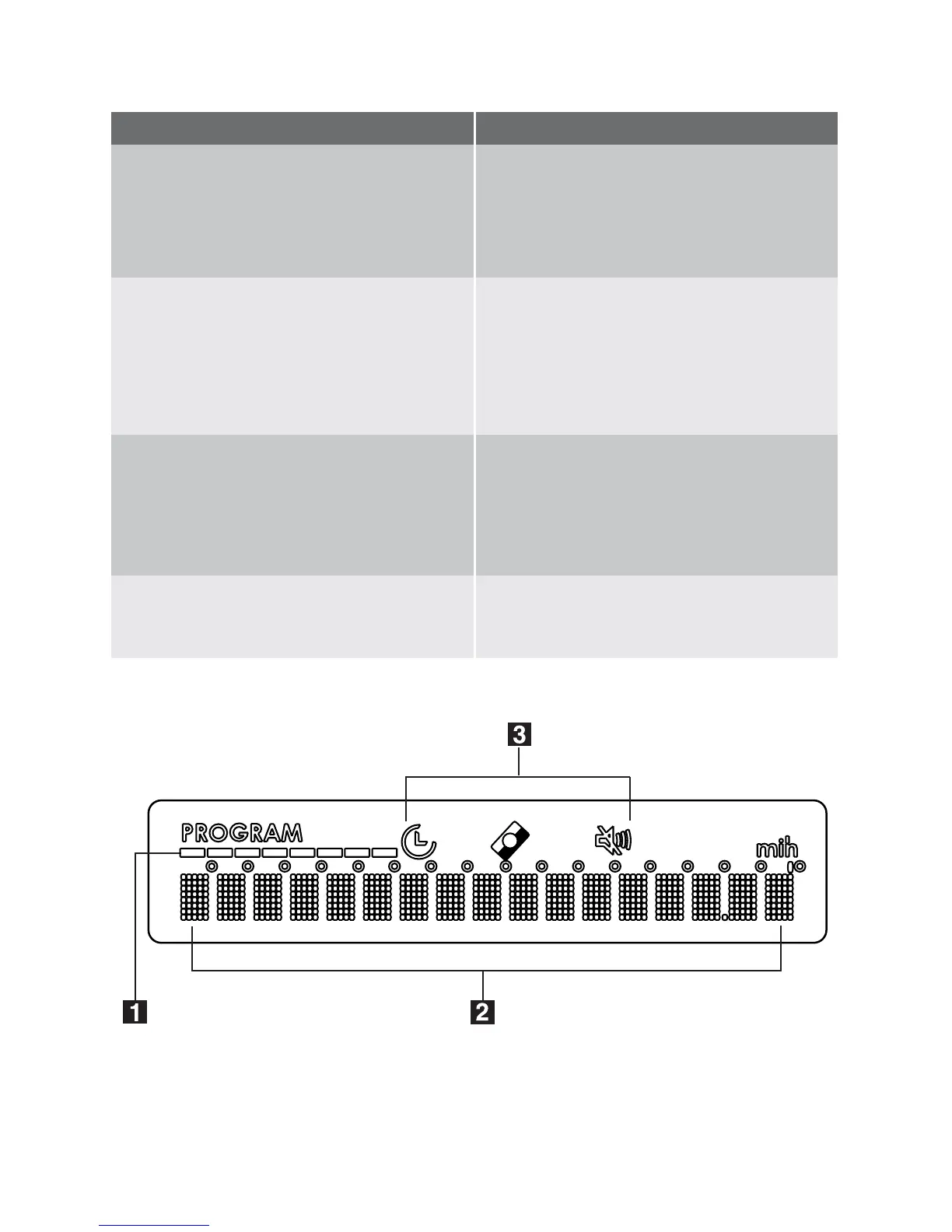
Menu options Submenu
BRIGHTNESS
Allows you to increase or decrease the
brightness of the background of the dis-
play, 10 different levels can be selected.
Factory setting: level 10.
SOUND VOLUME
Allows you to adjust the volume of the
audible signals (from 0 to 5).
Level 0 means the deactivation of the
audible signals and the corresponding
symbol appears in the display.
RINSE AID
Allows you to activate or deactivate the
rinse aid dispenser.
–
ON: activated
– OFF: deactivated
WATER HARDNESS
Allows you to set electronically the water
softener.
Display
1.
Washing programmes: during the
progress of the programme these lit-
10 electrolux control panel



 To Next Page