39
• Choose your Pyrolytic cleaning cycle from
the following:
soiling duration
light clean 1hr 30mins
medium clean 2hrs
heavy clean 2hr 30mins
NOTE: Duration includes heat-up time, excluding
cool-down time.
Light clean
This is an energy saving cycle that can be used on a
regular basis if the oven is lightly soiled. Possibly after
every 2nd or 3rd roast.
Medium clean
Use this as the regular cycle about once every 2-3 months.
Heavy clean
When the oven is very dirty it may need a longer cycle
to clean it thoroughly. This cycle will clean the dirtiest
of ovens.
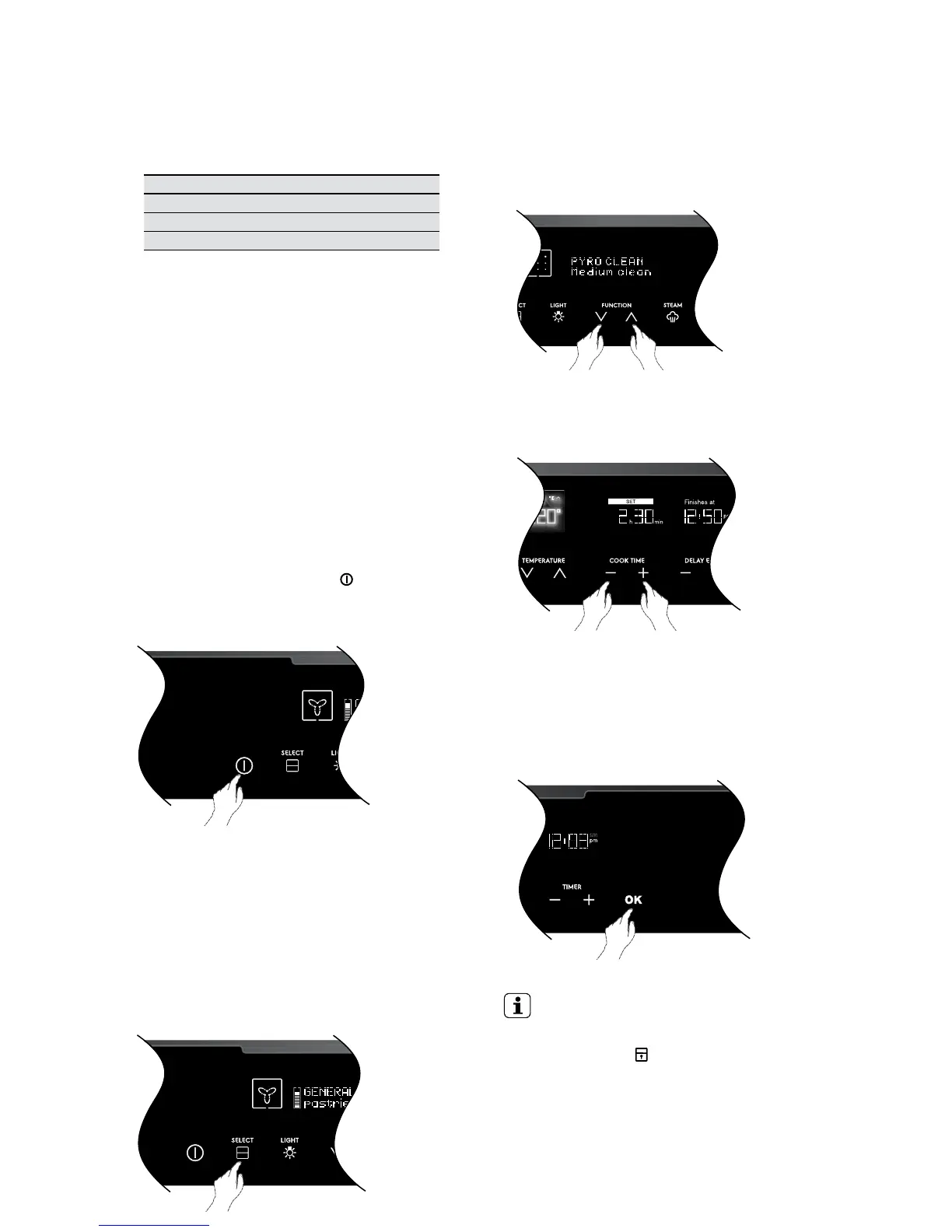
Turning the oven on
Switch on the oven by touching the
ON/OFF symbol.
The control panel will come on and inform you that you
need to select a cooking function.
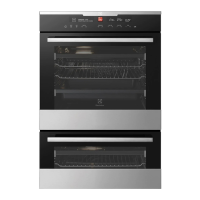
Selecting the upper or lower oven
(EVEP626)
This model is equipped with two ovens. Use the
oven selector symbol to toggle between the upper and
lower ovens.
The oven cavity icon on the control panel will show which
oven is currently active.
Only one cavity can be cleaned at a time.
Select the pyrolytic clean function.
Use cooking function selector to slect the
‘pyro clean’ function.
Selecting the required cleaning cycle
Use the ‘cook time’ control to select Light, Medium or
Heavy depending on the soiling of the oven.
Start Pyrolytic
Unlike other cooking functions, you MUST touch ‘OK’ for
the pyrolytic cycle to start. The display will prompt you to
remove all shelves and trays. You must touch ‘OK’ again
to start. The oven light will then go out and the Pyrolytic
function will start.
IMPORTANT
At the beginning of pyrolytic cleaning the door will
automatically lock
will appear on the display.
During the pyrolytic cleaning cycle there may be
some burn off odours. It is advised to keep the
room well ventilated during this cycle.




 To Next Page