6
3.5. Contrast
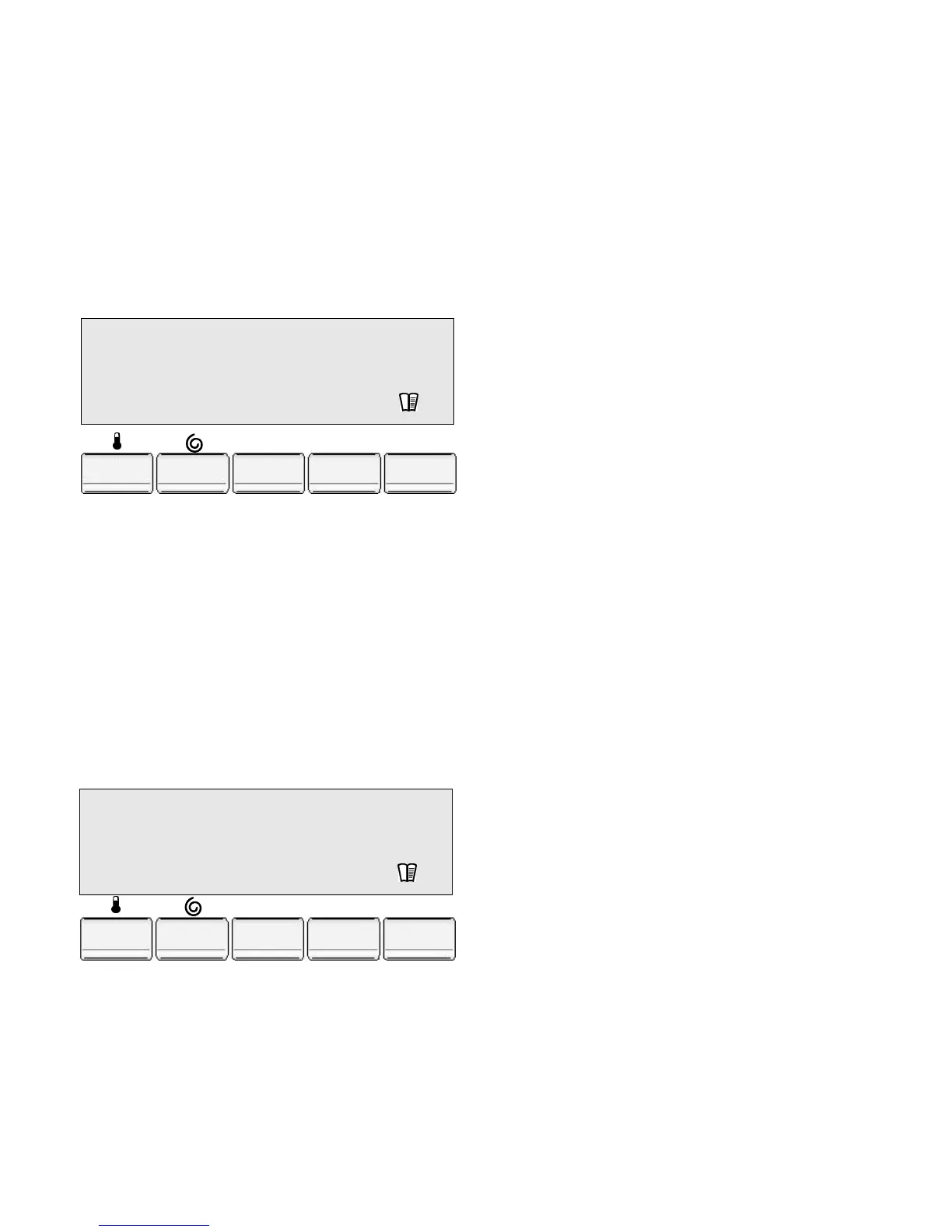
To set the contrast of the display window :
• Press the "Options" button until the "Setup" option
appears,
• Press the "Change" button once to go into the "Setup"
option,
• Press the "Options" button to select the "Contrast"
menu,
• Press the "Change" button to set the required contrast
level,
• Press the "Exit" button to confirm your choice. Then
press it once more to go back to the programme selec-
tion.
3.6. Audible signal volume
To set the audible signal volume:
• Press the "Options" button until the "Setup" option
appears,
• Press the "Change" button once to go into the "Setup"
option,
• Press the "Options" button to select the "Sound" menu,
• Press the "Change" button to set the required sound
level : normal, low, no sound,
• Press the "Exit" button to confirm your choice. Then
press it once more to go back to the programme selec-
tion.
SOUND :
Normal
Options
Change
Exit
Contrast :
I--------->--------I
Options
Change
Exit



 To Next Page