20
22
ELECTROLUX ITS
CPU Software Version X.XX
Service
Manual
ELECTROLUX ITS Screens
04102011/GB
17.2012
START MACHINE
OPTIONS MENU
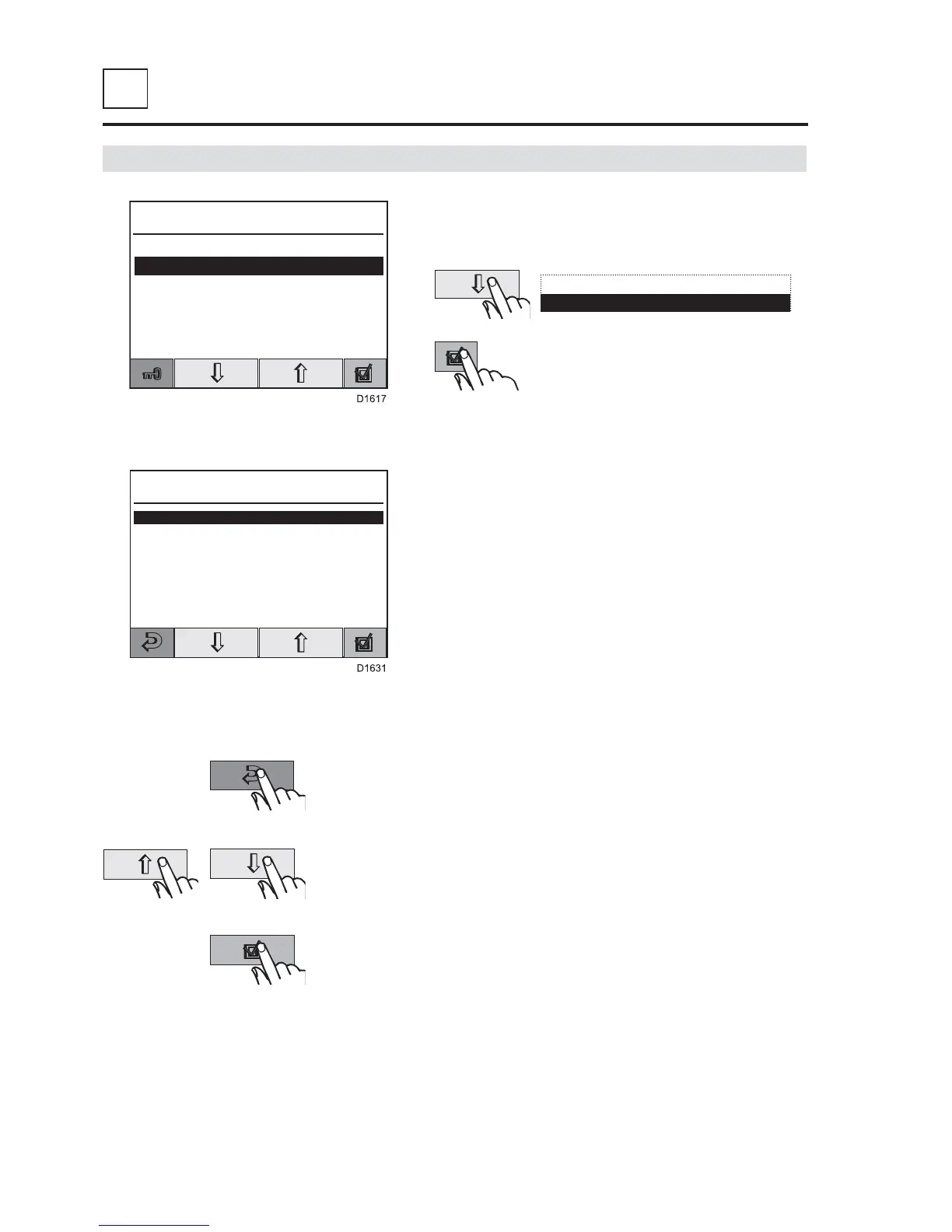
From the «SETTING OUT» screen, select
«OPTIONS MENU»,
Correspondence of key:
Screen: OPTIONS MENU
OPTIONS MENU
BASIC SETTINGS
PROGRAMMING
ADVANCED SETTINGS
STATISTICS
DATE & TIME SETTING
CHANGE PASSWORD
MACHINE STATUS
USER LANGUAGE
To select a menu.
To validate the choice.
To escape and move back.
Screen: ELECTROLUX ITS (page 4).
This screen allows to access the different
parameters of the machine.
Note : the BASIC SETTINGS, PROGRAMMING,
ADVANCED SETTINGS, ABSOLUTES
STATISTICS, TEMPERATURES STATISTICS,
ERRORS STATISTICS, DATE & TIME SETTING,
CHANGE PASSWORD and MACHINE STATUS
menus are locked by a password (next page).
START MACHINE
OPTIONS MENU
Use up and down key then press
then validate.



 To Next Page