34
temperature when switched on, the appliance is already on. If
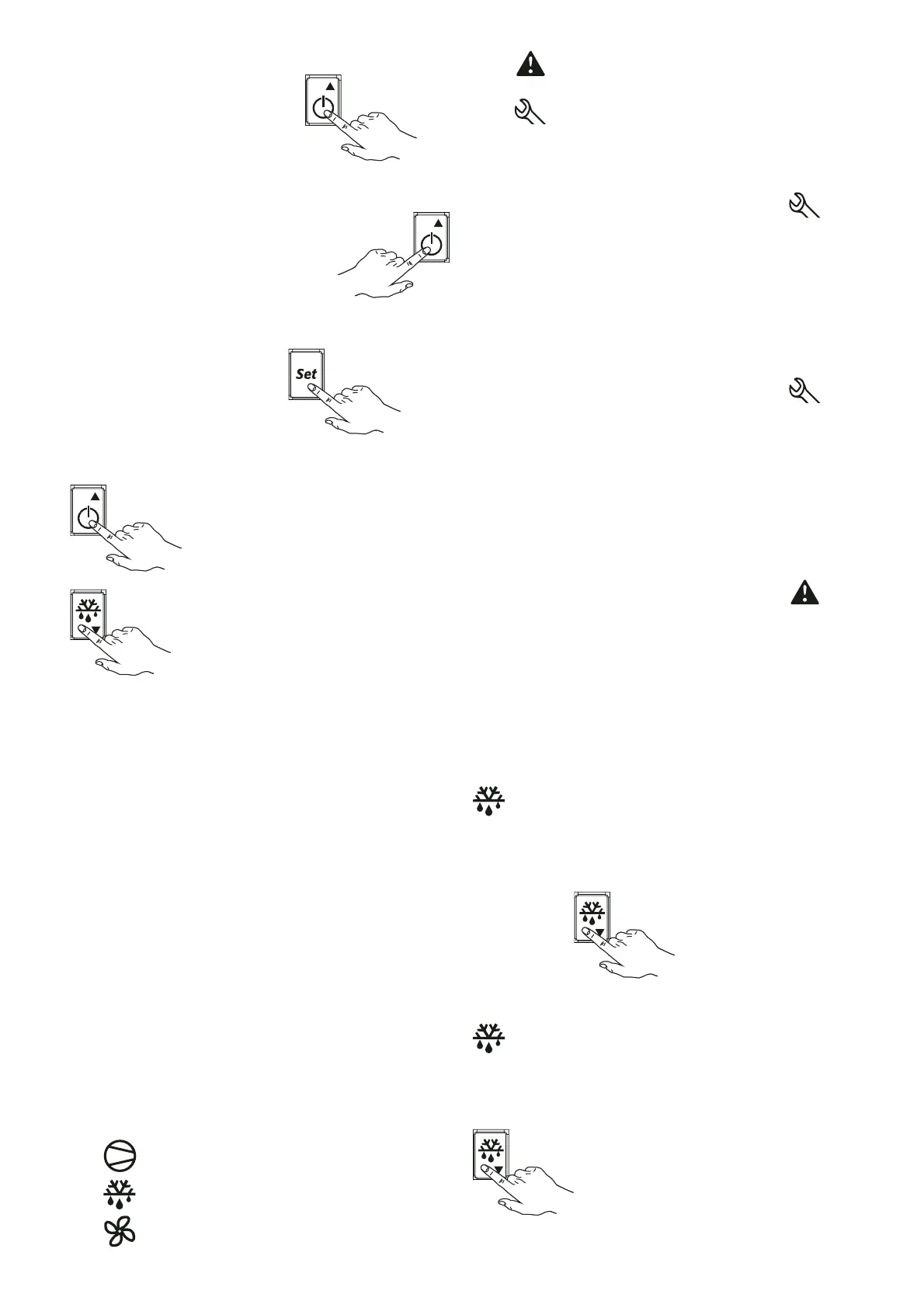
“OFF” is displayed, press the button
for a
few seconds to activate the appliance; the display shows the
message “ON” and then the compartment temperature.
To switch off the appliance, press the button
for a few seconds; the message “OFF” appears on the display.
To SET the compartment temperature, proceed as follows:
- Press the button for a few seconds
and the
SET POINT value appears on the display.
- To change the SET value, press the increase value button
or the decrease value button
. If no button is pressed for 60 seconds (“TIME
OUT”), or by pressing the “SET” button once, the digital
thermostat memorises the last set value and the normal
display is restored.
The temperature range is set from a minimum to a maximum
value. Values:
•
Positive temperature models
“MIN” setting = 0°C
“MAX” setting = +10°C
•
Negative temperature models
“MIN” setting = -2°C
“MAX” setting = +8°C
•
Low temperature - freezer models (fully insulated door)
“MIN” setting = -24°C
“MAX” setting = -15°C
•
Low temperature - freezer models (glass door)
“MIN” setting = -22°C
“MAX” setting = -15°C
•
Fish models
“MIN” setting = -7°C
“MAX” setting = +6°C
C.1.5 DIGITAL THERMOSTAT SIGNALLING ICONS
The digital thermostat has 5 signalling ICONS:
- Icon lit up indicates compressor activation.
- Icon lit up indicates manual defrost in progress.
- Icon
lit up indicates activation of compartment fans (if
present) and/or condenser.
- Icon
indicates that a temperature alarm has occurred
during appliance operation.
- Icon
indicates that a service alarm has occurred during
appliance operation.
C.1.6 SIGNALLING AND ALARMS
C.1.6.1 Service alarms and signalling for 0°C/+10°C and
freezer models
The alarm is signalled by lighting up of the Icon
alarm
signalling is also indicated by the alarm code appearing on the
display.
Example: Alarm signalling due to a faulty probe (compartment
probe) appears directly on the instrument display with the
message “E0” and “rE” flashing alternately (refer to position 1
of the alarms table).
When the alarm condition ceases, the alarm goes off. Otherwise,
contact the After-Sales Service.
C.1.6.2 Service alarms and signalling for -2°C/+8°C and fish
models
The alarm is signalled by lighting up of the Icon
alarm
signalling is also indicated by the alarm code appearing on the
display.
Example: Alarm signalling due to a faulty probe (compartment
probe) appears directly on the instrument display with the
message “E0” and “rE” flashing alternately (refer to position 1
of the alarms table).
Alarm signalling due to a faulty evaporator sensor (evaporator
sensor) appears directly on the instrument display with the
indication “E1” flashing (refer to position 2 of the alarms table).
C.1.6.3 Temperature alarms and signalling (common to all
appliances)
The alarm is signalled by lighting up of the Icon
Alarm
signalling is also indicated by the alarm code appearing on the
display.
Temperature alarm signalling, regarding the thermostatting
probe, appears directly on the instrument display with the
indication “HI” (max. temperature alarm) and “LO” (min.
temperature alarm).
C.1.7 DEFROST
- Automatic defrost (excluding freezer models)
The appliance has an automatic defrost function.
This function is signalled by lighting up of the DEFROST Icon
.
The defrost water is run into a tray and automatically
evaporated.
- Manual defrost activation
Keep the button
pressed for at least 5 seconds
to start a manual defrost cycle.
This function is signalled by lighting up of the DEFROST icon
.
If defrost conditions do not exist, the display shows the message
“dFb”, indicating that the operation will not be carried out (only
for -2°C/+8°C and fish models).
Defrost can be stopped manually by pressing the button
; the display shows the message “dFE”. Defrost
cannot be activated in the programming stage.



 To Next Page