3. PRODUCT DESCRIPTION
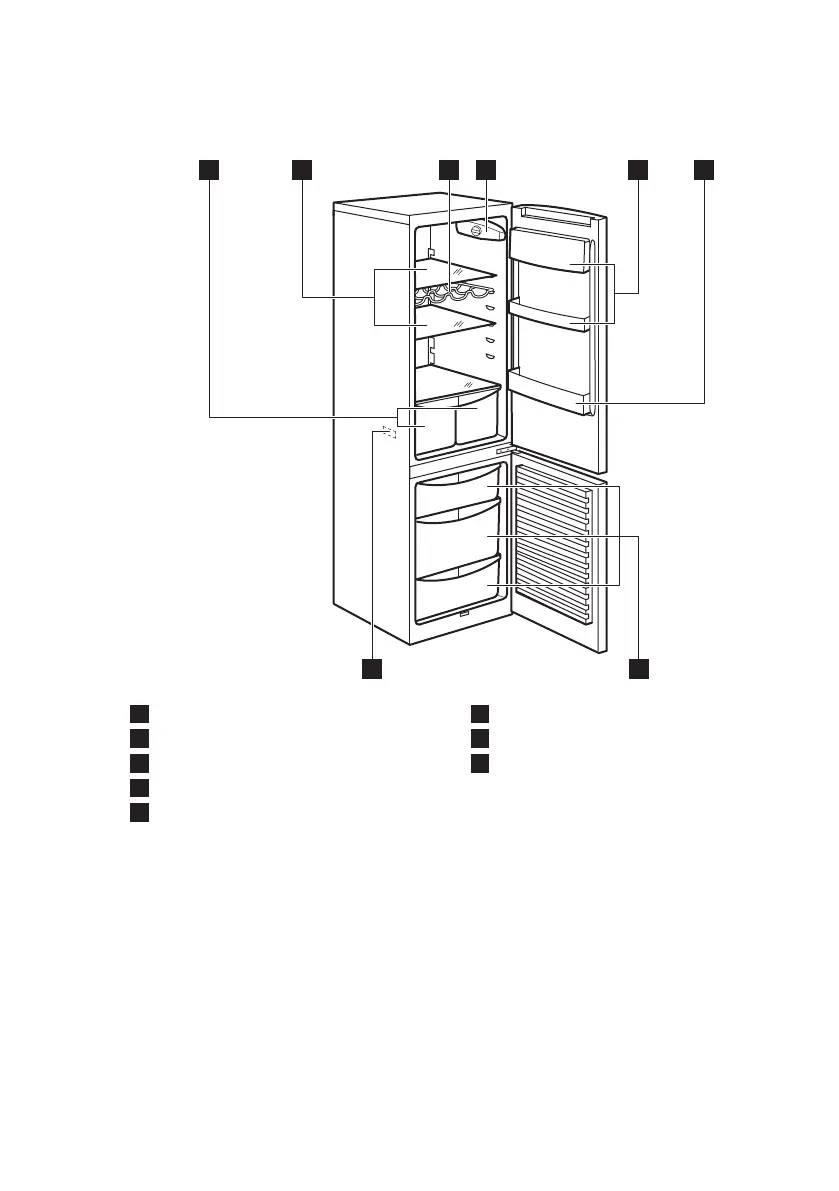
3.1 Product overview
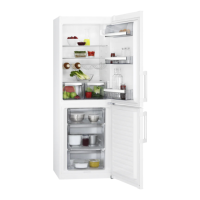
1
Vegetable drawers
2
Cabinet shelves
3
Bottle rack
4
Control panel
5
Door shelves
6
Bottle shelf
7
Freezer drawers
8
Rating plate
4. OPERATION
4.1 Switching on
Insert the electrical plug into a wall socket.
Turn the temperature regulator clockwise
to a medium setting.
4.2 Switching off
To turn off the appliance, turn the
temperature regulator to the "O" position.
4.3 Temperature regulation
The temperature is automatically
regulated.
To operate the appliance, proceed as
follows:
• turn the Temperature regulator towards
lower settings to obtain the minimum
coldness.
ENGLISH
63



 To Next Page