14
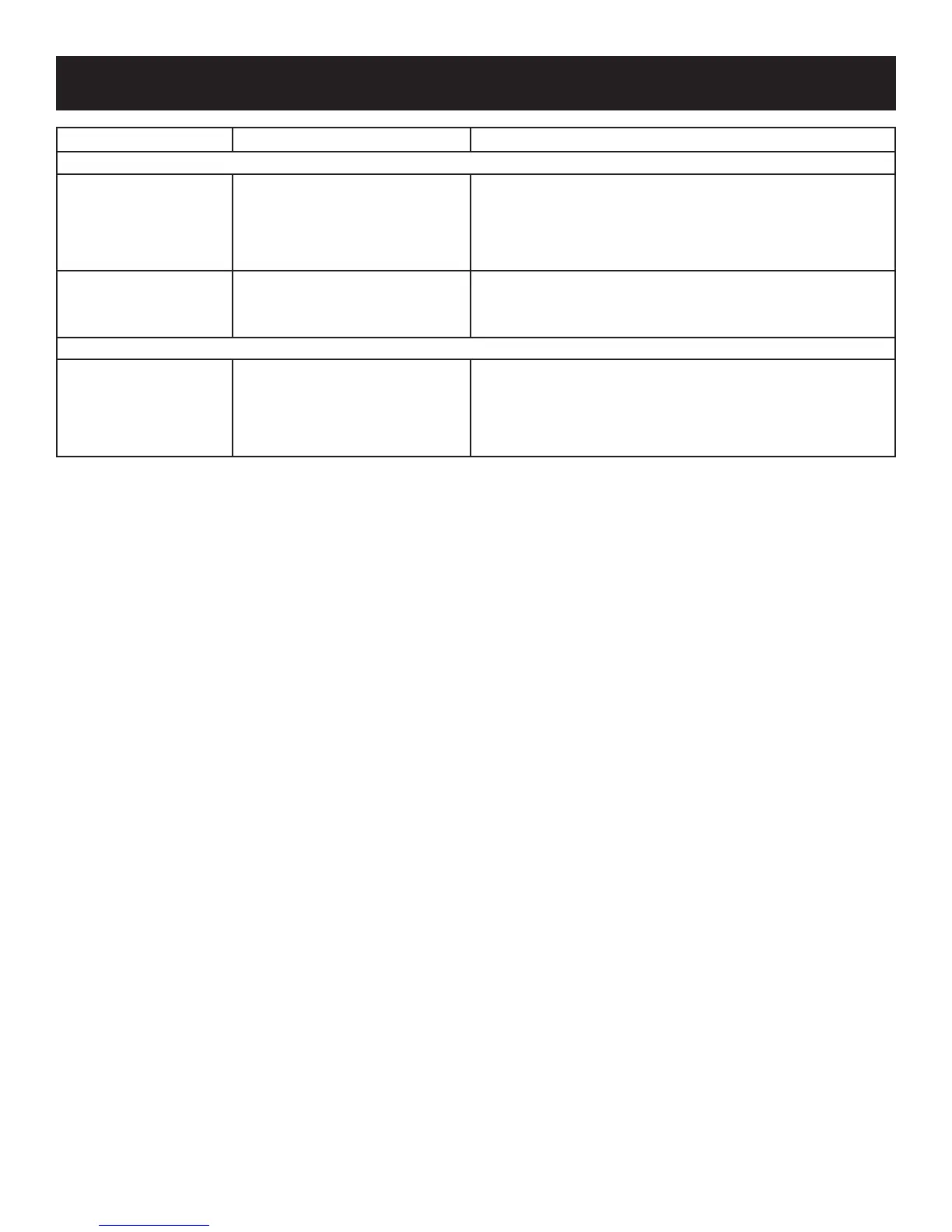
SOLUTIONS TO COMMON PROBLEMS
PROBLEM CAUSE CORRECTION
OPENING/CLOSING OF DOORS/DRAWERS
Door(s) will not close.
Doorwasclosedtoohard,causing•
otherdoortoopenslightly.
Refrigeratorisnotlevel.Itrockson•
theoorwhenmovedslightly.
Refrigeratoristouchingawallor•
cabinet.
Closebothdoorsgently.•
Ensureoorislevelandsolid,andcanadequatelysupporttherefrig-•
erator.Contactacarpentertocorrectasaggingorslopingoor.
Ensureoorislevelandsolid,andcanadequatelysupporttherefrig-•
erator.Contactacarpentertocorrectasaggingorslopingoor.
Drawers are difficult to
move.
Foodistouchingshelfontopof•
drawer.
Trackthatdrawersslideonisdirty.•
Keeplessfoodindrawer.•
Cleandrawer,rollers,andtrack.See• Care & Cleaning Chart in Care
& Cleaning section.
LIGHT BULB IS NOT ON
Light bulb is not on.
Lightbulbisburnedout.•
Noelectriccurrentisreaching•
refrigerator.
Controlsystemhasdisabledlights•
because one or both doors were
leftopentoolong.
See• REPLACING LIGHT BULBS in Care & Cleaning section.
See• PROBLEM column RUNNING OF REFRIGERATOR.
Closeandreopendoor(s)toenablelights.•



 To Next Page