EasyManua.ls Logo

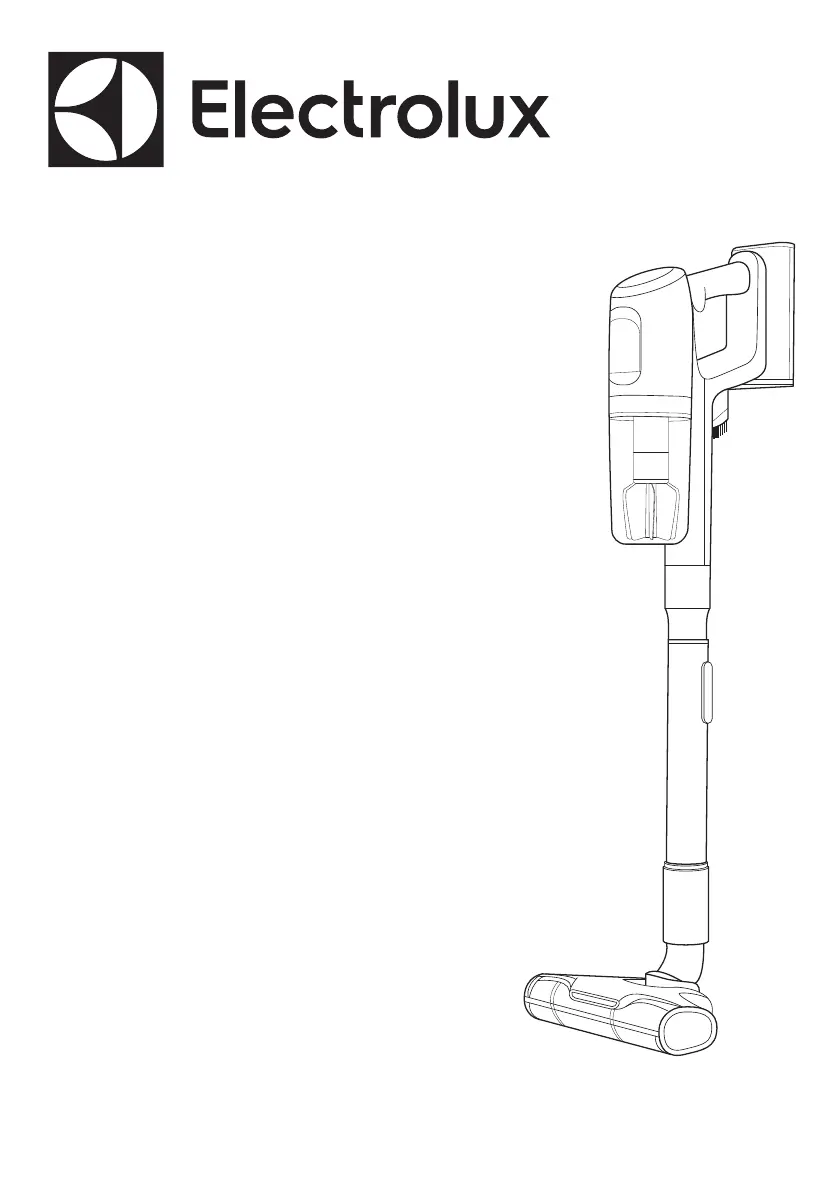
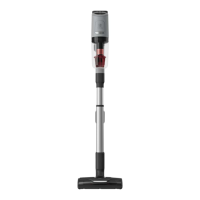
Electrolux Ultimate800 - User Manual

Electrolux Ultimate800
24 pages
Go to English
Print Icon
To Next Page IconTo Next Page
Loading...
Ultimate800™
Instruction book
Mode d’emploi
Manual de insctrucciones
EHVS85S3AU
EHVS85P3AG
EHVS85H3AD
EHVS85W3AM

Questions and Answers

  • C
    Christopher LinAug 3, 2025
    What to do if the filter icon appears on my Electrolux Vacuum Cleaner?
    • F
      flowerscynthiaAug 3, 2025
      If the filter icon appears on the hand unit display of your Electrolux Vacuum Cleaner, it indicates that the filters need cleaning. Clean the filters according to the instruction manual, then press the ON/OFF button for 3 seconds to make the filter icon disappear. The product may also be overheated in motor or battery pack, so let the product rest and cool down.
  • D
    Daniel LongAug 7, 2025
    How to restart brush roll on Electrolux Ultimate800?
    • M
      Michael TorresAug 7, 2025
      If the brush roll on your Electrolux Vacuum Cleaner doesn't rotate, it may be in protection mode. This can happen if the user detaches the previous nozzle and changes to another nozzle while the vacuum cleaner is still on. To resolve this, turn off the cleaner and restart it by pressing the "ON" button to activate the brush roll spinning.
  • J
    Julie ClarkAug 12, 2025
    What to do if Brush Roll Clean (BRC) doesn't work on Electrolux Ultimate800?
    • J
      Joseph MccartyAug 13, 2025
      If the Brush Roll Clean (BRC) function on your Electrolux Vacuum Cleaner isn't working, it may have been used for longer than 30 seconds, triggering a protection mode. Wait for the machine to cool down for 5 minutes, or charge the appliance for 5 minutes, before restarting the machine. After this, the BRC function should work again.
  • W
    wliuAug 17, 2025
    Why is my Electrolux Ultimate800 Vacuum Cleaner losing performance?
    • M
      morgansamanthaAug 17, 2025
      Loss of performance in your Electrolux Vacuum Cleaner can occur for several reasons. The nozzle might not be picking up dust or dirt effectively because the wrong nozzle is in use for the floor type. Also, the nozzle brush or fluffy roll could be blocked with hair and dirt. The telescopic tube or nozzle neck might be clogged. Finally, the dust bin might be full, or the filters could be clogged or dirty. Empty the dust bin and wash the filters as described in the instruction manual. Ensure you are using the correct nozzle for your floor type: use a bristle nozzle or fluffy nozzle for hard floors, and a bristle nozzle for carpets.
  • W
    whitejonathanAug 23, 2025
    What to do if water was sucked into Electrolux Ultimate800 Vacuum Cleaner?
    • Y
      youngjimAug 23, 2025
      If water or liquid has been sucked into your Electrolux Vacuum Cleaner, stop the product and let it dry for 48 hours. Do not put the product in the charging stand! If the product still doesn't work, contact an authorized Electrolux service center. Note that damage to the motor caused by water or liquids is not covered by the warranty.
  • M
    michaelhammondOct 28, 2025
    How to fix Electrolux Vacuum Cleaner when it is not charging?
    • Z
      zwalkerOct 28, 2025
      If your Electrolux Vacuum Cleaner isn't charging, several factors could be the cause. First, ensure the product is correctly placed in the charging stand with the telescopic tube in the shortest position, and that the contact plates on the back of the vacuum cleaner are touching the contact plates on the charging stand. Check that the charger plug is properly connected to the charging stand socket and the charging adapter is plugged into the wall socket. Charging may also be affected by temperature; it will not occur if the room temperature is below 41 ºF or over 95 ºF to protect the battery and electronics. Store and charge the product indoors at a room temperature between 41-95 ºF. If the hand unit display is dark after being fully charged, take the cleaner out of the charging stand and ...

Summary

Important Safeguards

Operating and Storage Temperature Limits

Product Assembly and Charging

Accessory Guide

Dust Bin and Filter Maintenance

PowerPro Hard Floor Nozzle Maintenance

PowerPro Bristle Nozzle Maintenance

PetPro+ and Bed Nozzle Maintenance

Troubleshooting

Product Stops or Doesnt Start

Resolving issues when the vacuum cleaner stops or fails to start.

Loss of Performance

Addressing problems related to reduced suction or cleaning efficiency.

Brush Roll Rotation Issues

Troubleshooting when the vacuum cleaner's brush roll does not spin.

Brush Roll Clean (BRC) Malfunction

Resolving issues with the Brush Roll Clean feature.

Charging and Display Errors

Troubleshooting no charging indication or display problems on the hand unit.

Filter Indicator Alert

Addressing the filter indicator appearing on the hand unit display.

Warning Triangle Indicator

Troubleshooting the warning triangle icon on the hand unit.

Limited Warranty

Warranty Exclusions

List of conditions and items not covered by the limited warranty.

Disclaimer of Implied Warranties and Limitation of Remedies

Legal disclaimer regarding implied warranties and limitations on remedies.

How to Obtain Service

Instructions on how to get warranty service for the appliance.

Order Genuine Accessories and Replacement Parts

Electrolux Ultimate800 Specifications

General IconGeneral
ModelUltimate 800
TypeCordless
Battery TypeLithium-ion
CategoryStick Vacuum Cleaner
AccessoriesCrevice tool

Related product manuals