Service
Manual
12. Troubleshooting
12
23
438 9152-31/06
05.03
19E
Communication between CALCAD 4400 and
the programme unit card A1 has been
interrupted.
If the power is on, be very careful when
working on the machine.
Try to restart the machine (i.e. reset the error
code) by pressing the Start button quickly.
If the error returns, troubleshoot as follows:
1. Is the machine connected to CALCAD 4400?
Yes No
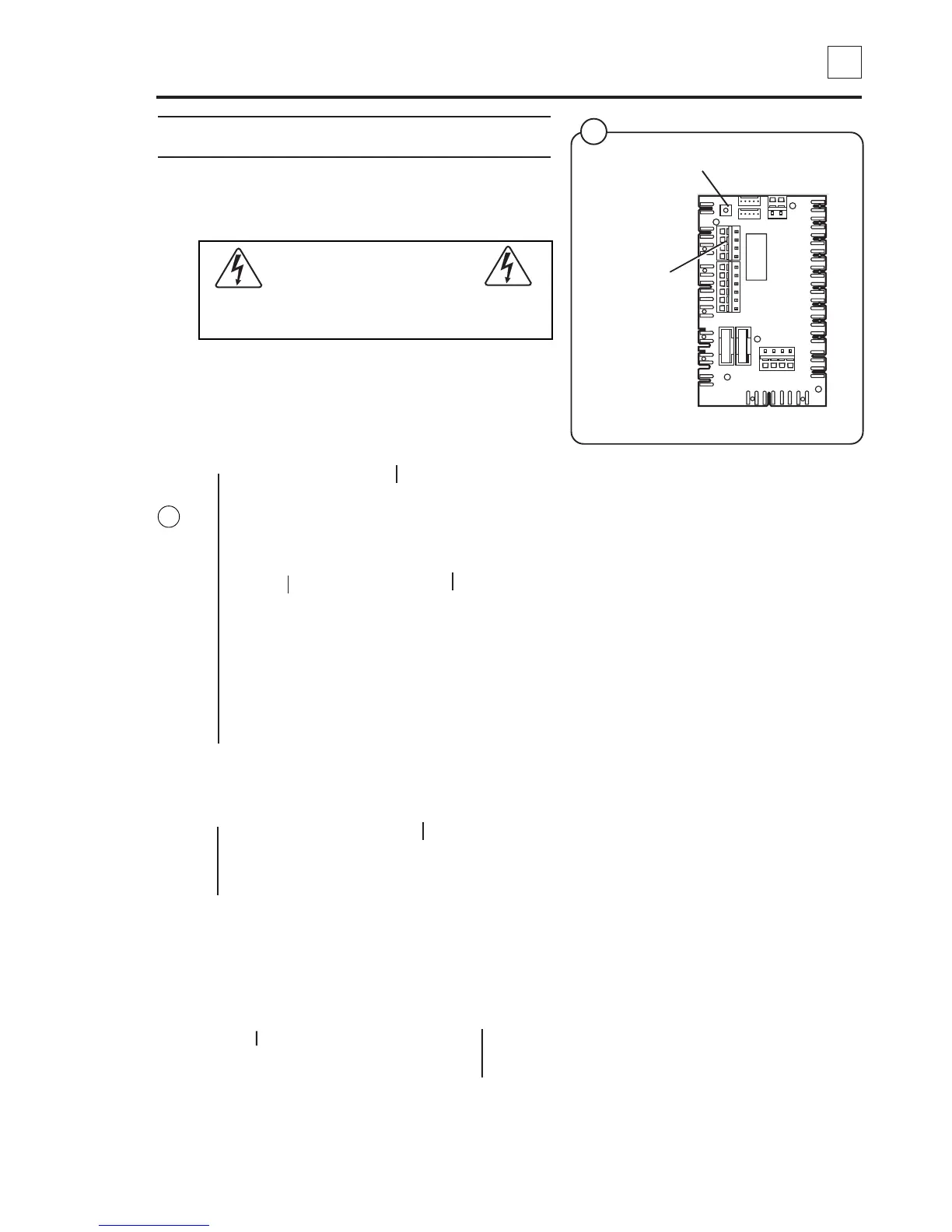
2. Enter the service programme (code 96). Short-
circuit card switches X70:3 - 4 on the
communication card A21 and read the displayed
value.
0 is displayed 1 is displayed
Replace the programme Press the On/Off button
unit card A1. while the short-circuit
above is maintained so
that 0 is displayed. Exit
the service programme
and remove the short-
circuit. Start the
machine.
3. Verify that CALCAD operates and that the network
cabling has been correctly connected to the
communication card.
OK Not OK
Troubleshoot CALCAD according to the
instructions in the CALCAD manual.
4. Inspect the RS232 interface cabling between the
programme unit card and the CALCAD equipment.
Measure the resistance (
Ω) of the four coloured leads
and verify that the connection is OK. Also measure the
connections to be sure there is no short-circuit between
any two leads.
Cabling OK Cabling defective
Troubleshoot CALCAD according to
the instructions in the CALCAD
manual. Inspect the cabling
and replace if
necessary.
27
Fig.
27
5182
X70:3 - 4
Service programme switch



 To Next Page