4. PRODUCT DESCRIPTION
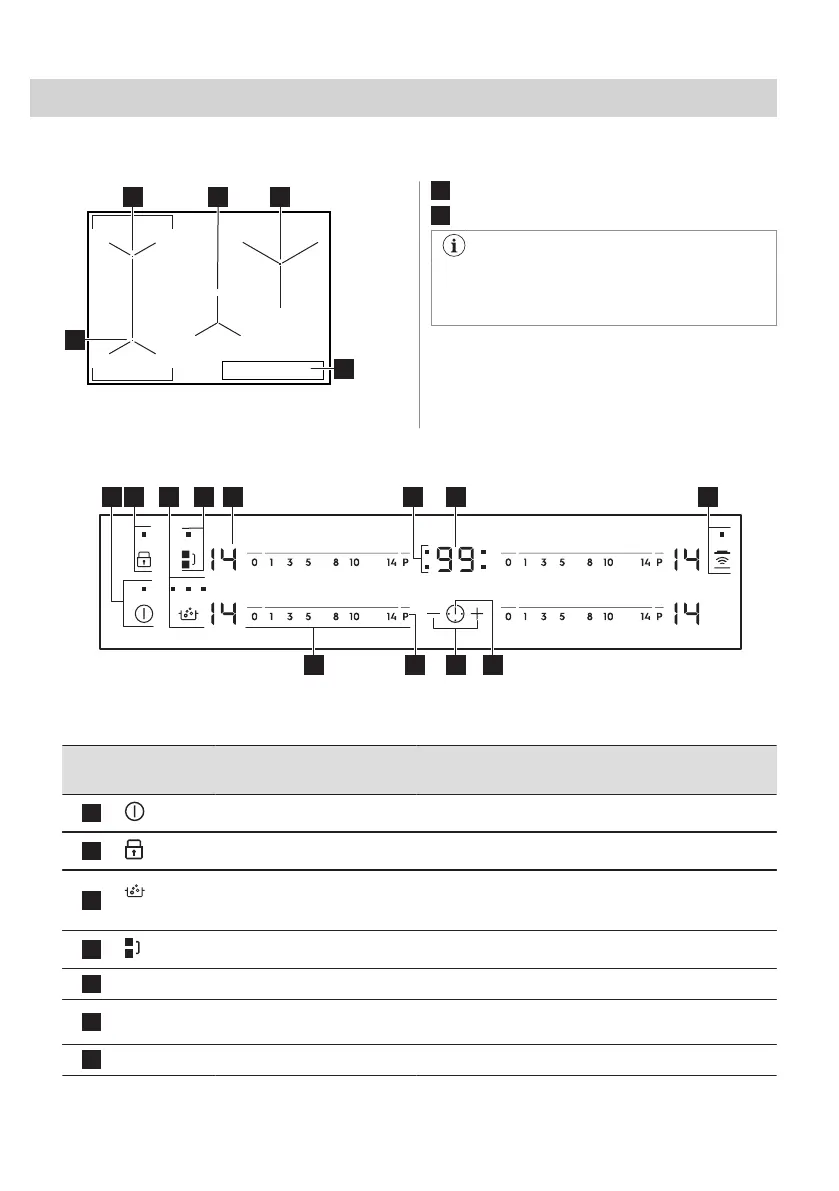
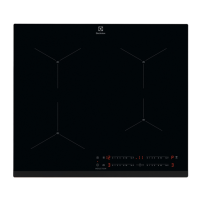
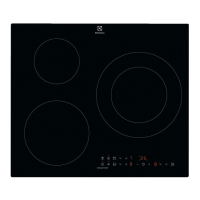
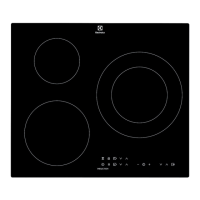
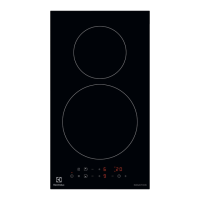
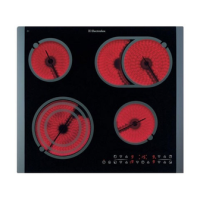
4.1 Cooking surface layout
1
Induction cooking zone
2
Control panel
For detailed information on the sizes of
the cooking zones refer to "Technical
data".
4.2 Control panel layout
Use the sensor fields to operate the appliance. The displays, indicators and sounds tell which
functions operate.
Sensor
field
Function Comment
1
On / Off To activate and deactivate the hob.
2
Lock / Child Safety Device To lock / unlock the control panel.
3
SenseBoil® To activate and deactivate the function.
The indicators above the symbol show the progress of
the function.
4
Bridge To activate and deactivate the function.
5
- Heat setting display To show the heat setting.
6
- Timer indicators of cooking
zones
To show for which zone you set the time.
7
- Timer display To show the time in minutes.
76 ENGLISH



 To Next Page