11
Command Control Panel Procedure
Keyfob
Procedure
Access
menu
mode
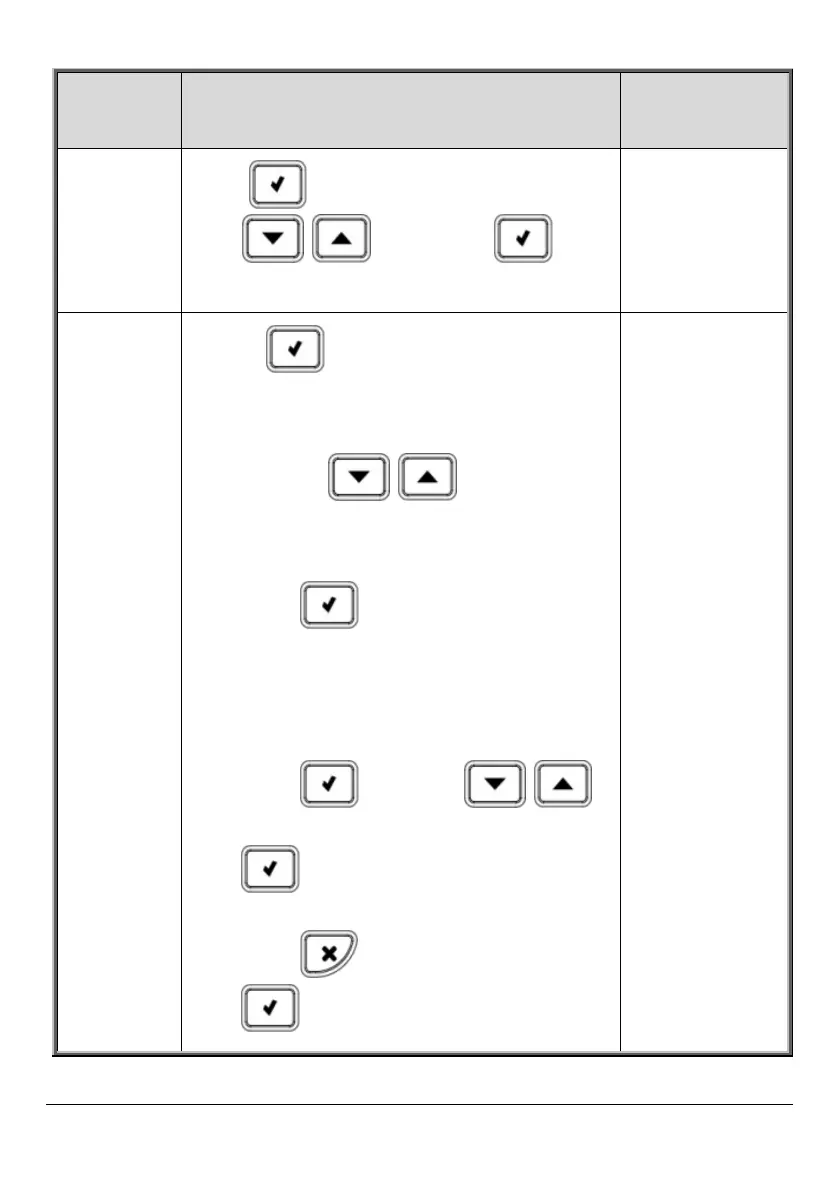
Press and then enter code. Scroll
with , then press to
confirm.
N/A
Bypass /
unbypass
zones
1. Press and enter master code
(default is 1234).
2. Press 2.
3. Scroll with to select either:
• 2. Unbypass All (to unbypass all
zones that have been bypassed).
Press twice.
-OR-
• Bypass/Unbyp (to select a specific
zone to either bypass or unbypass).
Press , then use
to scroll to the zone, and now press
to toggle between
bypass/unbypass options. Finally,
press to select, followed by
to save the changes.
N/A



 To Next Page