13
Telephone “Telecontrol” Commands
To use Telecontrol commands:
1. Call the phone (regular or cellular) that is connected to the
control panel at the premises:
•
[Regular phone]: Wait for 3 rings and hang up. Then wait
at least 5 seconds and dial the number again – after the
second ring the system answers and 2 tones are sounded.
•
[Cell phone]: Wait until the system answers and 2 tones
are sounded.
2. Within 15 seconds, enter 29 (Telecontrol code), and after a
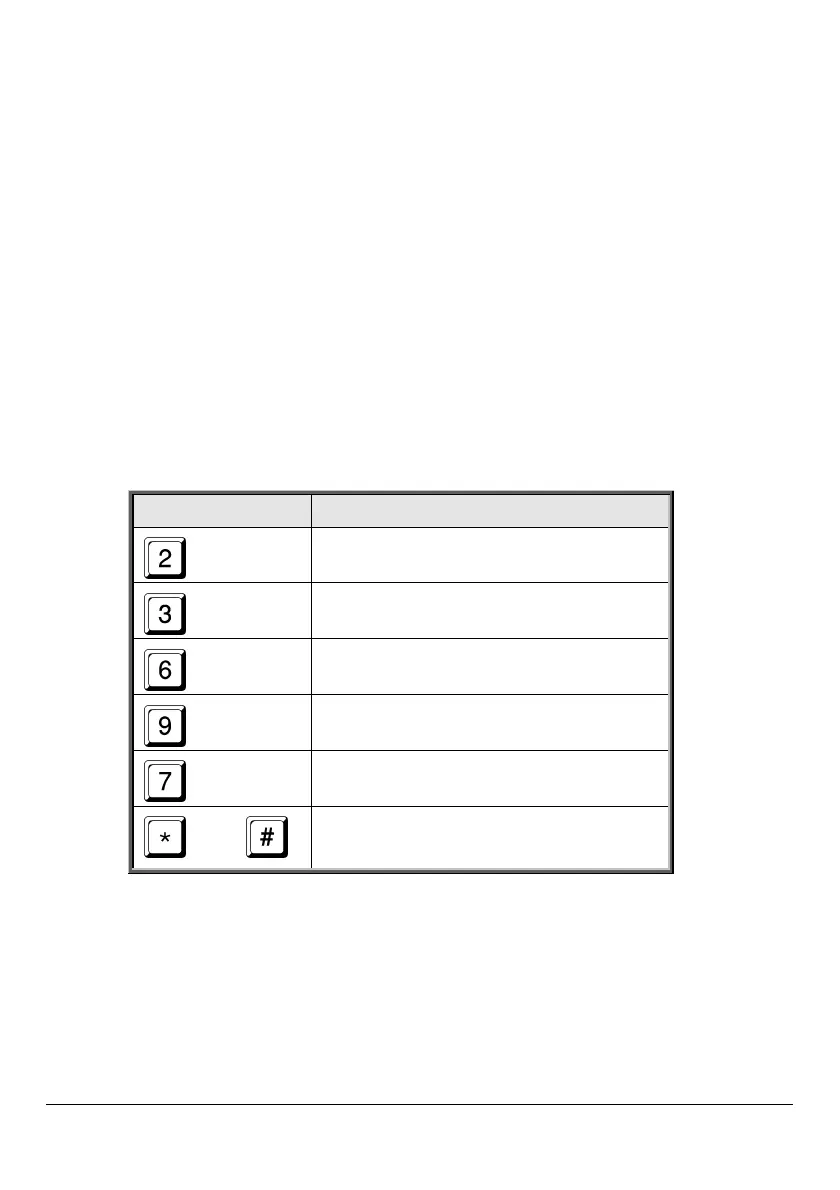
tone sounds, select the operation you wish to perform:
Press Function
Enable Two-Way Audio (TWA)
Fully arm system
Disarm system
Cancel sounder
Extend call duration
then
Disconnect call



 To Next Page