3
Registering & Logging into MyELAS – Smartphone App
To register to MyELAS:
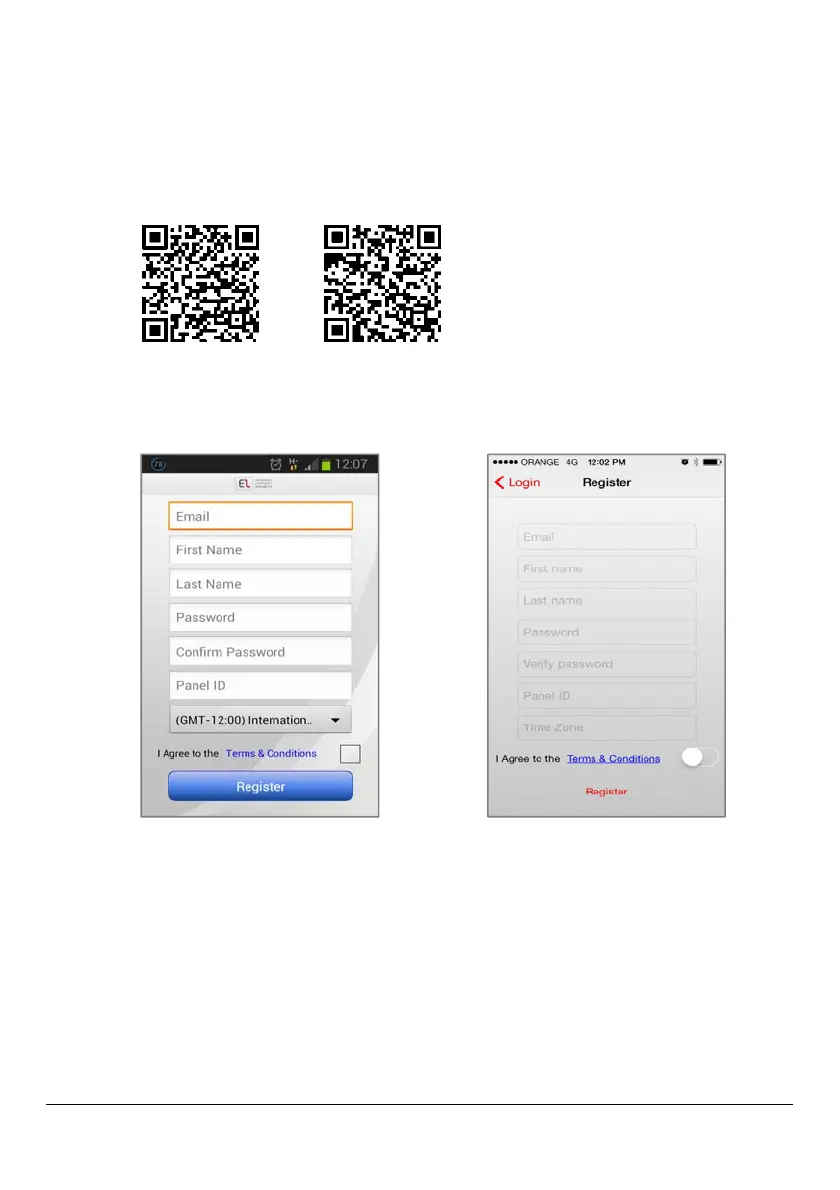
1. Download the Smartphone app:
iOS app Android app
2. On the registration screen fill in all required fields:
Android registration screen iOS registration screen
3. Press Register.
4. Open the e-mail (sent to the e-mail address defined as the
Login name), and then click the link.



 To Next Page