7
Defining Users & Follow-Me Contact
SecuPlace supports up to 32 users, each requiring a unique 4-digit
user code to operate the system.
NOTE: Controlled codes communicate your system commands to
the alarm receiving centre, whereas non-controlled codes do not.
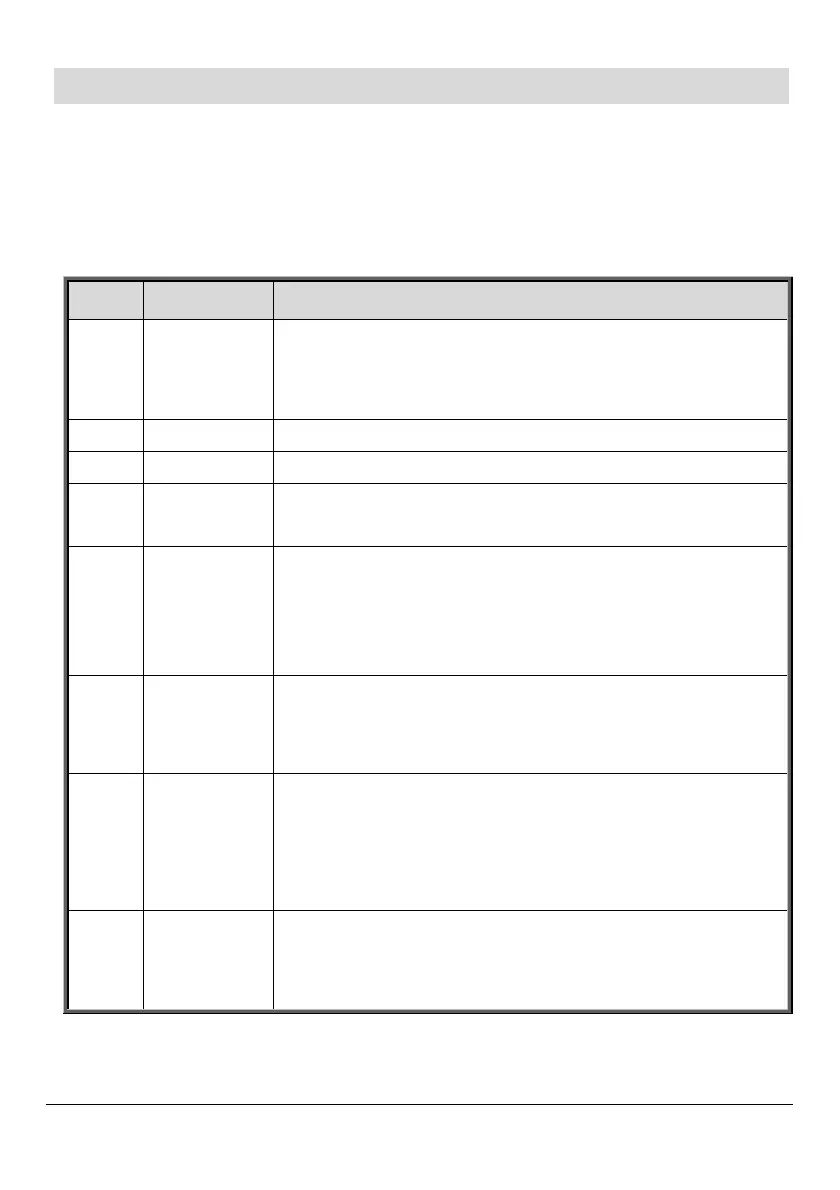
Slot(s) Code type Description
1 Master code
[Controlled] For master user. Default is 1234.
NOTE: For security, it is best to change the code
immediately after system setup.
2-19 User codes [Controlled] For system users.
20-25 User codes [Non-controlled] For system users.
26-27
Limited
user codes
[Controlled] For temporary users, valid 24 hours.
28
Duress
code
For all system users, for situations when one is
forced to disarm the system. It sends a “silent”
duress event message to the alarm receiving
centre or to a pre-defined user.
29
Telecontrol
code
For remote system operations and two-way
audio (TWA) communication to the control
panel via telephone.
30
Alarm
Receiving
Centre /
TWA code
For alarm receiving centre operator. For two-way
audio (TWA) communication with control panel
for up to 10 minutes after an alarm activation.
32
Engineer
code
For the engineer only. Default code is 1111.
NOTE: For security, it is recommended to change
the code immediately after system installation.



 To Next Page