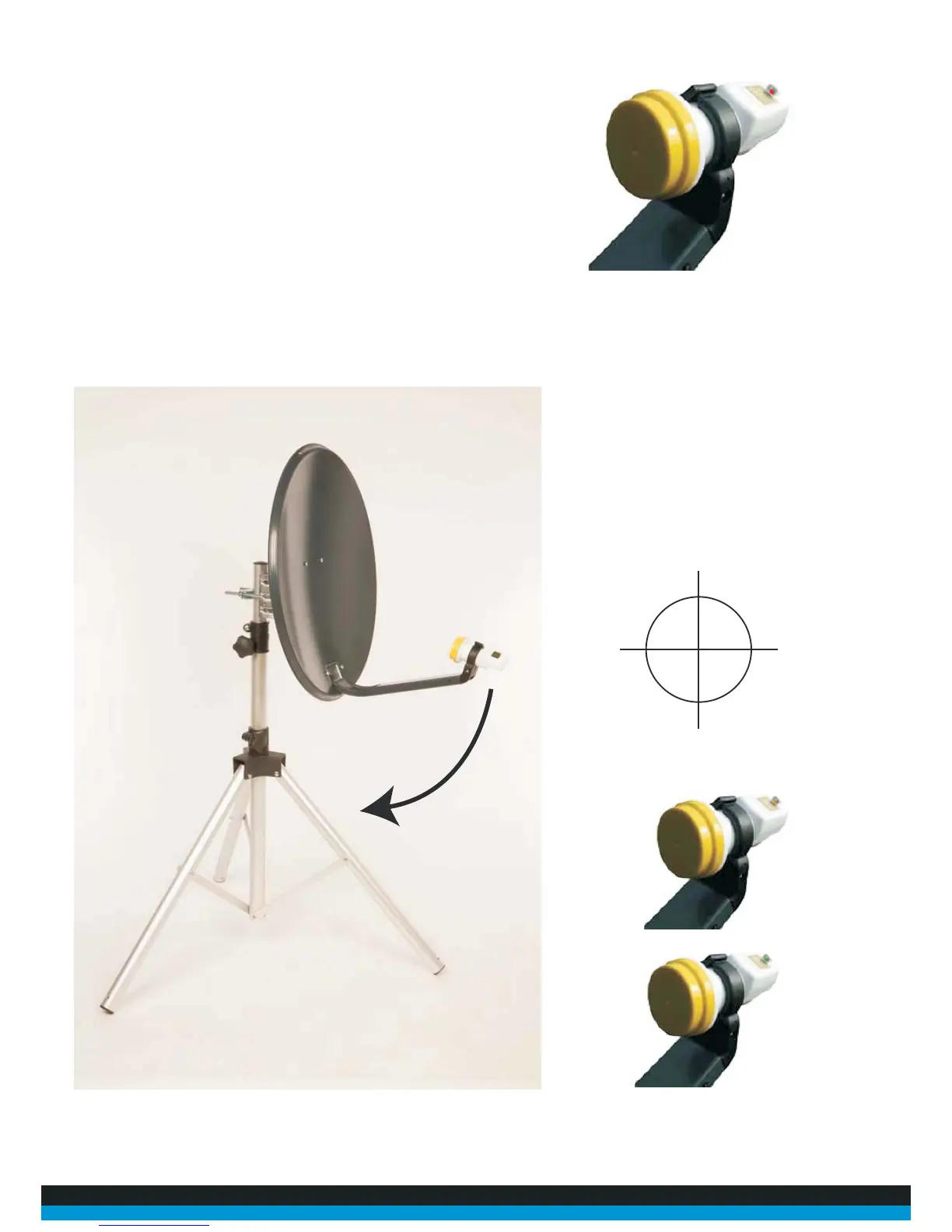
18. By pushing info you should have activated the “Easy-Find” LNB and by now the LED in
the housing on top of the LNB should be illuminated RED.
19. Now starting with the dish facing East move the dish slowly to the right at South east the LED
should change colour. Make small movements with the dish left and right and the light should
change from RED to AMBER, now all that is required is very small and slow movements of the dish
to change the light to GREEN.
E
S
N
W



 To Next Page