7
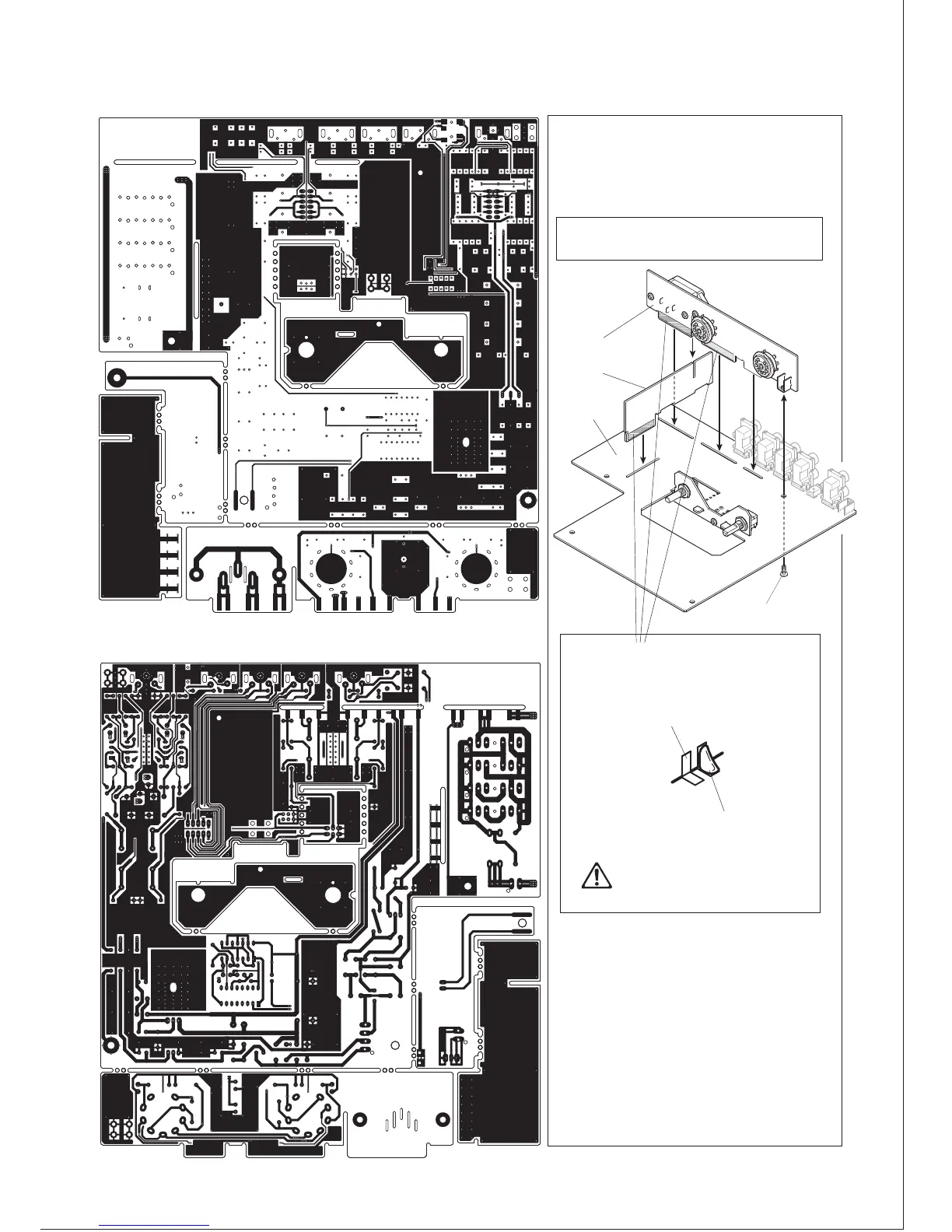
● UNIT-2 and 3 installation to UNIT-1
UNIT-2
UNIT-1
UNIT-3
Binding screw small
After checking the parts setting and
soldering condition on Page 6, install
UNIT-2 and UNIT-3 to UNIT-1.
①Install UNIT-2 and UNIT-3 to UNIT-1 as
shown below.
②Solder these terminals A-S, 19 locations,
of these 3 units.
Before soldering
After soldering
Melt an adequate amount of solder
for a strong joint. If the solder
amount is not enough, the terminals
may not be connected properly.
Now all the parts are soldered.
Let’s go on to the chassis assembly.
●PCB pattern
* Please refer to the diagram below and check the PCB condition.
SIDE-A
SIDE-B
8500-02



 To Next Page