If you then want to remove
Iceweasel
, you can do it with:
sudo apt-get purge iceweasel
The package manager will try to
remove any dependencies that
aren’t used by other packages.
You’ll often see packages with
-dev at
the end of package names. These are
only needed if you’re compiling software.
Usually you can just ignore these.
apt-get is a great tool, but it isn’t as
user-friendly as it could be. There are
a couple of graphical tools that make
package management a bit easier. The
first we’ll look at is
Synaptic
. This isn’t
installed by default on Raspbian, so you’ll
have to get it using apt-get with:
sudo apt-get synaptic
This works with packages in the
same way as apt-get, but with a
graphical interface. Once the package
is installed, you can start it with:
--where is synaptic
See below for more information.
The second graphical tool is the Raspberry
Pi App store. Unlike
apt-get and
Synaptic
, this deals with commercial
software as well as free software, so
you have to pay to install some things.
It comes by default on Raspbian, and
you can get it by clicking on the icon on
desktop. See ‘Raspberry PiStore’ on
the next page for more information.
■
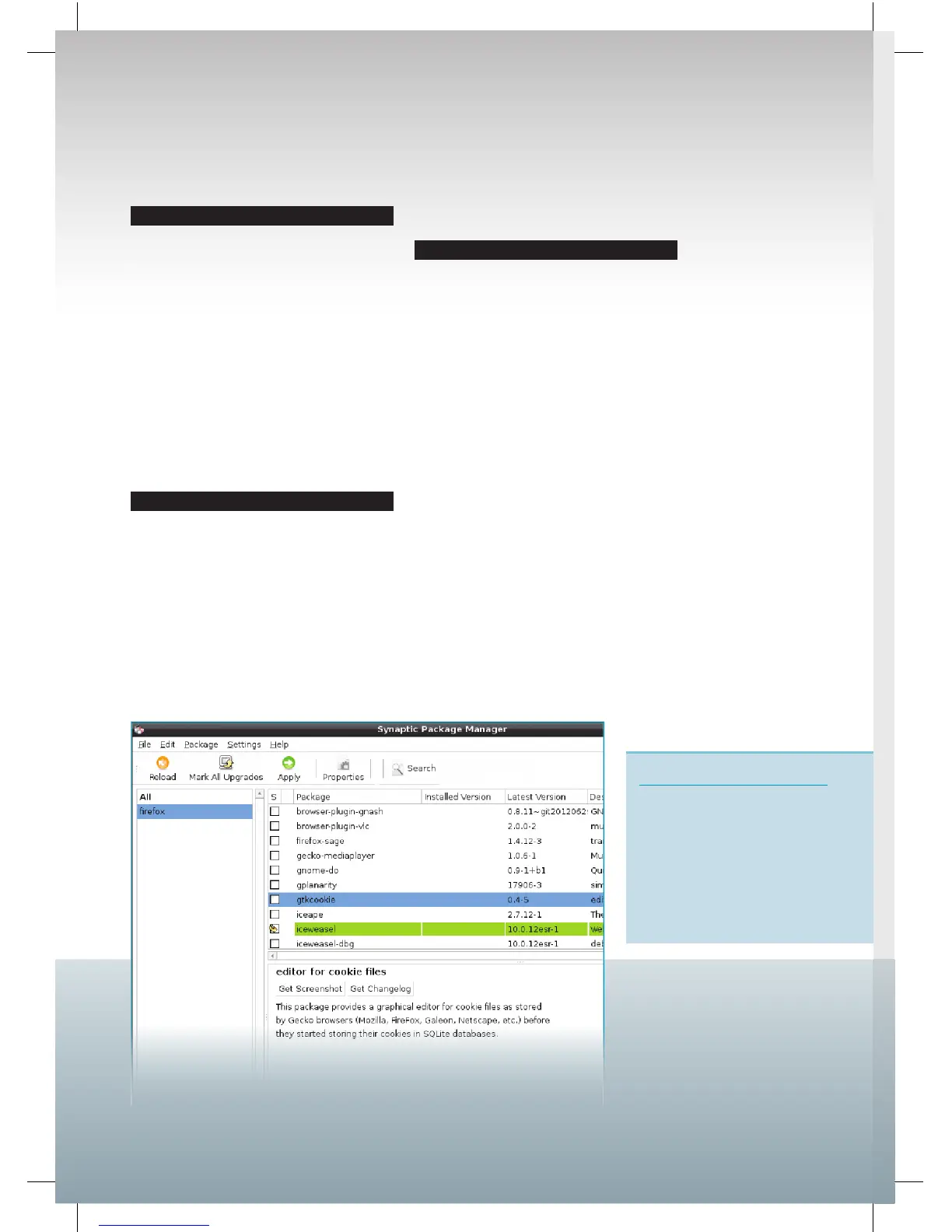
Synaptic
provides a user-friendly
front-end to the apt package
management system.
Synaptic
Synaptic
lets you do everything
you can with the command
line
apt-get, but the graphical
interface is easier to use. We
find it especially useful when
searching, because the window
is easier to look through
than text on the terminal.
18
Raspberry Pi User Guide.indd 18 08/07/2014 14:44


 To Next Page