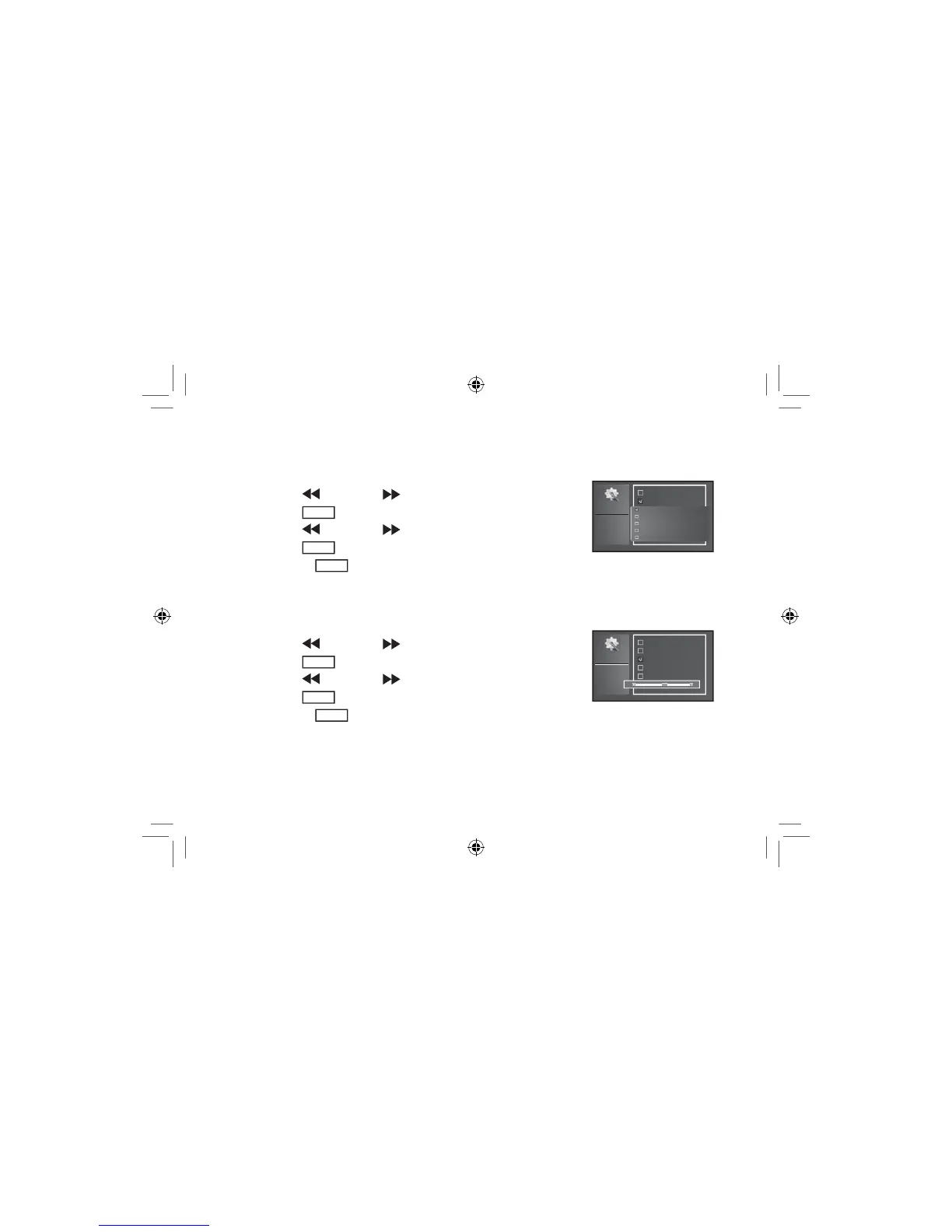
Setting Effect:
Interval
Effect
Brightness
Language
Set time
Default
2008-07-03
19:41
Random
Wipe up
Wipe down
Wipe right
Wipe left
1. Press the button or the button to select “EFFECT”.
2. Press the
ENTER
button to enter.
3. Press the
button or the button to select the desired setting.
4. Press the
ENTER
EXWWRQWRFRQ¿UPDQGVDYH\RXUFKRLFH
5. Or press the
MENU
EXWWRQWRH[LWZLWKRXWVDYLQJ
Setting Brightness:
Interval
Effect
Brightness
Language
Set time
Default
2008-07-03
19:41
1. Press the button or the button to select “BRIGHTNESS”.
2. Press the
ENTER
button to enter.
3. Press the
button or the button to select the desired setting.
4. Press the
ENTER
EXWWRQWRFRQ¿UPDQGVDYH\RXUFKRLFH
5. Or press the
MENU
EXWWRQWRH[LWZLWKRXWVDYLQJ
12
A271.indd 12 7/28/08 1:53:53 PM


 To Next Page