Copying Pictures from the SD card
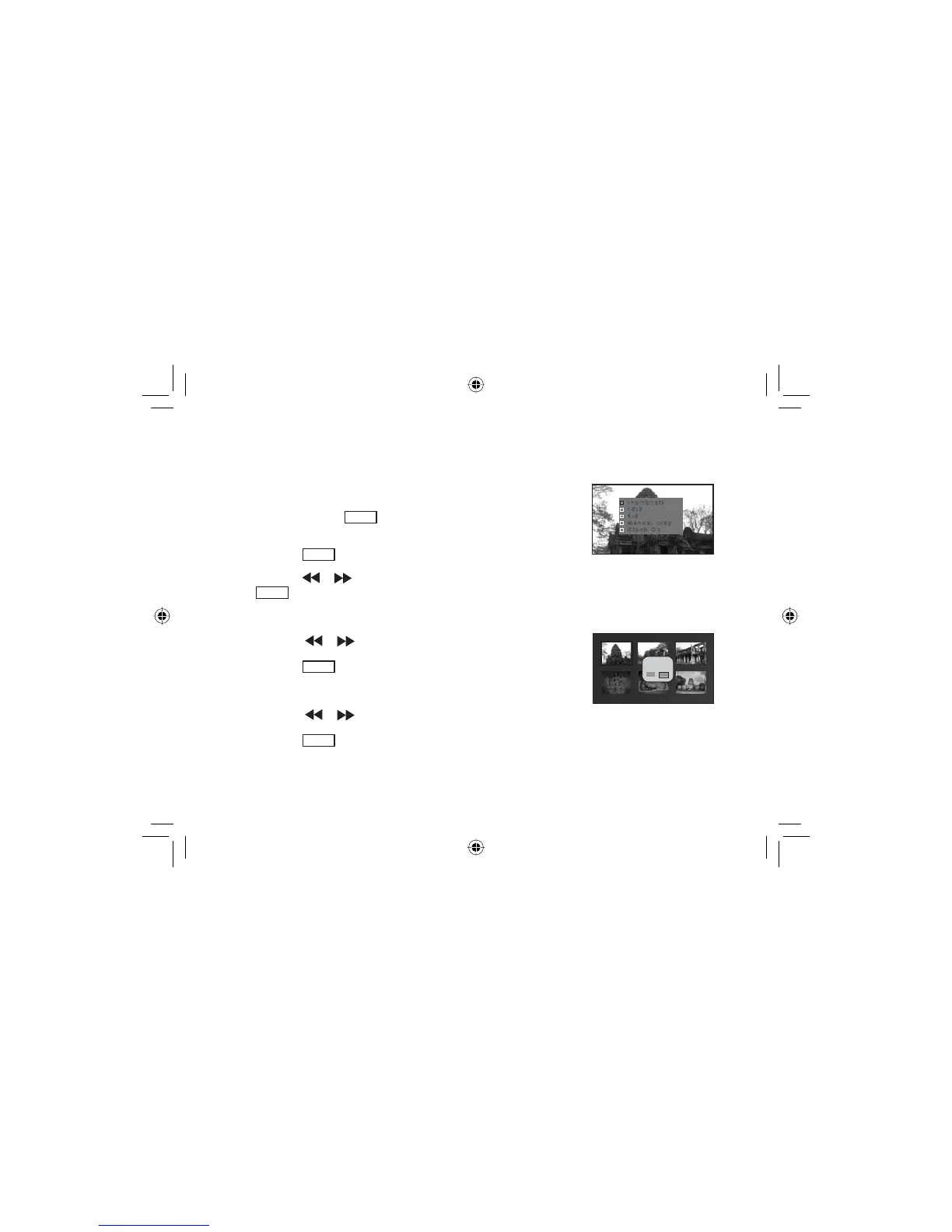
thumbnail
16:9
4:3
manual play
Clock On
1. Insert a SD card into SD card slot.
2. Press and hold the
POWER
button until the DPF power on. System
will enter Slide Show mode automatically.
3. Press the
ENTER
EXWWRQWRHQWHUGLVSOD\DGMXVWPHQWPHQX
4. Press the
or button to select “Thumbnail” and press the
ENTER
EXWWRQWRFRQ¿UP
5. System enters thumbnail display mode.
Copy to...?
yes no
6. Press the or button to select the picture you want to copy.
7. Press the
MENU
button.
8. A pop-up window will appear on LCD screen.
9. Press the or button to select the desired setting.
10. Press the
ENTER
EXWWRQWRFRQ¿UP\RXUFKRLFH
15
A271.indd 15 7/28/08 1:54:20 PM


 To Next Page