22
MENU OPERATION
Analog Sound
Press ▼/▲ button to select the item Preferred Analog Sound, then press ◄/► button to select
the prefer audio when switching to an analog channel. Available Analog Sound: Stereo, Mono,SAP.
Digital Sound
Press ▼/▲ button to select the item Preferred Digital Sound , then press ◄/► button to select
the prefer audio when switching to a digital channel. Available Digital Sound: English, French,
Spanish.
Auto Volume
Press ▼/▲ button to select the item , then press ◄/► button to select ON or OFF. Auto
Volume Level can set the volume automatically adjust corresponding to the input audio.
Auto Volume
Digital Audio Output
Press ▼/▲ button to select the item Digital Audio Output, then press ◄/► button to select the
desired digital audio output. Available digital audio output: PCM,Raw, Off .
MENU
:Return
:Move :Change Setting
EQUALIZER SETTINGS
Mode Off
100
-2
250 500 1K 2K
4K
10K
Equalizer Settings
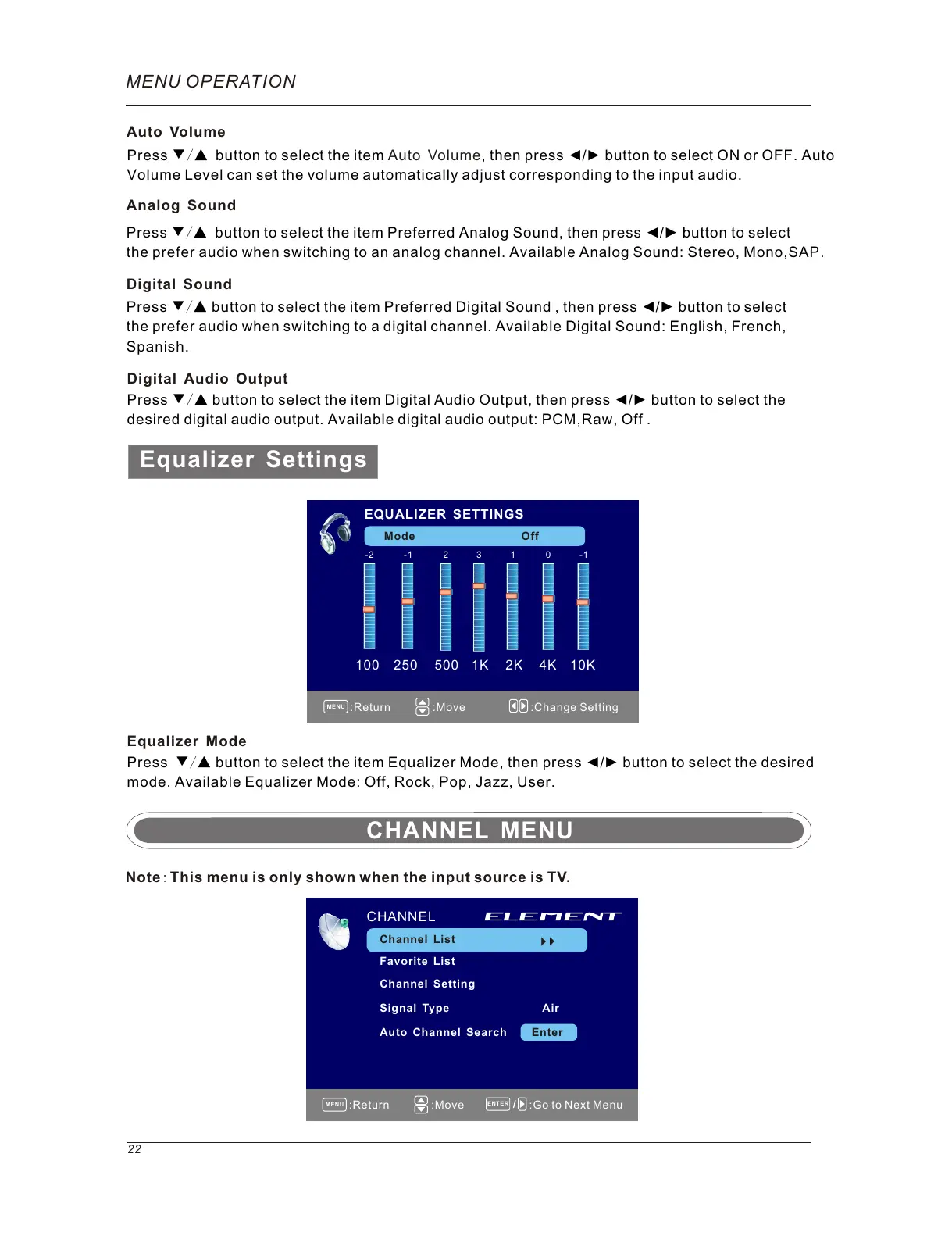
Equalizer Mode
Press ▼/▲ button to select the item Equalizer Mode, then press ◄/► button to select the desired
mode. Available Equalizer Mode: Off, Rock, Pop, Jazz, User.
-1 2 3 1 0 -1
MENU
ENTER
:Return
:Move :Go to Next Menu
Note: This menu is only shown when the input source is TV.
CHANNEL
Channel List
Favorite List
Channel Setting
Signal Type Air
Auto Channel Search Enter
CHANNEL MENU



 To Next Page