EasyManua.ls Logo

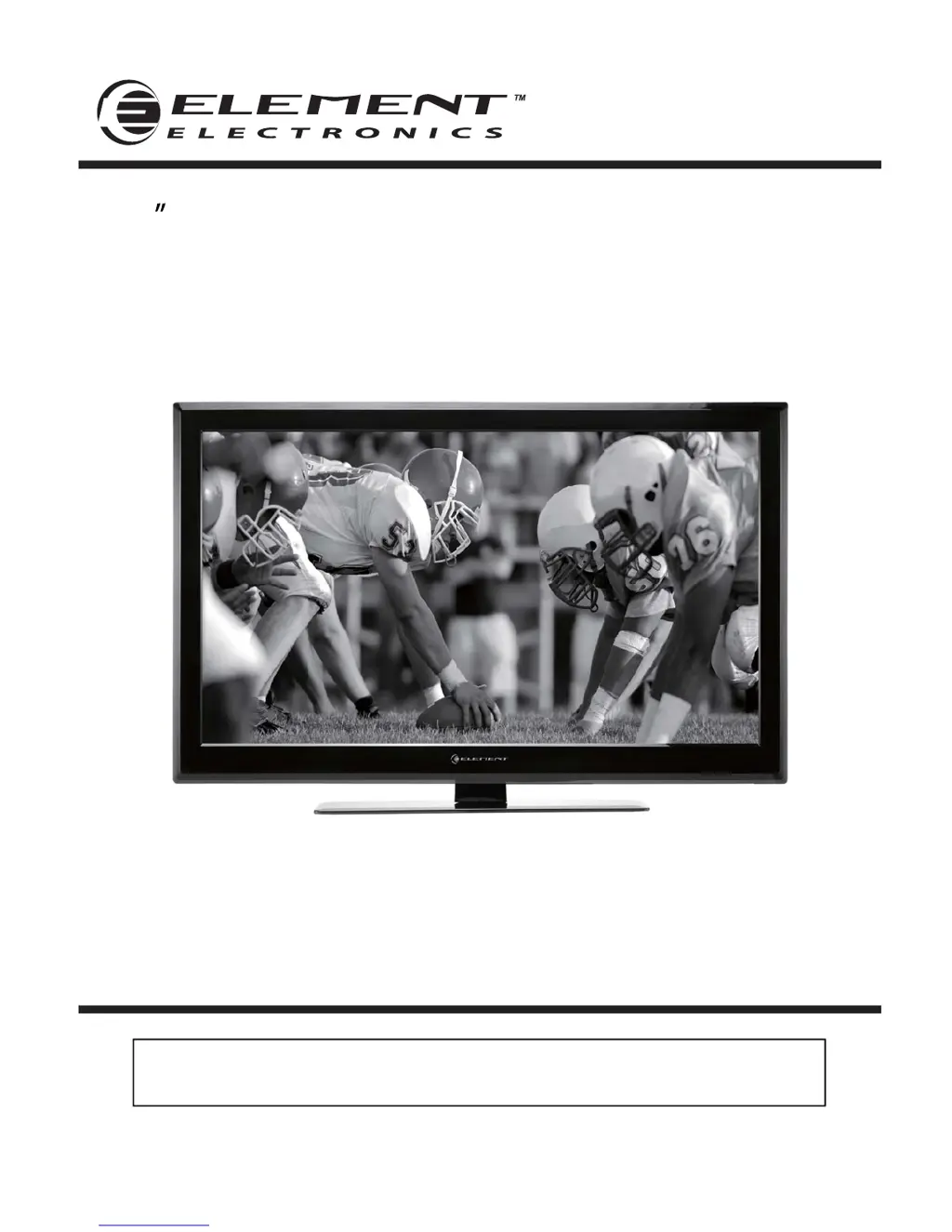
Element ELDFW464 - User Manual

Element ELDFW464
27 pages
Print Icon
To Next Page IconTo Next Page
Loading...
46 Full HD Digital LCD TV
Instruction Manual
Read all of the instructions before using this TV and keep the
manual in a safe place for future reference.
ELDFW464

Questions and Answers

  • V
    Victor MccormickAug 20, 2025
    How to fix poor color or picture on Element ELDFW464 LCD TV?
    • M
      Mercedes WheelerAug 20, 2025
      If your Element LCD TV exhibits poor color or picture quality, start by adjusting the color settings in the Menu option. Ensure there is sufficient distance between the TV and any VCR. Try tuning to another channel to rule out broadcast issues. Verify that the VIDEO cables are properly installed and activate any function to restore the brightness of the picture.
  • G
    Gabriella ParkerAug 22, 2025
    How to fix horizontal/vertical bars or picture shaking on Element ELDFW464 LCD TV?
    • B
      Beth RiceAug 22, 2025
      If your Element LCD TV shows horizontal or vertical bars, or the picture shakes, check for local interference from electrical appliances or power tools.
  • U
    ucarterAug 25, 2025
    How to fix lines or streaks in pictures on Element LCD TV?
    • J
      Jennifer MooreAug 25, 2025
      If your Element LCD TV displays lines or streaks in the picture, check the antenna and try changing its direction.
  • M
    Michael CaldwellAug 26, 2025
    How to fix vertical bar or stripe on background, horizontal noise and incorrect position on Element ELDFW464?
    • B
      Barbara WilliamsAug 26, 2025
      To fix a vertical bar or stripe on the background, horizontal noise, and an incorrect position on your Element LCD TV, set the auto configure or adjust clock, phase, or H/V position.
  • A
    Alex RayAug 27, 2025
    Why is there no sound on my Element LCD TV?
    • F
      Francisco WhiteAug 27, 2025
      To address the issue of no sound on your Element LCD TV, first, ensure that the sound is not muted. If it isn't, verify the volume settings to ensure they are appropriately adjusted. Also, if you're using external leads, double-check that all connections are correctly and securely connected.
  • S
    Stephanie HallAug 29, 2025
    What to do if the Element LCD TV remote control does not work?
    • R
      Robin YoungAug 30, 2025
      If your Element LCD TV remote control isn't working, begin by checking for any obstructions between the remote and the TV. Then, verify that the batteries are correctly installed, paying attention to the polarity (+/-). Ensure that the remote is set to the correct operating mode (TV). If these steps don't resolve the issue, try installing new batteries.
  • C
    Carly BrownAug 31, 2025
    Why does my Element ELDFW464 LCD TV show a blue screen?
    • E
      Erin HunterAug 31, 2025
      If your Element LCD TV shows a blue screen, it might be due to no signal or an incorrect source being selected. Try pressing the SOURCE button on your remote to select the correct input source.
  • M
    Mark GoodwinSep 2, 2025
    Why does my Element LCD TV have picture but no sound?
    • A
      Andrew ChristianSep 2, 2025
      If your Element LCD TV has a normal picture but no sound, first check the volume level. If the volume is not muted, press the MUTE button to be sure. You may also want to try another channel as the problem might be with the broadcast. Finally, ensure that the audio cables are properly installed.
  • S
    steinkarenSep 4, 2025
    Why does the picture appear slowly after switching on my Element ELDFW464 LCD TV?
    • J
      John DukeSep 4, 2025
      If your Element LCD TV picture appears slowly after switching it on, note that this is normal. The image is muted during the product start up process. Please contact a service provider if the picture has not appeared after 5 minutes.
  • A
    Amber CantrellSep 6, 2025
    Why does my Element LCD TV power suddenly turns off?
    • L
      Leslie WatsonSep 6, 2025
      If your Element LCD TV's power suddenly turns off, check if the sleep timer is set. Also, review the power control settings and check the power may be interrupted. Finally, ensure there is a broadcast on the tuned station.

Summary

Important Safety Instructions

Electrical safety

Safety guidelines related to electrical connections, voltage, and grounding.

Physical safety

Safety precautions for handling the TV, including ventilation, cleaning, and placement.

Caution

Getting Started

Rear View and Wall Mounting

Connecting to External Devices

Remote Control Key Functions

USB Multimedia Operation

Operating Your Television

Navigating the Onscreen Display

Selecting Input Source

Picture Menu Options

Audio Menu Options

Setup Menu Options

Lock Menu Options

Parental Control

Channel Menu Options

Troubleshooting

Power and Display Issues

Addresses no power, LED status, blue screens, and remote control malfunctions.

VGA Mode Specific Troubleshooting

Element ELDFW464 Specifications

General IconGeneral
Screen Size46 inches
Display TypeLCD
HDMI Ports3
USB Ports1
Refresh Rate60 Hz
Aspect Ratio16:9
Built-in TunerATSC/NTSC
Resolution1920 x 1080

Related product manuals