EasyManua.ls Logo

Element ELDFT421 - User Manual

Element ELDFT421
27 pages
Print Icon
To Next Page IconTo Next Page
Loading...
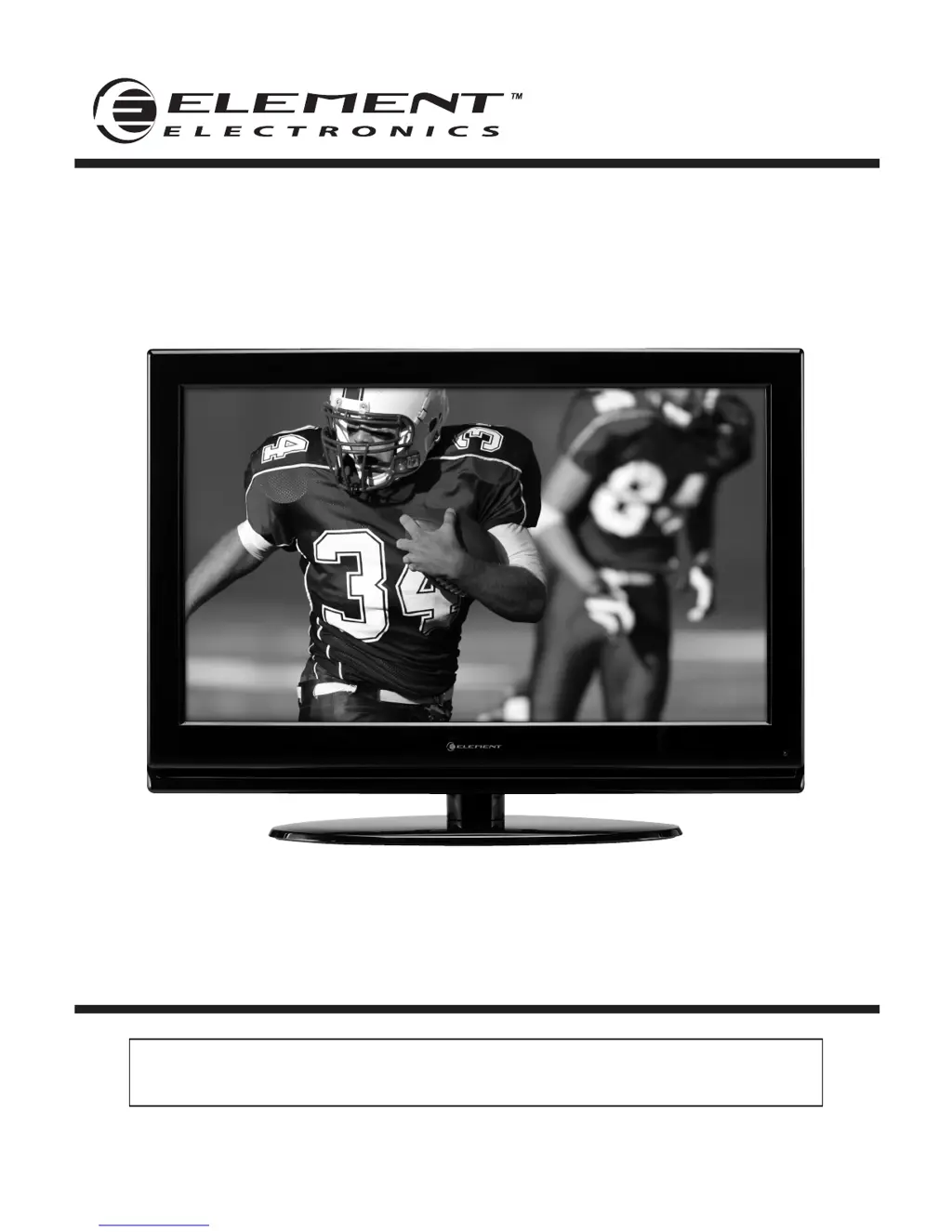
42” Full HD Digital LCD TV
Instruction Manual
Read all of the instructions before using this TV and keep the
manual in a safe place for future reference.
ELDFT421

Questions and Answers

  • P
    pcombsAug 20, 2025
    Why is there no sound on my Element ELDFT421?
    • B
      Benjamin AndersonAug 20, 2025
      If there's no sound on your Element LCD TV, first ensure that the sound isn't muted. Then, check the volume settings to make sure they aren't set too low. If you are using external leads, verify that they are properly connected.
  • A
    Alyssa BakerAug 22, 2025
    What to do if my Element ELDFT421 LCD TV has no sound and picture?
    • R
      Renee RuizAug 22, 2025
      If your Element LCD TV has no sound and picture, ensure that the main plug is connected to a wall outlet and that you have pressed the POWER button on the front of the TV. Also, check the picture contrast and the brightness settings.
  • C
    cnguyenAug 25, 2025
    How to fix poor color or picture on Element ELDFT421?
    • S
      Sean HudsonAug 25, 2025
      To fix poor color or picture quality on your Element LCD TV, try adjusting the color settings in the Menu option. Ensure there's sufficient distance between the TV and any VCRs. You might also try changing the channel, as the issue could be with the broadcast. Check that the VIDEO cables are properly installed and activate any function to restore the brightness of the picture.
  • E
    emendozaAug 26, 2025
    Why is my Element ELDFT421 showing a blue screen?
    • T
      Thomas ChandlerAug 26, 2025
      A blue screen on your Element LCD TV usually indicates no signal. Press the INPUT button to select the correct source.
  • D
    donbrooksAug 28, 2025
    Why won't my Element LCD TV remote control work?
    • M
      Mark BowersAug 28, 2025
      If your Element LCD TV remote control isn't working, first check for any obstructions between the remote and the TV. Make sure the batteries are installed with the correct polarity (+ / -). Verify that the correct remote operating mode is set (TV, VCR, etc.). If these steps don't work, try installing new batteries.
  • R
    Richard SchultzAug 29, 2025
    What causes my Element ELDFT421 LCD TV to suddenly turn off?
    • M
      Michele MannAug 29, 2025
      Your Element LCD TV might suddenly turn off because the sleep timer is set, there may be an interruption in the power control settings, or there may be no broadcast on the station tuned.
  • J
    Jennifer RichardAug 31, 2025
    How to fix normal picture but no sound on Element LCD TV?
    • T
      trevor09Aug 31, 2025
      If your Element LCD TV has a normal picture but no sound, check the volume level and press the MUTE button to ensure it's not enabled. Try switching to another channel to rule out a broadcast issue. Also, verify that the audio cables are properly installed.
  • C
    castillogabrielSep 2, 2025
    How to fix poor reception on Element ELDFT421?
    • E
      Erin WoodwardSep 2, 2025
      If you're experiencing poor reception on some channels with your Element LCD TV, try tuning to another station to see if the issue persists. If the station signal is weak, reorient the antenna for better reception. Also, check for any sources of possible interference.
  • K
    Kristen OlsonSep 4, 2025
    What does a red LED light mean on my Element ELDFT421 LCD TV?
    • B
      Brian BeardSep 4, 2025
      A red LED indicator light on your Element LCD TV means the set is in standby mode. Press either the POWER button or the Standby button on the remote control.
  • L
    Lisa JohnsonSep 6, 2025
    Why is my Element LCD TV dead with no LED light?
    • K
      Kristina AllenSep 6, 2025
      If your Element LCD TV is dead and no LED is lit, it indicates there is no power to the TV. Check all connections to the TV’s AC socket.

Summary

Element 42 Full HD LCD TV Instruction Manual

Important Safety Instructions

Electrical Safety

Guidelines for safe electrical connections and usage of the TV.

Physical Safety

Guidelines for safe physical placement and handling of the TV.

Getting Started

Rear Panel and Connectivity

Details the ports and terminals located on the back of the TV.

Connecting External Devices

Remote Control Key Functions

Operating Your Television

Initial TV Setup Wizard

Guides the user through the first-time setup process, including language and channel scanning.

Parental Menu Options

Troubleshooting

Common TV Problems and Solutions

Lists common issues and their remedies for TV operation.

Product Specifications

Element ELDFT421 Specifications

General IconGeneral
Screen Size42 inches
Display TypeLCD
USB Ports1
Refresh Rate60 Hz
Aspect Ratio16:9
Resolution1920 x 1080 pixels
Sound Output20W
Weight12 kg

Related product manuals