EasyManua.ls Logo

Element ELDFT551 - User Manual

Element ELDFT551
27 pages
Print Icon
To Next Page IconTo Next Page
Loading...
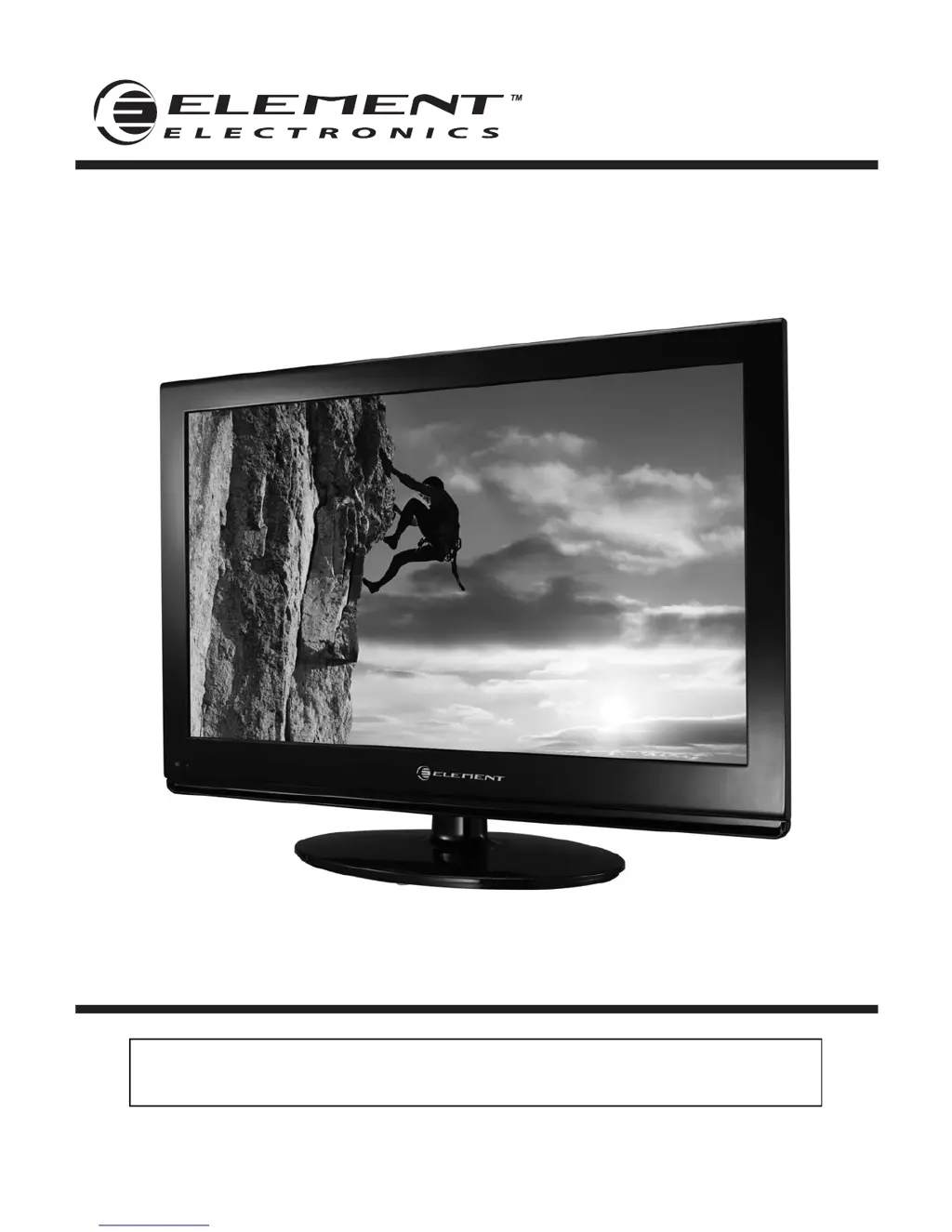
55” Full HD Digital LCD TV
Instruction Manual
Read all of the instructions before using this TV and keep the
manual in a safe place for future reference.
ELDFT551

Questions and Answers

  • J
    Jennifer WilliamsJul 31, 2025
    How to fix a noisy picture on Element ELDFT551?
    • J
      janet60Jul 31, 2025
      If your Element LCD TV picture is noisy, snowy, or ghosting when watching TV, it is likely due to a poor antenna signal. If you are using an indoor antenna, try adjusting its position. Also, check the antenna connections to ensure they are secure.
  • K
    Kathleen LopezAug 5, 2025
    What to do if there is no sound on my Element ELDFT551 LCD TV?
    • J
      Justin HillAug 5, 2025
      If your Element LCD TV has no sound, first ensure that the mute function is off. Next, check the volume settings to make sure the volume isn't set too low. Finally, if you're using external audio connections, verify that all leads are properly connected.
  • D
    David HowardAug 11, 2025
    Why does my Element ELDFT551 show a blue screen?
    • A
      Alexander ParkerAug 11, 2025
      If your Element LCD TV displays a blue screen, it indicates that there is no signal. To resolve this, press the INPUT button on your remote to select the correct source.
  • H
    Henry ByrdAug 17, 2025
    Why is my Element LCD TV dead with no LED light?
    • R
      robertoliverAug 17, 2025
      If your Element LCD TV is dead and no LED is lit, it means the TV is not receiving power. Check all connections to the TV’s AC socket to ensure they are properly connected.
  • M
    Michael GreeneAug 25, 2025
    What to do if my Element LCD TV is dead, and the LED is not lit orange?
    • J
      joelsimmonsAug 25, 2025
      If your Element LCD TV is dead and no LED is lit orange, the TV might be in standby mode. Press either the Power button or the Standby button on the remote control to turn it on.

Summary

Important Safety Instructions

Safety Information

Electrical Safety

Guidelines for safe electrical connections and handling of the TV to prevent hazards.

Physical Safety

Precautions for physical placement, cleaning, and handling to avoid damage or injury.

Getting Started

Connecting to External Devices

Remote Control Key Functions

Initial Setup Wizard

Basic TV Operations

TV Menu Navigation

Input and Video Settings

Selecting Input Source

How to switch between different input signals like TV, HDMI, VGA, and AV.

Audio and TV Settings

System Setup

Caption and Display Settings

Parental Controls

Accessing Parental Menu

Steps to enter the parental menu and set or change the password.

Program Blocking Settings

How to enable and configure program rating blocks for content restriction.

USB Multimedia Operation

Troubleshooting Common Issues

Power, Display, and Sound Problems

Solutions for common issues like no power, blue screen, or no sound.

Remote and Signal Issues

Troubleshooting steps for remote control malfunctions and poor signal reception.

Troubleshooting Advanced Issues

Picture Quality and VGA Problems

Solutions for poor picture quality, screen shaking, and VGA mode specific issues.

Element ELDFT551 Specifications

General IconGeneral
Screen Size55 inches
HDMI Ports3
USB Ports1
Refresh Rate60 Hz
Smart TVNo
Built-in Wi-FiNo
Audio Output10W x 2
Resolution1920 x 1080
VESA Mount Compatibility200mm x 200mm
Display TypeLED LCD

Related product manuals