EasyManua.ls Logo

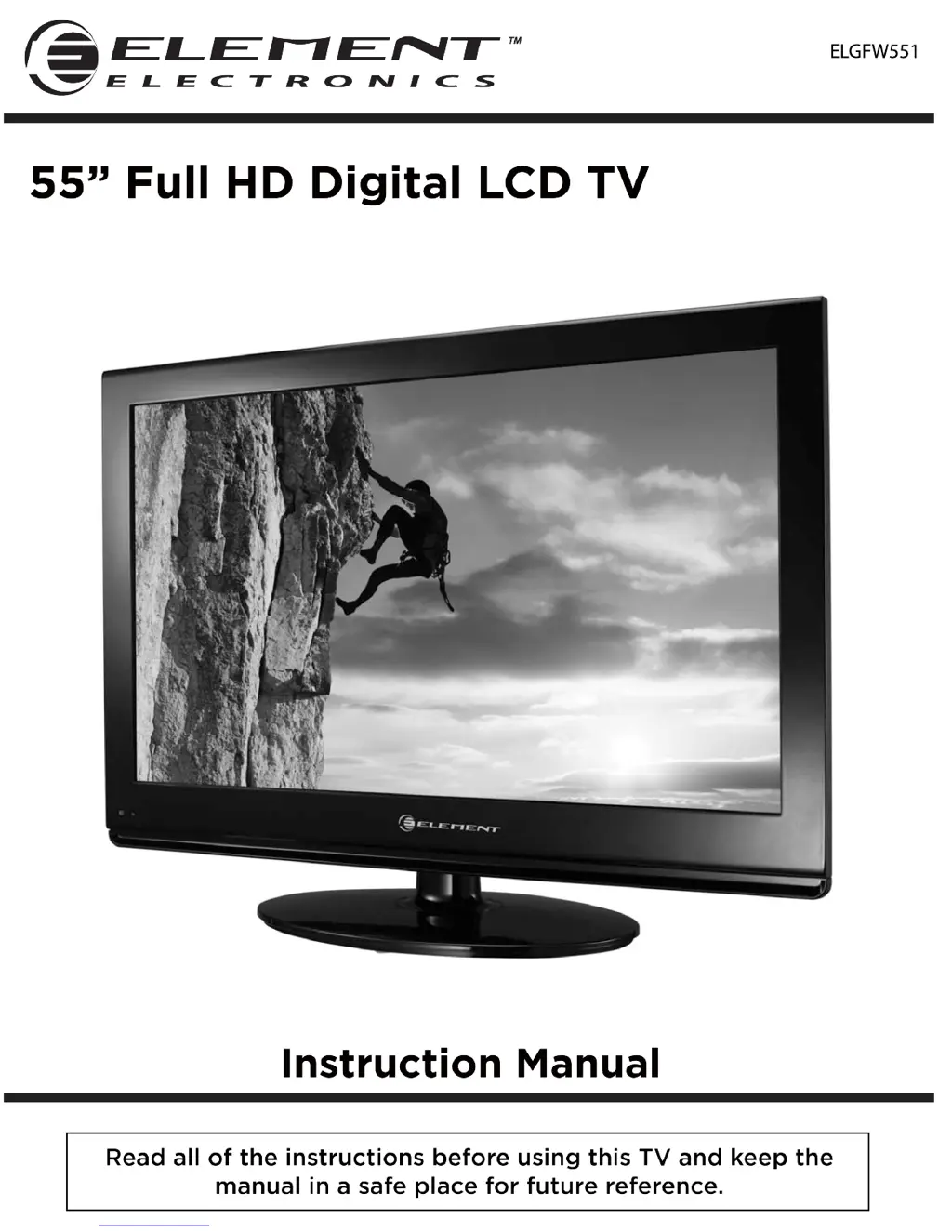
Element ELGFW551 - User Manual

Element ELGFW551
29 pages
Print Icon
To Next Page IconTo Next Page
Loading...
ELGFW551

Questions and Answers

Summary

Important Safety Instructions

Caution

Safety Information

Electrical and Physical Safety

Guidelines for safe connection, operation, handling, placement, and maintenance of the TV.

Whats Included

Unit and Accessories

Lists and illustrates the components and accessories included with the TV.

Getting Started

Front View and Controls

Identifies and describes the controls and indicators on the front of the TV.

Rear View and Wall Mounting

Details rear terminals and instructions for mounting the TV on a wall.

Connecting to External Devices

External Device Connectivity

Illustrates how to connect various external audio and video devices to the TV.

Remote Control Key Functions

Operating Your Television

Initial Setup and Basic Controls

Covers initial setup, turning on/off, language preference, and volume adjustments.

Menu Navigation and Channel Selection

Guide to navigating onscreen menus, selecting channels, and managing input sources.

Picture and Audio Settings

Detailed adjustments for video (picture mode, brightness, color) and audio (sound modes, balance).

System Configuration and Features

Explains TV menu options like channel skip, timeshift, setup, OSD, time, caption, and reset.

PC Mode Operation

Instructions for connecting and configuring a computer to the TV via VGA.

Parental Menu Options

Parental Control Setup

Overview and setup for restricting content based on ratings and blocking specific programs.

Rating Systems Explained

Explanation of MPAA and TV Parental Guideline rating systems for content filtering.

Timeshift

Timeshift Recording and Playback

Details on how to record live TV and play back recorded timeshift streams.

Timeshift User Interface

Playback Controls and Indicators

Description of the timeshift control panel and its playback status indicators.

USB Multimedia Operation

Media Playback Modes

How to play music, pictures, and videos from a USB drive.

Troubleshooting

Maintenance

Extended Absence Precautions

Recommendation to unplug the TV during long periods of non-use to prevent surge damage.

FCC Compliance

Specifications

Summary

Important Safety Instructions

Caution

Safety Information

Electrical and Physical Safety

Guidelines for safe connection, operation, handling, placement, and maintenance of the TV.

Whats Included

Unit and Accessories

Lists and illustrates the components and accessories included with the TV.

Getting Started

Front View and Controls

Identifies and describes the controls and indicators on the front of the TV.

Rear View and Wall Mounting

Details rear terminals and instructions for mounting the TV on a wall.

Connecting to External Devices

External Device Connectivity

Illustrates how to connect various external audio and video devices to the TV.

Remote Control Key Functions

Operating Your Television

Initial Setup and Basic Controls

Covers initial setup, turning on/off, language preference, and volume adjustments.

Menu Navigation and Channel Selection

Guide to navigating onscreen menus, selecting channels, and managing input sources.

Picture and Audio Settings

Detailed adjustments for video (picture mode, brightness, color) and audio (sound modes, balance).

System Configuration and Features

Explains TV menu options like channel skip, timeshift, setup, OSD, time, caption, and reset.

PC Mode Operation

Instructions for connecting and configuring a computer to the TV via VGA.

Parental Menu Options

Parental Control Setup

Overview and setup for restricting content based on ratings and blocking specific programs.

Rating Systems Explained

Explanation of MPAA and TV Parental Guideline rating systems for content filtering.

Timeshift

Timeshift Recording and Playback

Details on how to record live TV and play back recorded timeshift streams.

Timeshift User Interface

Playback Controls and Indicators

Description of the timeshift control panel and its playback status indicators.

USB Multimedia Operation

Media Playback Modes

How to play music, pictures, and videos from a USB drive.

Troubleshooting

Maintenance

Extended Absence Precautions

Recommendation to unplug the TV during long periods of non-use to prevent surge damage.

FCC Compliance

Specifications

Element ELGFW551 Specifications

General IconGeneral
Screen Size55 inches
Refresh Rate60 Hz
Smart TVYes
HDMI Ports3
Built-in Wi-FiYes
Resolution1920 x 1080 pixels

Related product manuals