EasyManua.ls Logo

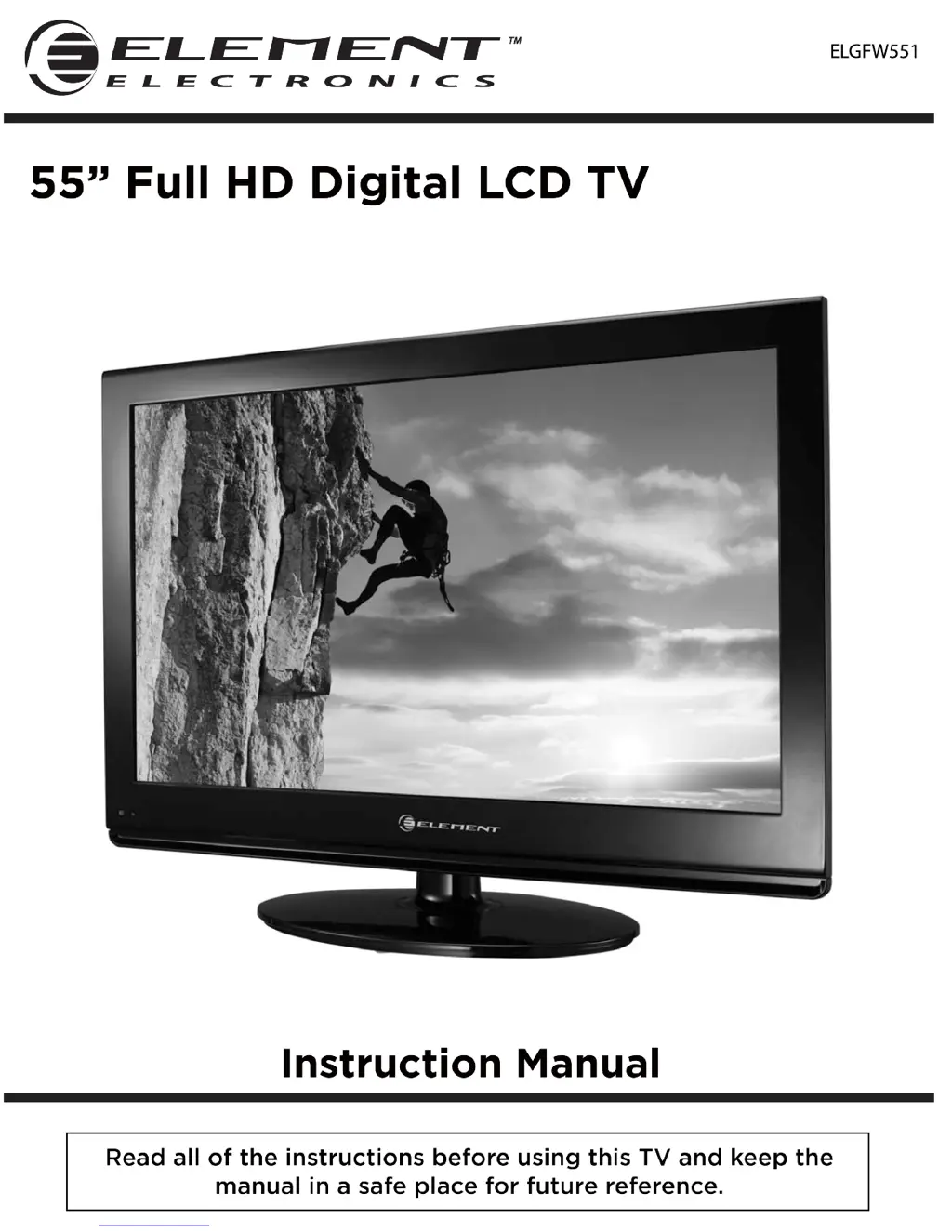
Element ELGFW551 - User Manual

Element ELGFW551
29 pages
Print Icon
To Next Page IconTo Next Page
Loading...
ELGFW551

Questions and Answers

  • M
    Michael HallSep 6, 2025
    Why is there no sound on my Element ELGFW551 LCD TV?
    • K
      Kirk ClarkSep 6, 2025
      If your Element LCD TV has no sound, first ensure that the sound isn't muted. If it is, turn mute off. Also, check the volume settings to make sure the volume isn't set too low. Finally, if you're using external leads, verify that they are correctly connected.
  • W
    walkersherryAug 21, 2025
    What to do if the Element LCD TV remote control does not work?
    • J
      Jennifer SchroederAug 22, 2025
      If your Element LCD TV remote control isn't working, check for obstructions between the remote and the TV. Ensure the batteries are installed with the correct polarity (+/-). Verify that the correct remote operating mode is set (TV, VCR, etc.). If these steps don't resolve the issue, try installing new batteries.
  • C
    Cynthia AdkinsSep 3, 2025
    What to do if my Element ELGFW551 shows a blue screen?
    • J
      joshuacoxSep 3, 2025
      If your Element LCD TV displays a blue screen, ensure that you have selected the correct input source using the INPUT button on your remote control, as the issue may arise from having no signal or selecting an incorrect source.
  • J
    josephwilsonSep 2, 2025
    How to fix unstable screen color or a single color issue on Element ELGFW551?
    • M
      michaelorozcoSep 2, 2025
      To fix unstable screen color or a single color issue on your Element LCD TV, check the signal cable and re-install the PC video card.
  • D
    Danielle TorresAug 31, 2025
    How to fix vertical bar or stripe on background, horizontal noise and incorrect position on Element LCD TV?
    • V
      velasquezjamesSep 1, 2025
      To fix vertical bar or stripe on the background, horizontal noise, and incorrect position on your Element LCD TV, set the auto configure or adjust clock, phase or H/V position.
  • R
    Ralph TaylorAug 30, 2025
    How to fix 'The signal is out of range' message on Element ELGFW551?
    • R
      Richard BurnsAug 30, 2025
      To fix 'The signal is out of range' message on your Element LCD TV, adjust the resolution, horizontal frequency, or vertical frequency. Check whether the signal cable is connected or loose and verify the input source.
  • P
    Patricia PattersonAug 29, 2025
    How to remove lines or streaks in pictures on Element ELGFW551?
    • W
      walkeranthonyAug 29, 2025
      To remove lines or streaks in pictures on your Element LCD TV, check the antenna and change its direction.
  • J
    Jennifer VargasAug 27, 2025
    How to fix horizontal or vertical bars or picture shaking on Element ELGFW551?
    • R
      roblesdavidAug 27, 2025
      To fix horizontal or vertical bars or picture shaking on your Element LCD TV, check for local interference, such as from an electrical appliance or power tool.
  • L
    laurabryantAug 26, 2025
    How to resolve poor reception on some channels of Element LCD TV?
    • M
      micheleleeAug 27, 2025
      To resolve poor reception on some channels on your Element LCD TV, try tuning to another station, as the station or cable may be experiencing problems. If that doesn't work, reorient the antenna to receive a better signal. Also, check for sources of possible interference.
  • R
    Rachel NavarroAug 25, 2025
    How to improve poor color or picture quality on Element LCD TV?
    • B
      Brian RamirezAug 26, 2025
      To improve poor color or picture quality on your Element LCD TV, start by adjusting the color in the Menu option. Ensure there's sufficient distance between the TV and any VCR. Try switching to another channel, as the broadcast itself may be the issue. Verify that the VIDEO cables are correctly installed and activate any function to restore the brightness of the picture.

Summary

Important Safety Instructions

Caution

Safety Information

Electrical and Physical Safety

Guidelines for safe connection, operation, handling, placement, and maintenance of the TV.

Whats Included

Unit and Accessories

Lists and illustrates the components and accessories included with the TV.

Getting Started

Front View and Controls

Identifies and describes the controls and indicators on the front of the TV.

Rear View and Wall Mounting

Details rear terminals and instructions for mounting the TV on a wall.

Connecting to External Devices

External Device Connectivity

Illustrates how to connect various external audio and video devices to the TV.

Remote Control Key Functions

Operating Your Television

Initial Setup and Basic Controls

Covers initial setup, turning on/off, language preference, and volume adjustments.

Menu Navigation and Channel Selection

Guide to navigating onscreen menus, selecting channels, and managing input sources.

Picture and Audio Settings

Detailed adjustments for video (picture mode, brightness, color) and audio (sound modes, balance).

System Configuration and Features

Explains TV menu options like channel skip, timeshift, setup, OSD, time, caption, and reset.

PC Mode Operation

Instructions for connecting and configuring a computer to the TV via VGA.

Parental Menu Options

Parental Control Setup

Overview and setup for restricting content based on ratings and blocking specific programs.

Rating Systems Explained

Explanation of MPAA and TV Parental Guideline rating systems for content filtering.

Timeshift

Timeshift Recording and Playback

Details on how to record live TV and play back recorded timeshift streams.

Timeshift User Interface

Playback Controls and Indicators

Description of the timeshift control panel and its playback status indicators.

USB Multimedia Operation

Media Playback Modes

How to play music, pictures, and videos from a USB drive.

Troubleshooting

Maintenance

Extended Absence Precautions

Recommendation to unplug the TV during long periods of non-use to prevent surge damage.

FCC Compliance

Specifications

Element ELGFW551 Specifications

General IconGeneral
Screen Size55 inches
Refresh Rate60 Hz
Smart TVYes
HDMI Ports3
Built-in Wi-FiYes
Resolution1920 x 1080 pixels

Related product manuals