Play
Press OPEN/CLOSE button when power on, the disc tray is pushed out. Put the disc on
the tray with the title faced up. Press OPEN/CLOSE again to close the disc tray and the
unit starts playing automatically. (Without auto-play function for mp3 and JPEG discs)
When playing, press STANDBY button, the machine will be power-off and go to
standby state; Press STANDBY again, the machine will be power-on and start playing.
Warning: The power is not fully cut off at the standby state. If the machine will not be
uesed for a long time, turn off the power by pressing the POWER button on the front
panel
Press this button to control fast forward, fast rewind, previous track, next track etc. you
can select the items on the TV screen by direction keys. Then press ENTER T O
confirm.
When playing DVD disc, press MENU once to return to sub-menu. Press MENU again
to return to the main menu.(for some remoter controller without PBC button, it works as
PBC when playing VCD.)
When playing DVD disc, press TITLE to return the main title page.
Press V-MODE button to switch the video output mode(YUV-RGB-VGA, ect.)
Press A-MODE button to switch 2ch and 5.1ch audio output(It is useless for 2CH DVD
player, so some remote controller have not this button.)
When playing DVD with more than one audio stream, press AUDIO to select what you
desired.
A-MODE
V-MODE
AUDIO
MENU
TITLE:
VIRTUAL
Standby
Open/close
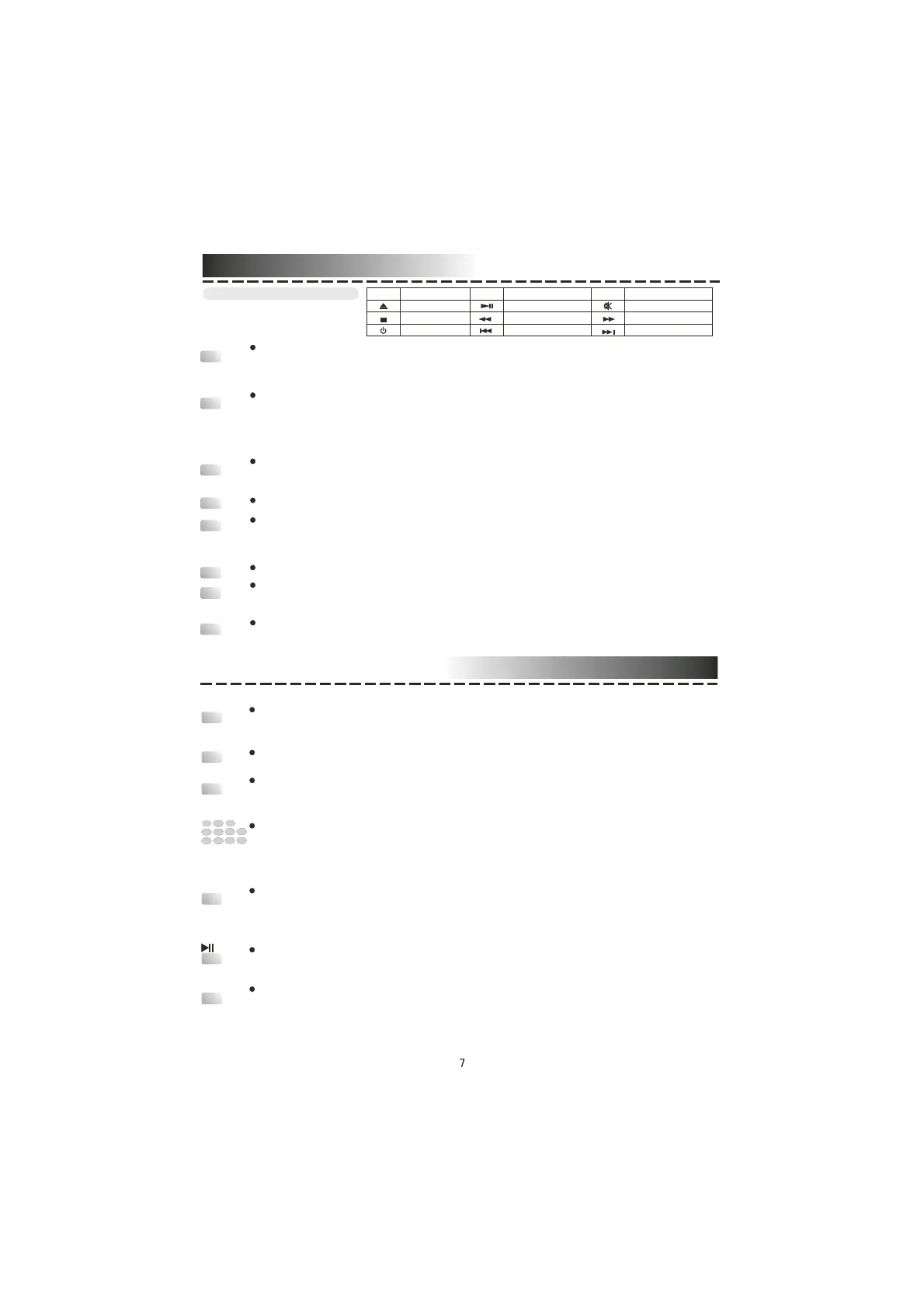
Basic operation
O PEN/C LOSE
M UTE
FAST F ORWARD
NEXT
STOP
Tex t
Sym bol
PLAY/PAUSE
FAST B ACKWARD
PREVIOUS
STANDBY
Tex t
Sym bol
Sym bol
Text
ANGLE
STEP
STOP
1
2
3
4
5
6 7
8 9
0/10
10+
L/R/ST
SUBTITLE
When playing the disc with multi-angle, it's convenient to change the view angle.
When playing the disc with multi-subtitle, press SUBTITLE continually , the subtitle
changes in a circle, you can select one.
When playing VCD, CD disc with multi-channel, press L/R/ST button to select left
channel/right channel/stereo/mix audio output.
When playing VCD1.1, CD disc, after loading the disc, use the digit key to select the
desired track or chapter directly. Press 10+ key and then another digit key to select the
track which number is 10 or more than 10.
When playing the disc, press PLAY/PAUSE once to pause, press PLA Y/PAUSE again
to return to normal play.
When playing DVD, VCD, CD disc, press STOP once, the unit will memorize the
previous ending point. Press PLAY button to go on the play. Press STOP for the second
time to stop the play and end the memory .
When playing DVD, VCD, disc, press STEP once, the picture changes to the next
frame. Press PLA Y to resume normal play.
Play


 To Next Page
 Loading...