25
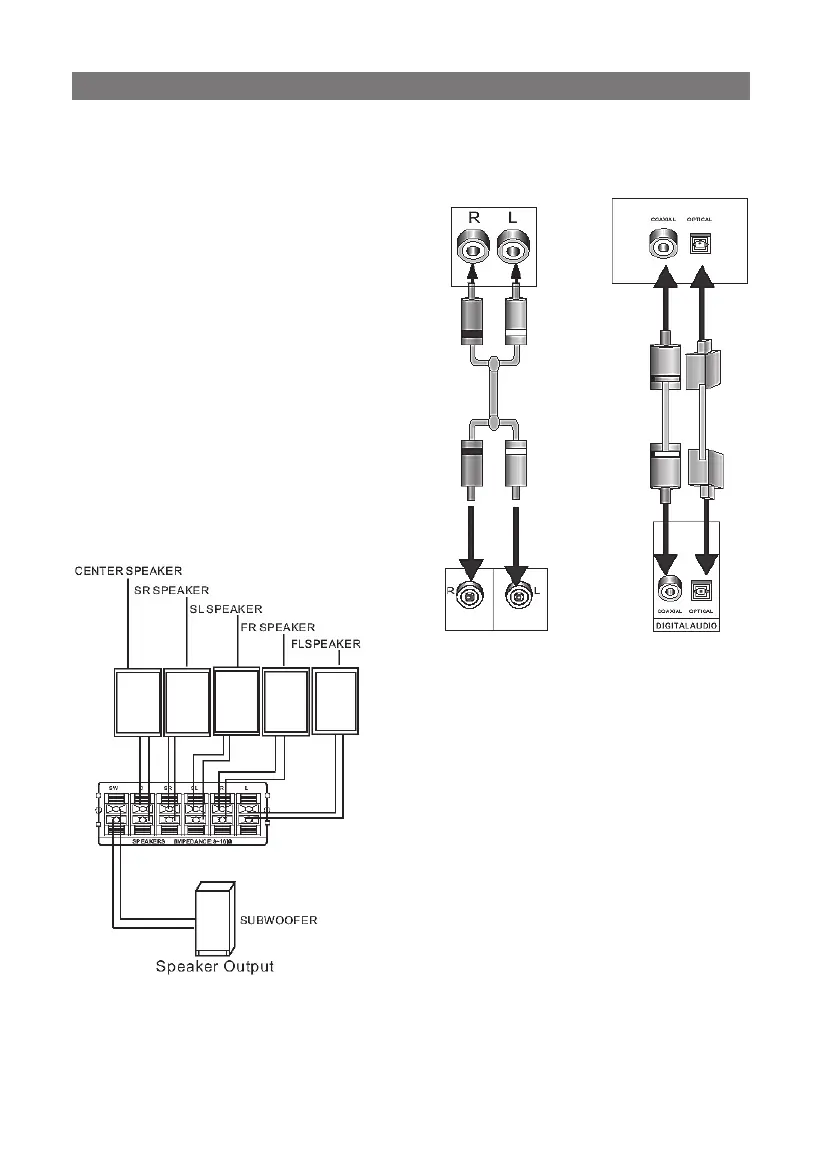
Stereo Audio
Use a pair of AV cable (red for right /white for left) to connect
the stereo audio output of this unit to the TV or a stereo input of
power amplifier.
Coaxial Digital Audio
Use the special coaxial cable to
connect the coaxial output of this
unit to the coaxial input of power
amplifier.
Optical Digital Audio(Option)
Use the optical cable to connect
the optical audio output of this
unit to the optical input of power
amplifier.
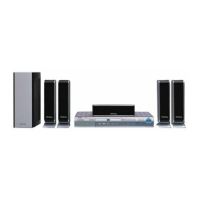
Speaker Output
Use the speaker cable to connect
the speaker output of this unit to
the sound box.
Notes:
The physical connection should accord with audio output setup of
this unit. Please refer to Audio Setup in System Setup.
CONNECTION


 To Next Page