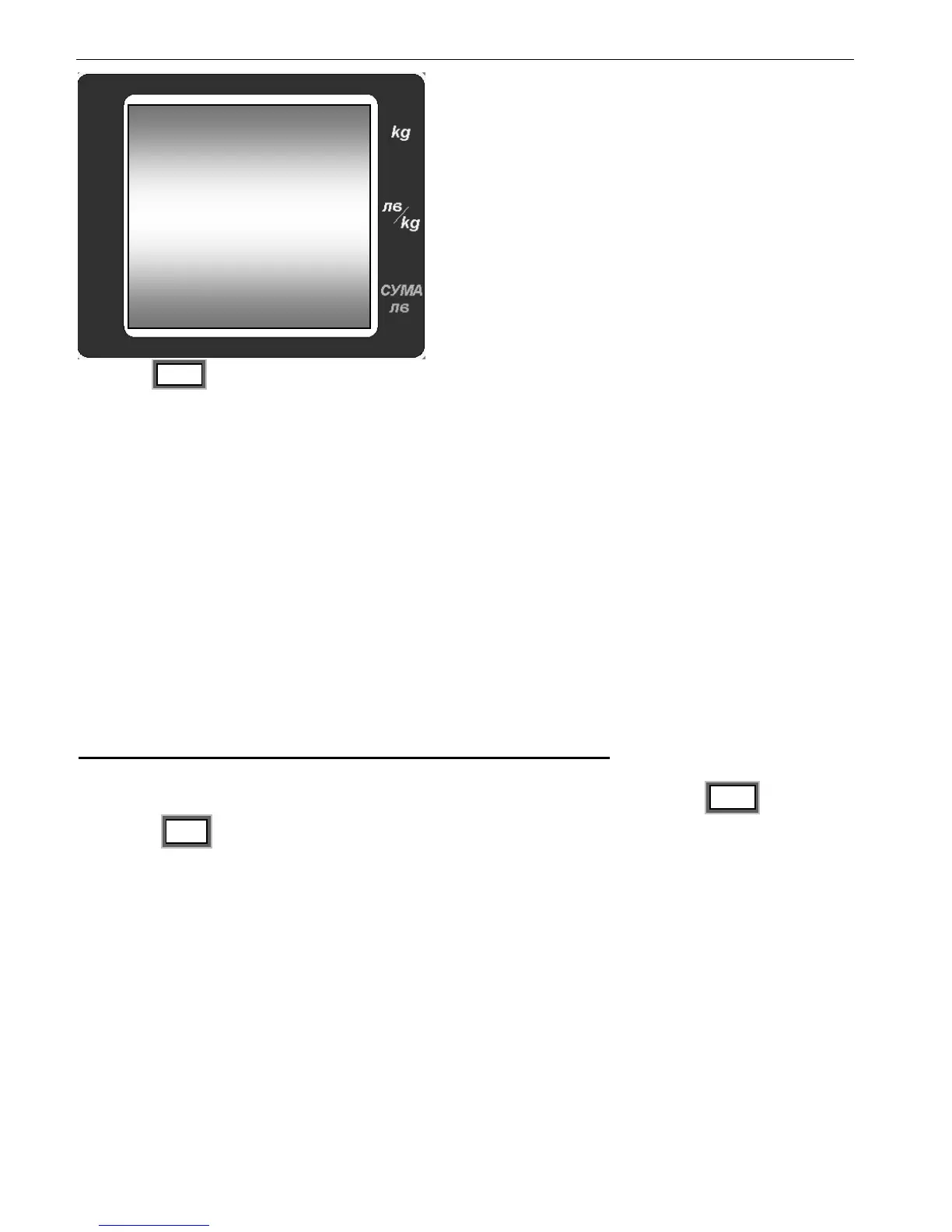
With the MR are reviewed all of the sales
recorded in the client’s bill.
To go back to “Weighing Mode” press the “C” or “CP” keys.
8.1.5.3 To delete a particular sale, choose the desired sale by pressing MR .To delete
press the MC key two times. When deleted the display shows the previous sale.


 To Next Page