Electronic Scale – models EVLplus хх LМ1, BM1, LT1, BT1
To delete sale #1:
Use the MС and MС keys to delete a sale.
After the delete is shown the next sale in the
client’s bill. The total number of sales is now 1.
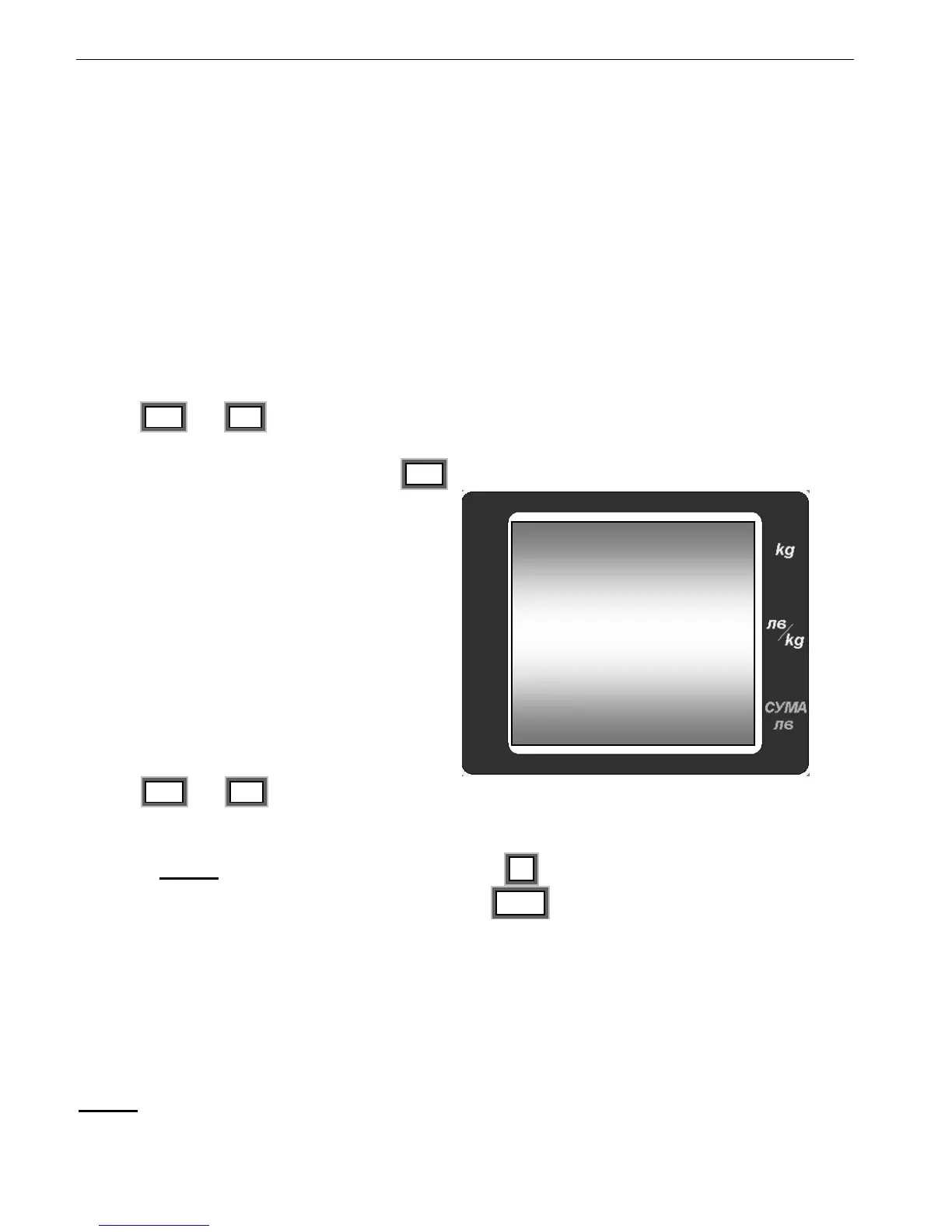
8.1.5.4. To delete a Customer’s bill. Press MR to go to the following screen:
Use the MС and MС keys to delete all sales
and the Customer’s bill.
After the delete is completed the scale is going to
normal mode as a sign that the client’s bill is
clear.
8.1.5.5. Note!!! When reaching 15 sales with the + key, the scale automatically switches
in a mode of displaying Client’s bill. Press the MC key to exit the Client’s bill and to
continue work.
8.1.6. Register of Sales
When using the functions of Client’s bill (see 8.1.5) exit the mode (see 8.1.5.4). The Client’s
bills are accumulated in a “Register of Sales”. In the register are accumulated the different
programmable articles (from 1 to MAX). The goods sold with manually entered price are
accumulated in a cell (article) MAX+1.
Note!!! The sales of articles with fixed price per unit are stored in the register only as an
amount, the number of these articles in not accumulated and stored.


 To Next Page